011807-EN--B (2022-12_S617 S717F S900 S950 C50_IFU)
33 / 49
5.3.3.6.3 Capture shortcut
In accordance with the capture mode used (still image or movie), an image or a film can be captured by means of a shortcut
defined in the dedicated field.
Select “Press to edit” and create a shortcut to use either the keyboard or the optional USB footswitch (ref.# 009009).
5.3.3.6.4 Reset to default settings
To return to the default value after having changed a setting, press the reset button .
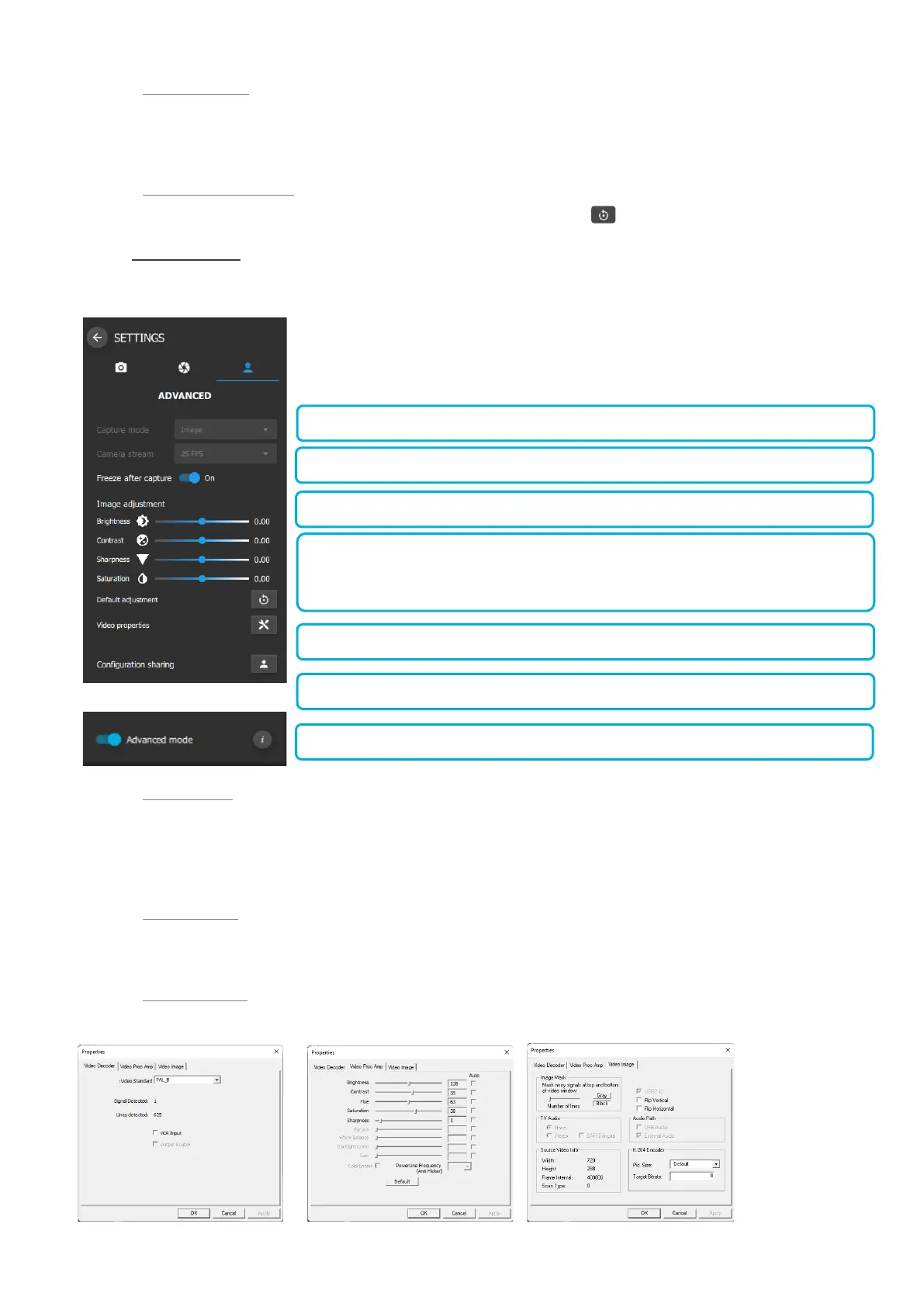
5.3.3.7 ADVANCED SETTINGS
To access the Advanced Settings, use the toggle button “Advanced mode” option depicted below.
The following parameters can be adjusted on this menu.:
5.3.3.7.1 Capture mode
When the imaging software is opened in Image mode, an image can be taken by pressing the camera capture button or by
means of the user-defined shortcut.
When the imaging software is opened in Video mode, a movie cis acquired by pressing the camera capture button or use the
defined shortcut.
5.3.3.7.2 Camera stream
This option displays information with regard to the camera that is connected to the module.
5.3.3.7.3 Video properties
Video properties related to the device are displayed.















 To Next Page