Hardware Manual
12
Before Installation
This section describes the procedures that can be done to prepare the camera prior to installation.
Do the following according to application needs.
Insert the Memory Card (Optional)
If a memory card will be used for local recording, do the following to insert the memory card.
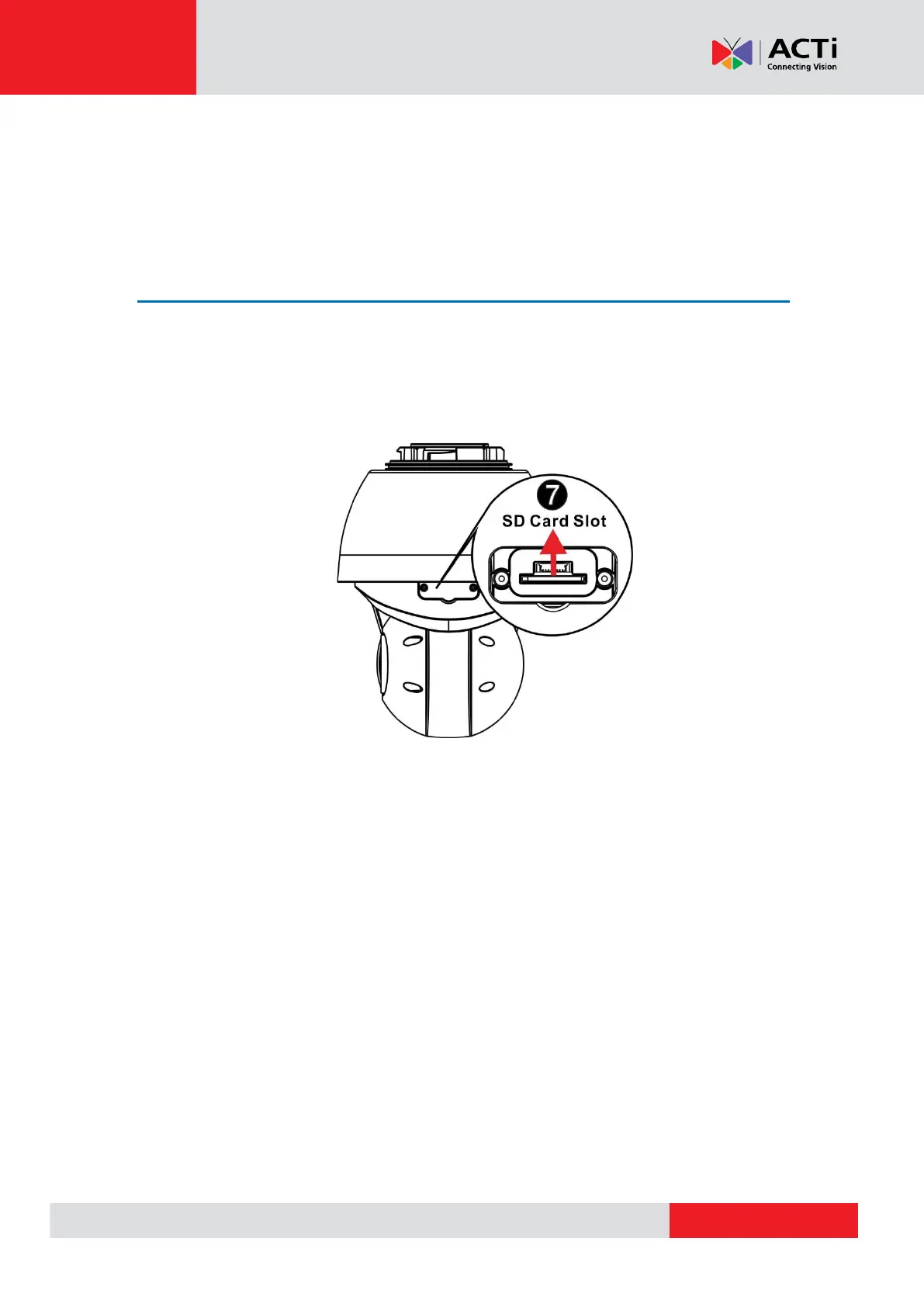
1. Locate the memory card slot on the side of the lens module. Loosen the two (2) screws to
open the cover.
2. Insert the micro SD card into a micro SD card adapter. Then, insert the card into the slot with
the metal contacts facing up the camera. Push the card until it clicks into place.



 To Next Page