Hardware Manual
18
The cable entry hole of the outdoor mounting kit (indicated in
the figure) needs to be sealed with thread seal tape to avoid
water from entering the camera.
Power Connection
Users can use an Ethernet cable and connect it to the RJ-45 port of the camera and a UPoE 60W
switch. However, if using a non-UPOE connection, you can power up the camera using DC12V or
AC24V then connect the camera to the power outlet.
DC12V
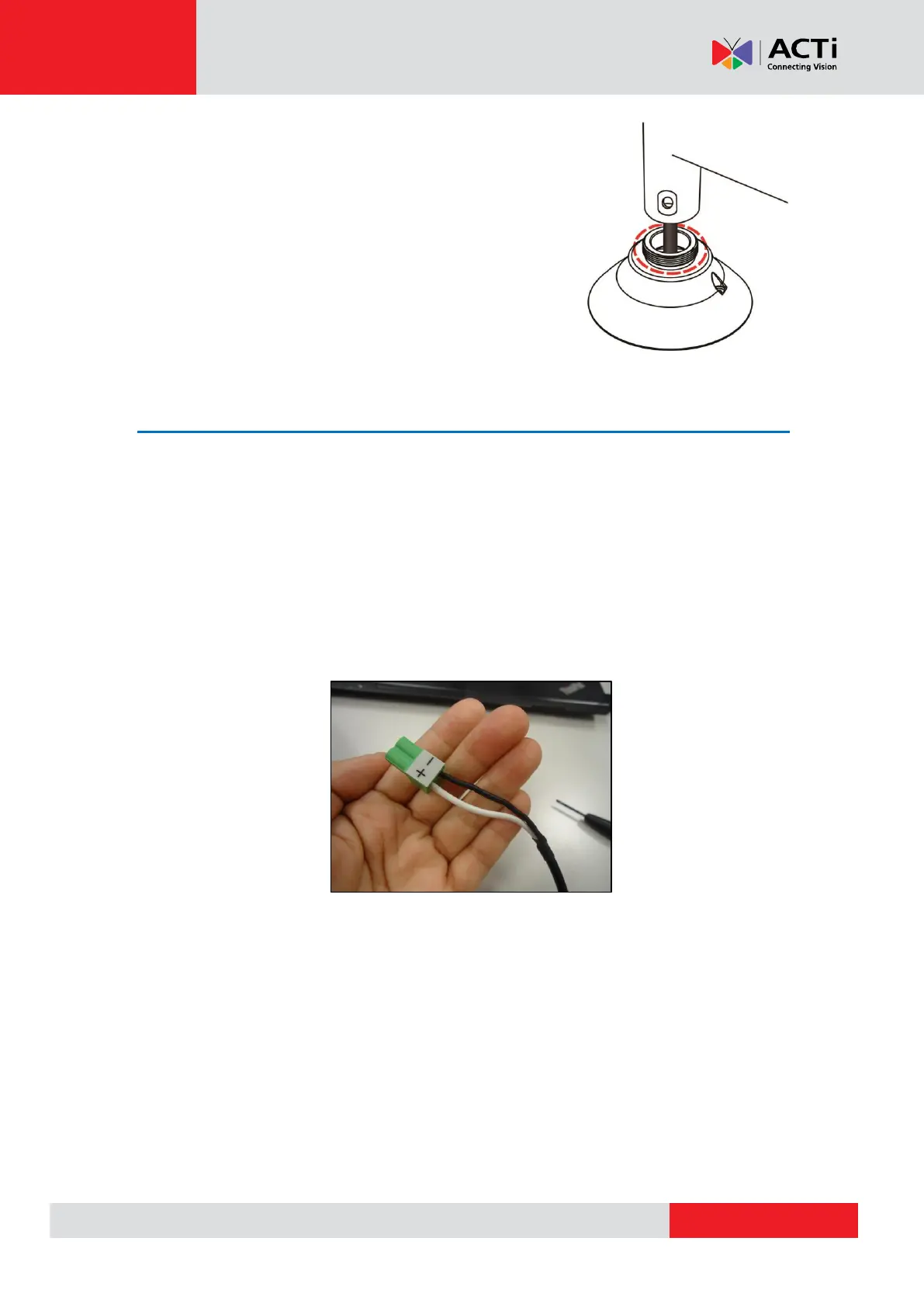
The camera comes with a bundled DC12V power adapter and cord. Connect the power adapter
to 2-pin terminal block: white cable to the positive (+) pin and the black cable to the negative (-)
pin. Then, connect the power adapter with the power cord to a power source outlet.
When users connect DC12V power jack and the RJ-45 port at the same time, the power input
comes from the DC12V connector. If the DC12V power source fails, the camera will switch power
input seamlessly to the RJ-45 port until the DC12V power source is restored.



 To Next Page