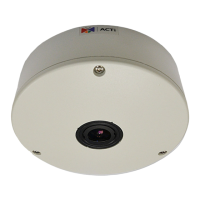
ACM-4201 Hardware User’s Manual
14
4. Open Internet Explorer (Version 6.0 or above) , and type in the Default IP:
192.168.0.100
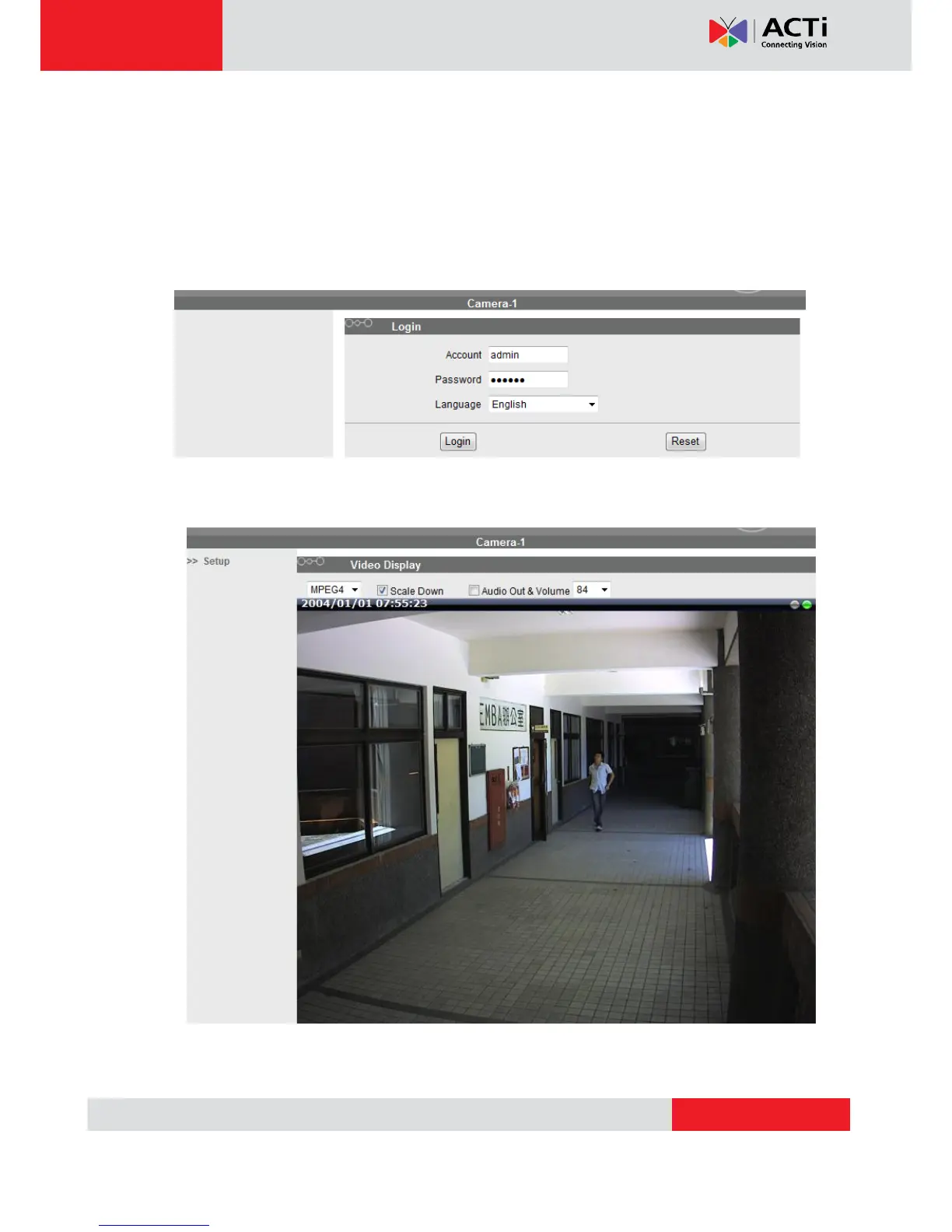
5. When you see the login window, please input default user and password:
Default User: Admin Password: 123456
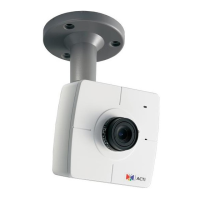
6. After logging in, you will see the video from camera. To go to the main menu, click
the ”Setup” button on the top left.
If you are using a single camera, this is enough to access the device.


 To Next Page