Hardware Manual
26
Waterproof Solution Using the Camera
Connectors
For more flexible applications, use the connectors at the back of the camera to connect a power
adapter or other devices. Or in some cases, users may require the use of specific cables with
customized length.
In such cases, use one of the following solutions:
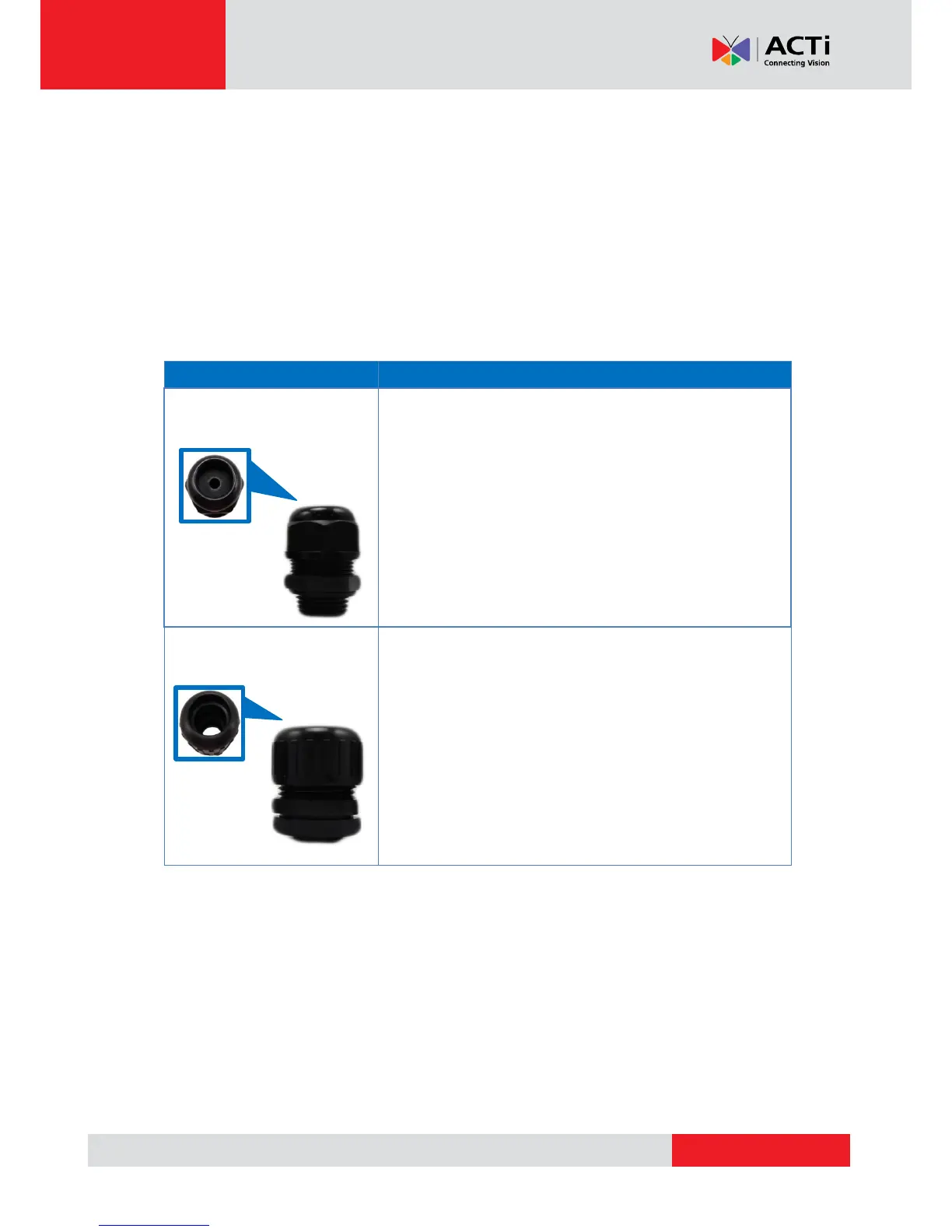
Male Cable Gland (Optional)
Use this solution if the “pigtail” must be replaced with a
different cable. The replacement cable must also be
Exterior-grade that will be connected to a PoE switch /
injector. See How to Use the Male Cable Gland on page 28.
Use this solution when connecting other devices, such as
audio or digital input / output devices or a power adapter
(when PoE is not available). A flexible conduit (trade size 1/2”)
is required to house all the cables. See How to Use the Male
Conduit Gland on page 32.
NOTE: The flex conduit is not included in the package and
must be purchased separately.



 To Next Page