Hardware Manual
24
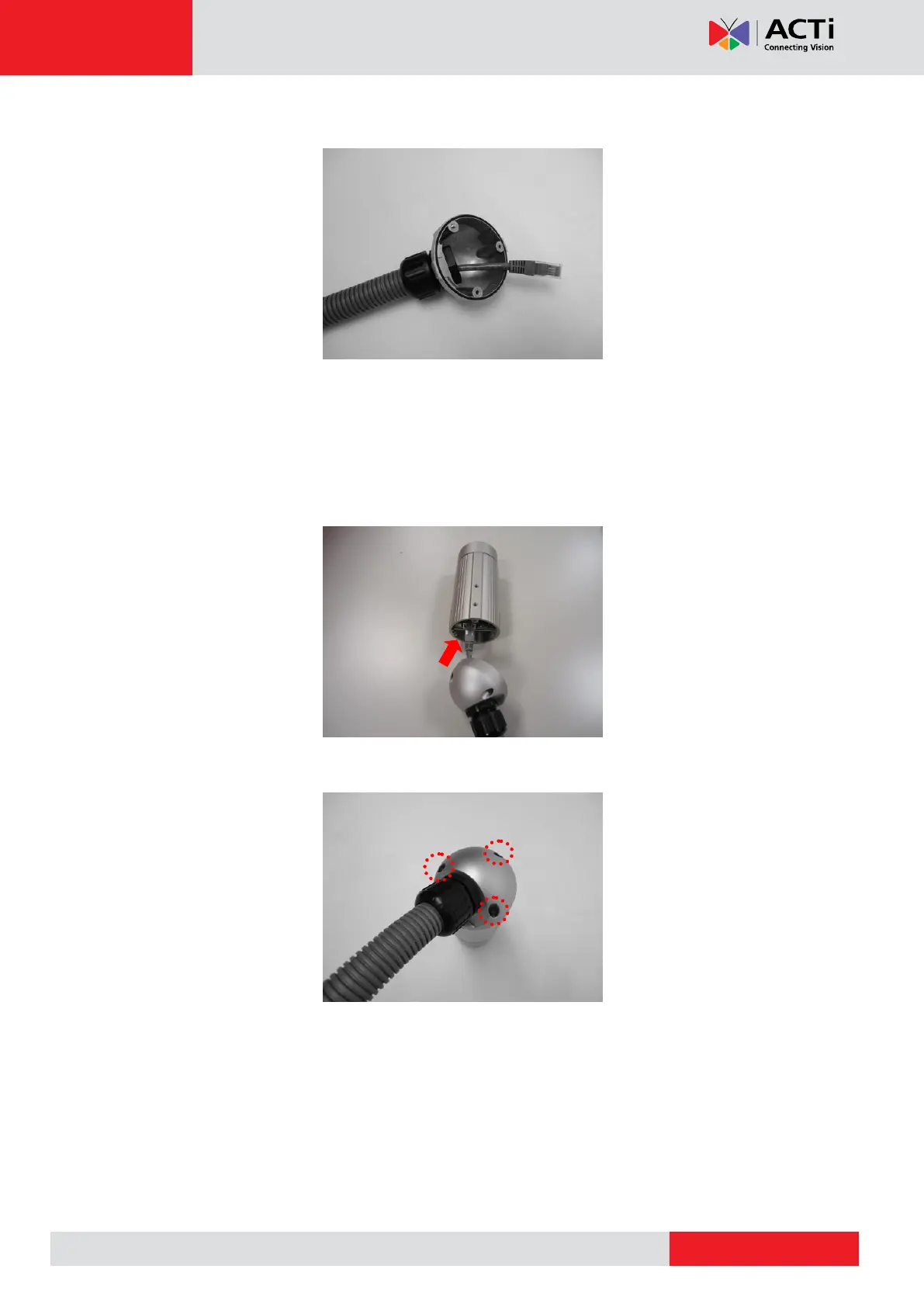
3. Secure the clamping nut to the body.
NOTE: Make sure the clamping nut is tight to avoid possible water leak.
Step 4: Connect the Ethernet Cable
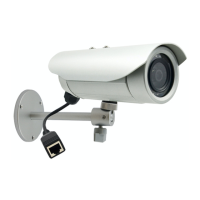
1. Connect the Ethernet cable to the Ethernet port inside the camera.
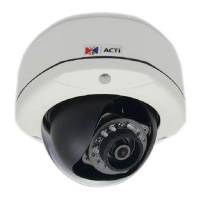
2. When done, close the back cover by tightening the three (3) screws.
NOTE: Make sure the rubber ring on the cover is secured and the screws are completely
tightened to avoid possible water leak.


 To Next Page