E41 Hardware User’s Manual
14
How to replace pre-installed network cable with cable
gland
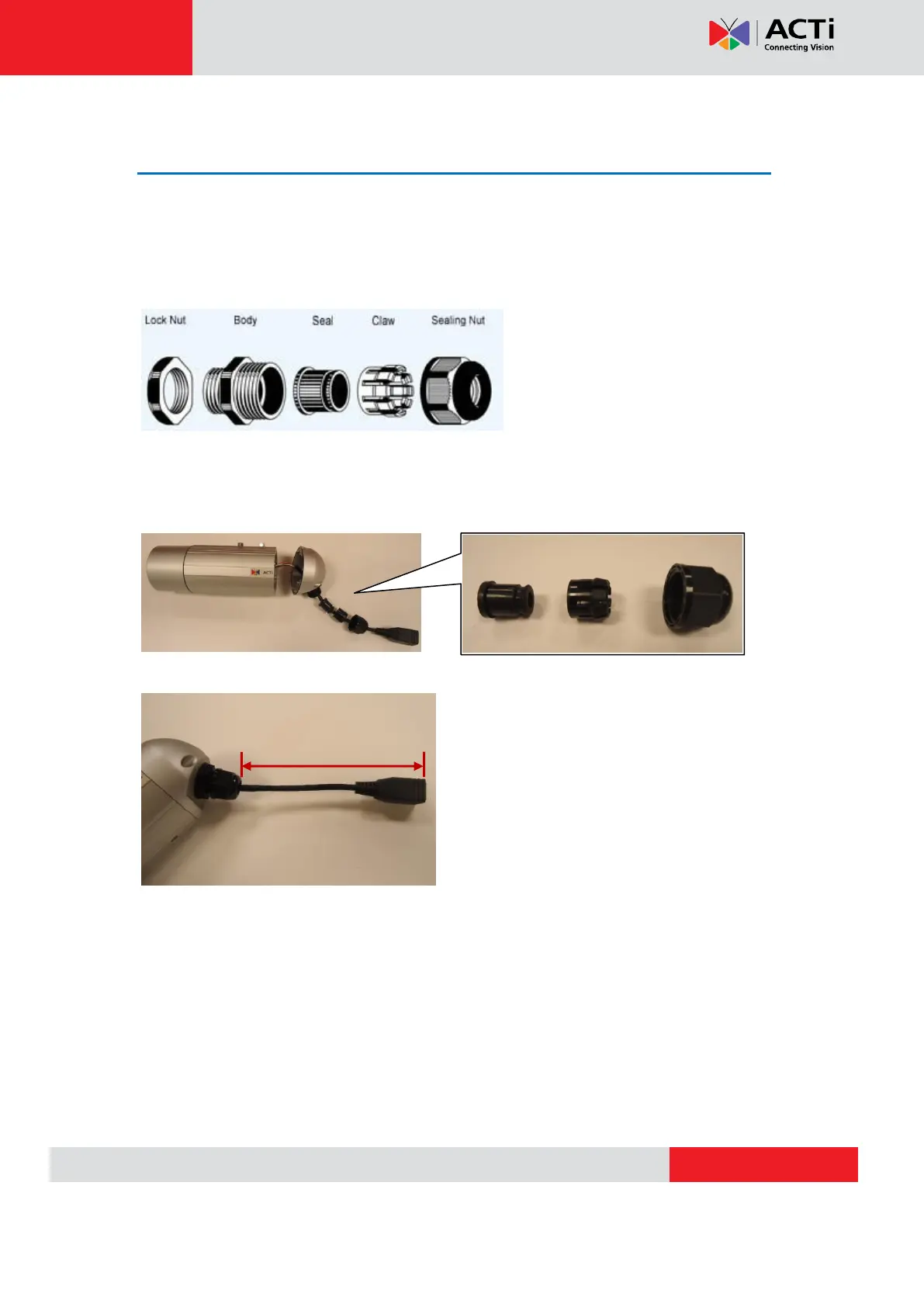
The camera bundled cable gland with pre-installed network cable is M20 X 1.5 Matric thread.
It is resistant to salt water, weak acid, alcohol, oil, grease and common solvency.
The cable gland consists of five parts: Lock Nut, Body, Seal, Claw and Sealing Nut as shown
below.
The cable gland can hold cable firmly and have a wide range of network cable sizes, you can
change suitable network cable quickly and easily to fulfil the installation environment. It is not
necessary to dismantle the cable gland any further than illustrated below.
.
The naked length of pre-installed network cable is around 14 cm.



 To Next Page