Hardware Manual
33
Other Adjustments and Accessories
How to Install a Memory Card
The camera supports local video recording or saving of snapshots to a memory card.
NOTE: Supports microSDHC and microSDXC cards.
How to Insert the Memory Card
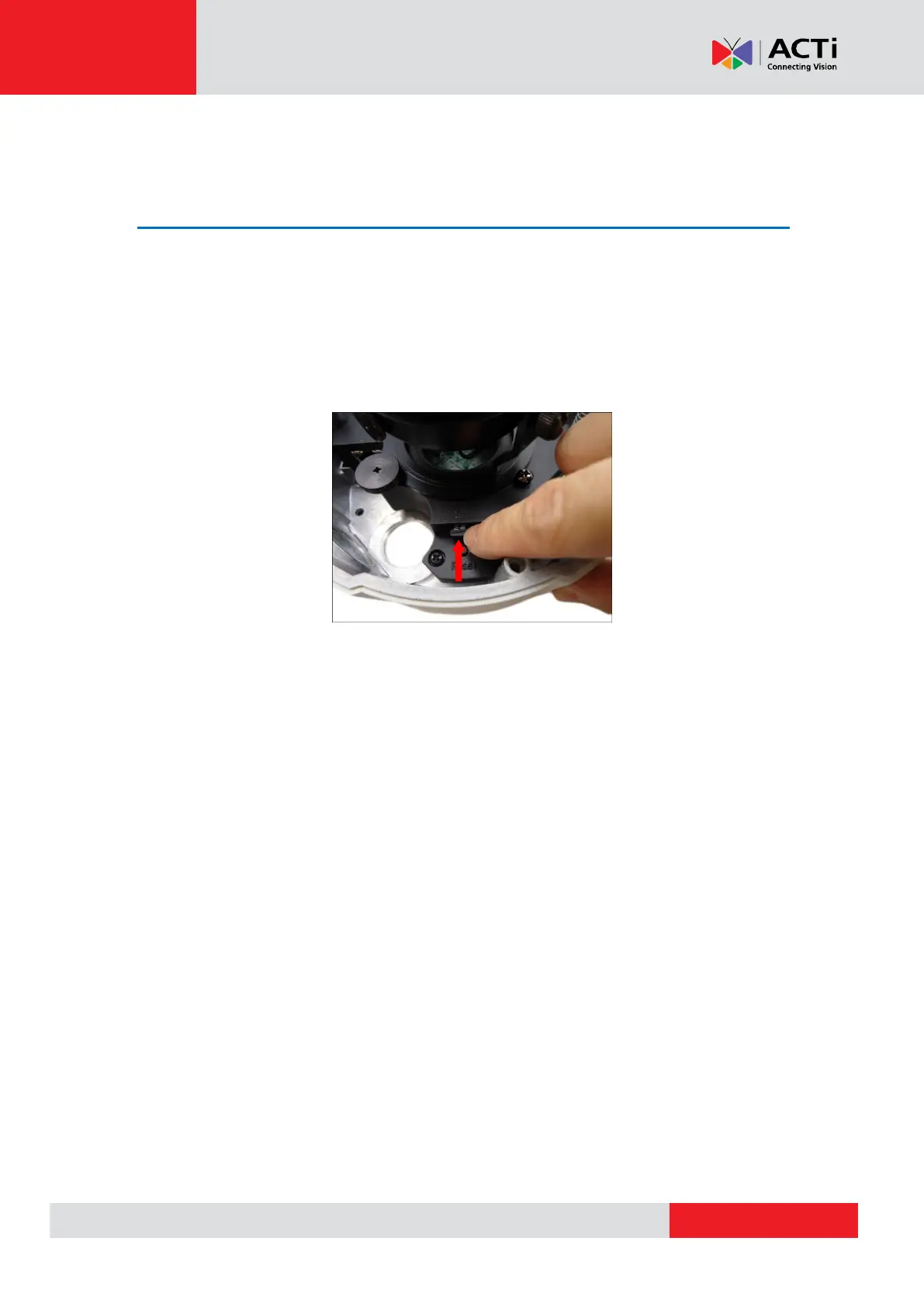
Insert a memory card into the card slot with the metallic contacts facing down the camera. Push
the card until it clicks into place.
How to Remove the Memory Card
In case there is a need to remove the card, make sure to access the camera Web Configurator to
safely “unmount” the card first (see the camera Firmware manual for more information). Once
unmounted from the firmware, push the card to eject it from the slot.


 To Next Page