Hardware Manual
35
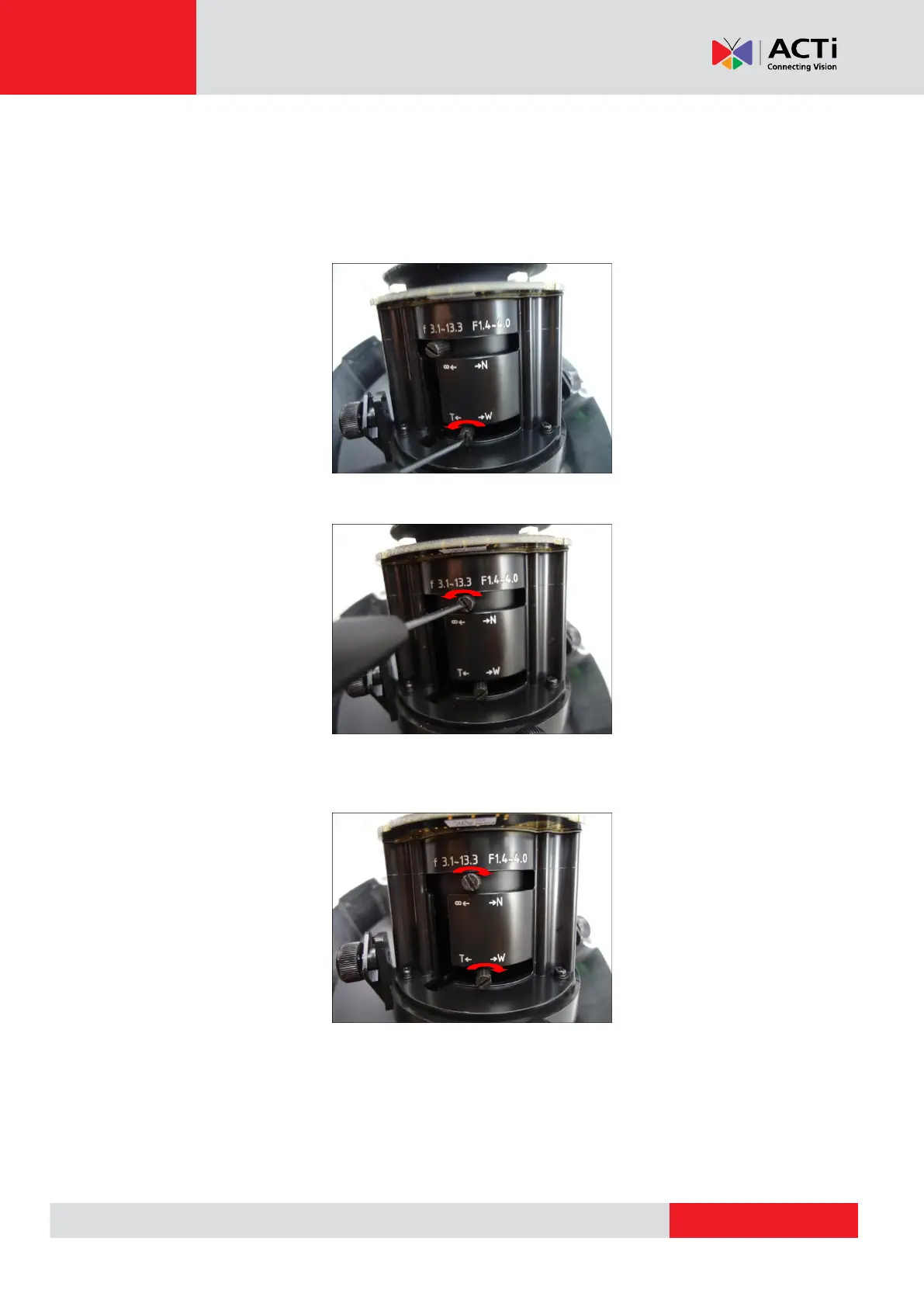
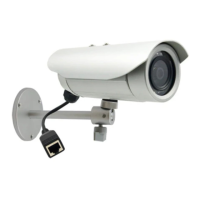
The camera comes with the focus and viewing angle already pre-fixed. However, if you need to
change the focus and viewing angle, do the following:
1. Loosen the zoom lever screw, then move the lever left or right to adjust the viewing
angle.
2. Loosen the focus lever screw, then move the lever left or right to adjust the focus.
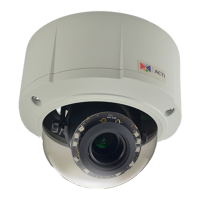
3. When the desired viewing angle and focus are already achieved, tighten the lever screws
again to fix their position.


 To Next Page