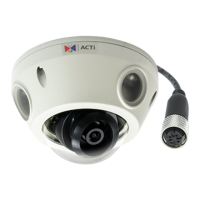
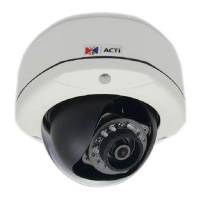
Connects to audio input devices, such as a microphone with
built-in amplifier, etc. See How to Connect Audio In Device on
page 30 for more information.
NOTE: The microphone must have a built-in amplifier.
Connecting an ordinary microphone will dwarf sounds and will
result in inaudible recording.
Connects to a network using an Ethernet cable with M12
connector. The camera uses the female M12 connector with
D-coding and PoE type A.
Restores the factory default settings of the camera. To reset the
camera, while the power is on, press and hold the Reset Button
for at least 5 seconds or until the Blue LED lights up.
Insert a memory card (not included) into the slot for local
recording purposes. See How to Install / Remove the Memory
Card on page 26 for more information.
NOTE:
E936M supports microSDHC cards only
Other models support microSDHC and microSDXC
cards



 To Next Page