Hardware Manual
18
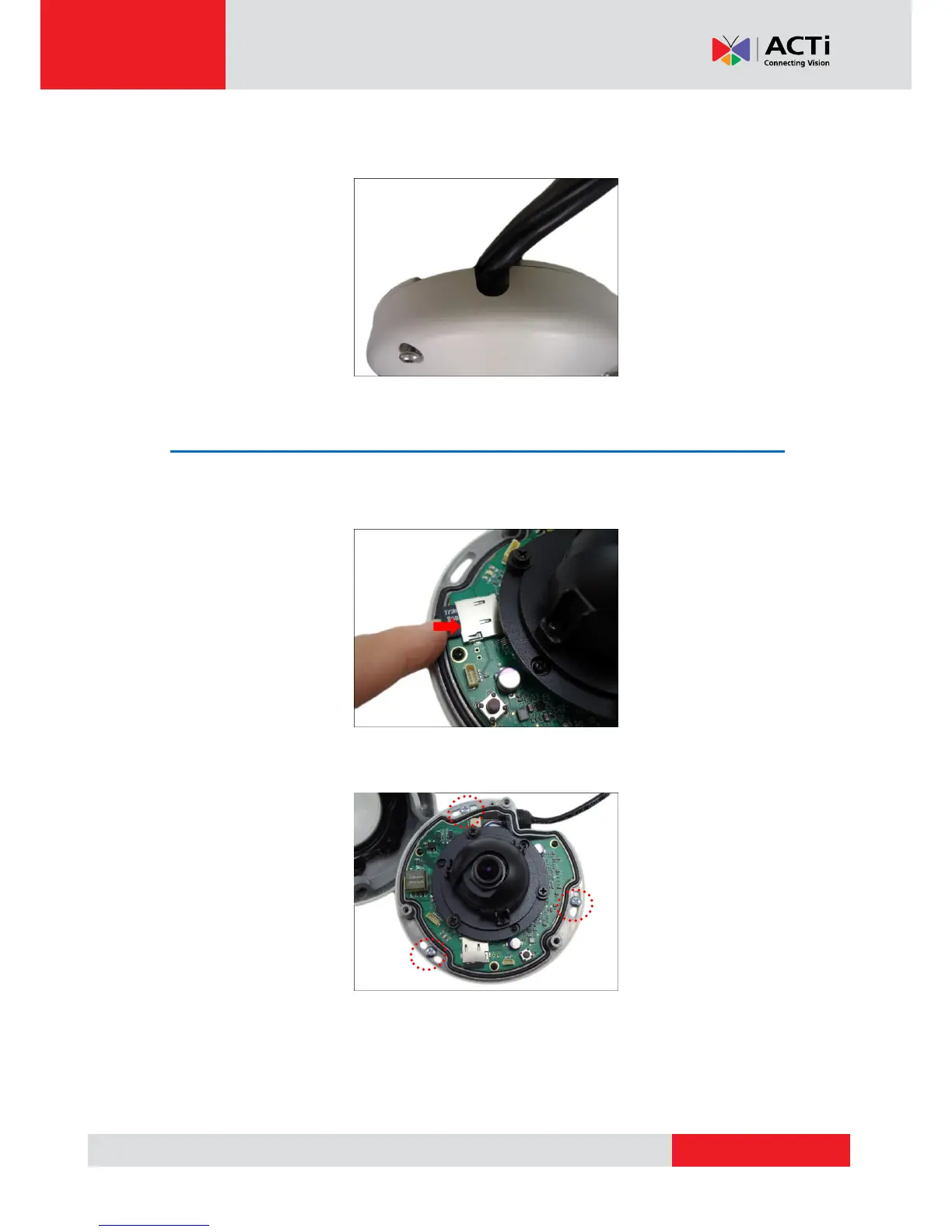
If the cable will be routed along the surface
Route the camera cable through the gap on the camera cover.
Step 4: Install the Camera
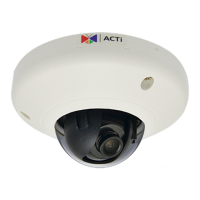
1. If necessary, insert a memory card into the memory card slot of the camera. See How to
Insert the Memory Card on page 26 for more information.
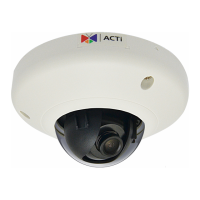
2. Install the camera to the surface using the three (3) bundled screws.
NOTE: Please make sure the screw is flat on the plate.



 To Next Page