Hardware Manual
29
How to Adjust the Fisheye View Orientation
[for E919(M), E921(M), E923(M) only]
1. Open the dome cover.
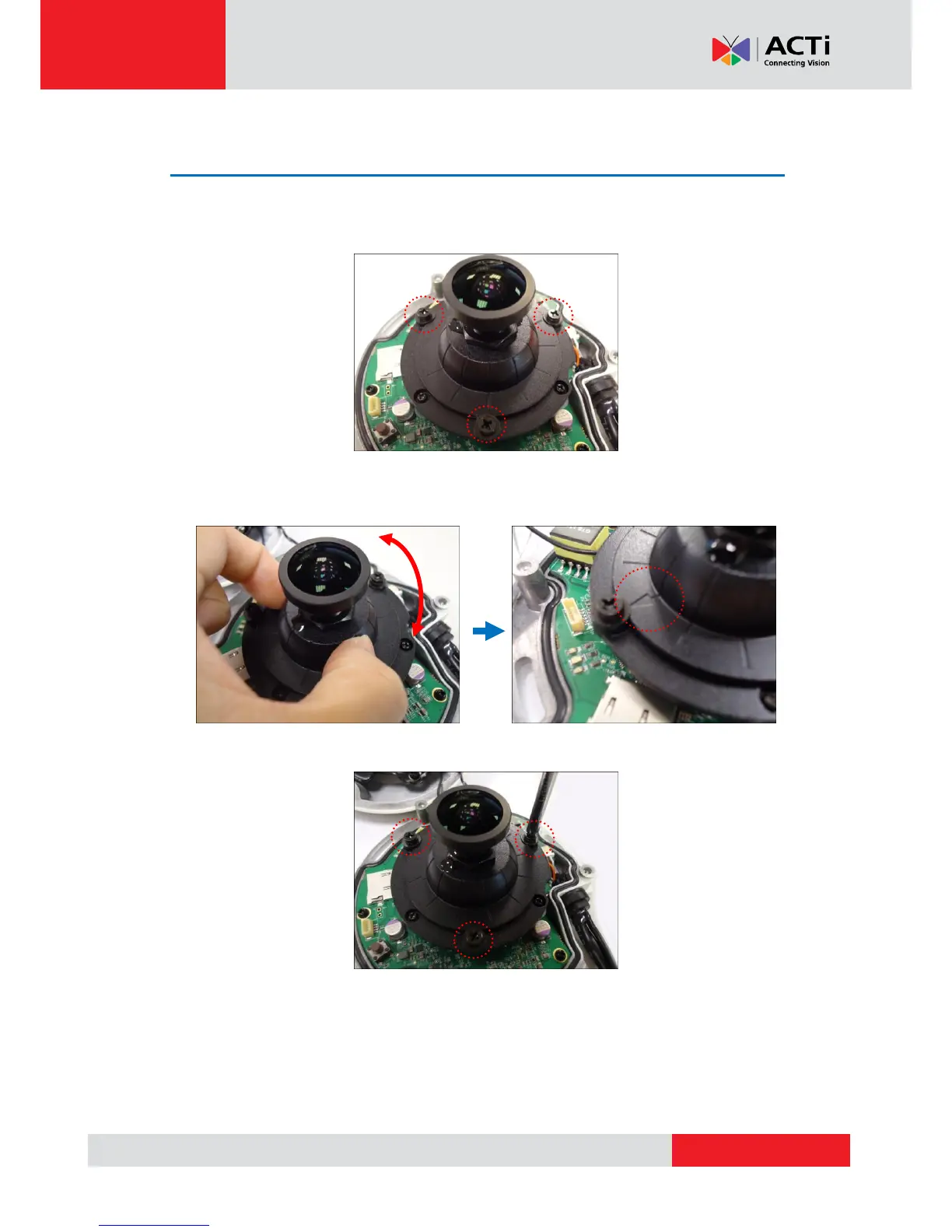
2. Loosen the three (3) screws securing the lens.
3. Turn the lens module to adjust the viewing orientation. The arrow on the lens indicates the
top side orientation.
4. Once done, tighten the three (3) screws to fix the lens position.
5. Close the dome cover.



 To Next Page