Hardware Manual
24
10. If connecting other devices, such as digital input/output, audio, power adapter, etc., connect
the cables according to the instructions in:
a. To connect the power adapter, see How to Use the Power Adapter on page 33.
b. To connect digital input or output device, see How to Connect Digital Input / Digital
Output Devices on page 35.
c. To connect audio input or output device, see How to Connect Audio Devices on page
41.
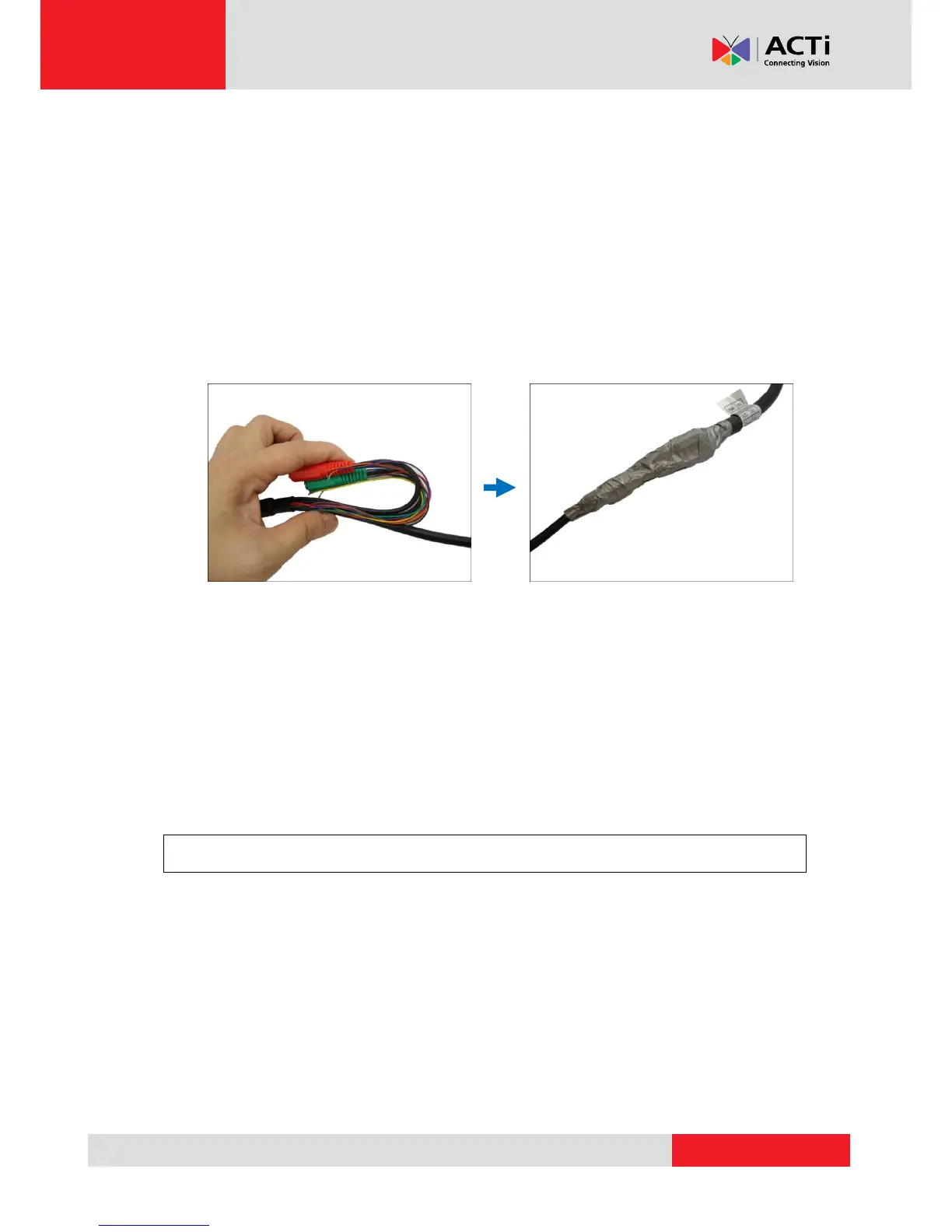
11. Make sure to apply proper waterproofing methods to cable connections or arrange all unused
cables and wrap them with the waterproof tape.
NOTE:
Different applications and installation environments require different types of
waterproofing methods which may not be covered in this manual. Check your
installation environment and adapt a suitable waterproofing method.
If the camera is installed outdoors and the bundled power adapter or other device is
used, be sure to protect it from different environmental factors. It is recommended to
place the power adapter indoors or housed it inside a junction box (see How to Use
the Junction Box on page 29).
DISCLAIMER: ACTi will not be responsible for camera damage caused by improper use
of the power adapter.



 To Next Page