Hardware Manual
29
How to Use the Junction Box
When the camera is mounted with the cable connections exposed, use the PMAX-0702
Junction Box (not included in the package) to house the cable connections.
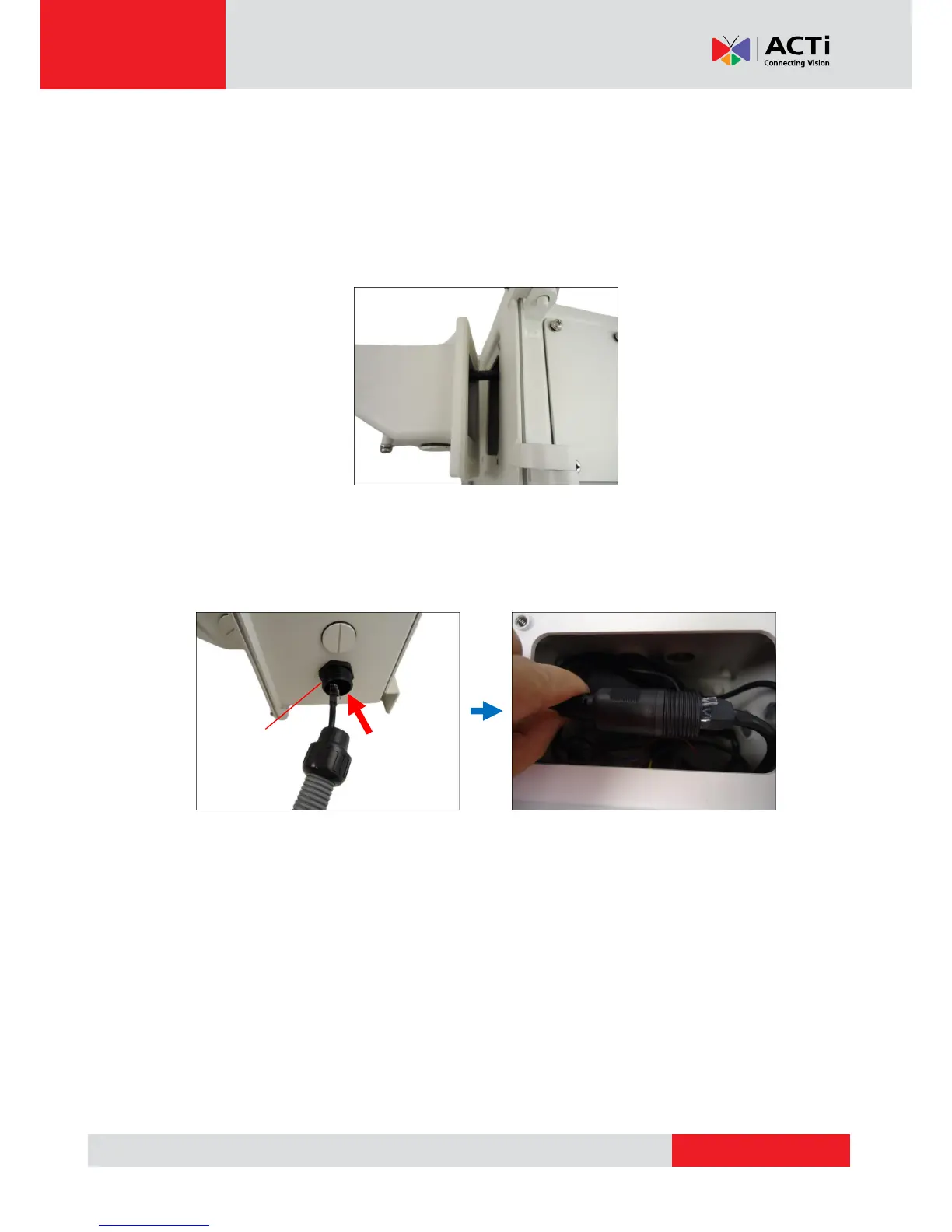
1. Place all the cables and the power adapter (if using one) inside the junction box. Then,
secure the camera mount to the junction box.
2. From the network/power source side, insert the cables, such as the Ethernet cable, through
a flex conduit with 3/4" gland (flex conduit and gland not included in the package) and
through one of the holes of the junction box. Then connect the necessary cables.



 To Next Page