Hardware Manual
30
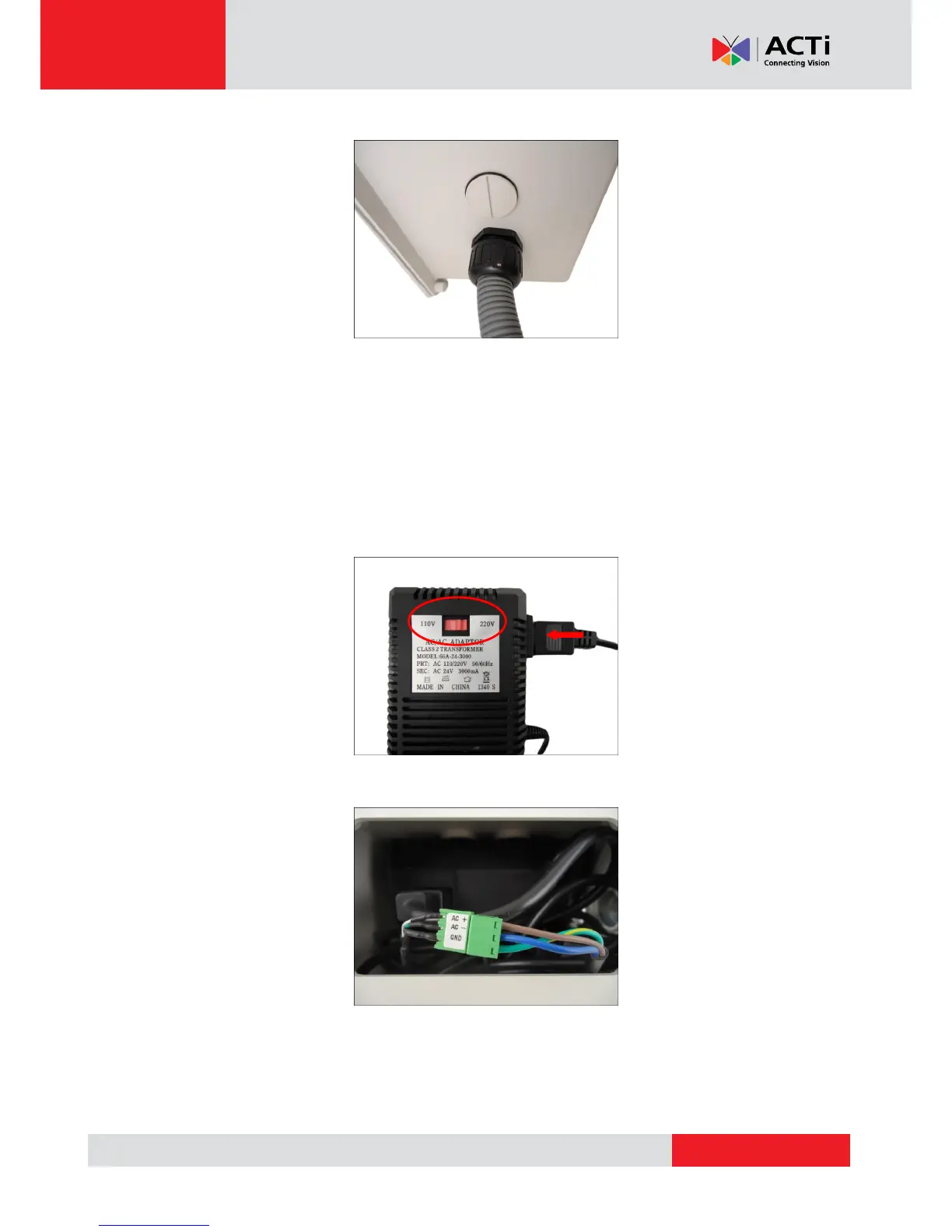
3. Secure the flex conduit fitting onto the junction box hole.
NOTE: The PMAX-0702 Junction Box is not a bundled accessory. Contact your sales agents to
purchase.
4. When using the bundled power adapter, do the following:
1. Slide the voltage switch to set the adapter voltage according to the voltage standard in
your location.
2. Connect the power cord to the power adapter.
3. Connect the power connector of the camera to the cable connector of the adapter.
4. Install a female power socket (not included) inside the junction box to plug the cord and
power up the camera.



 To Next Page