Hardware Manual
32
Step 4: Connect to Network
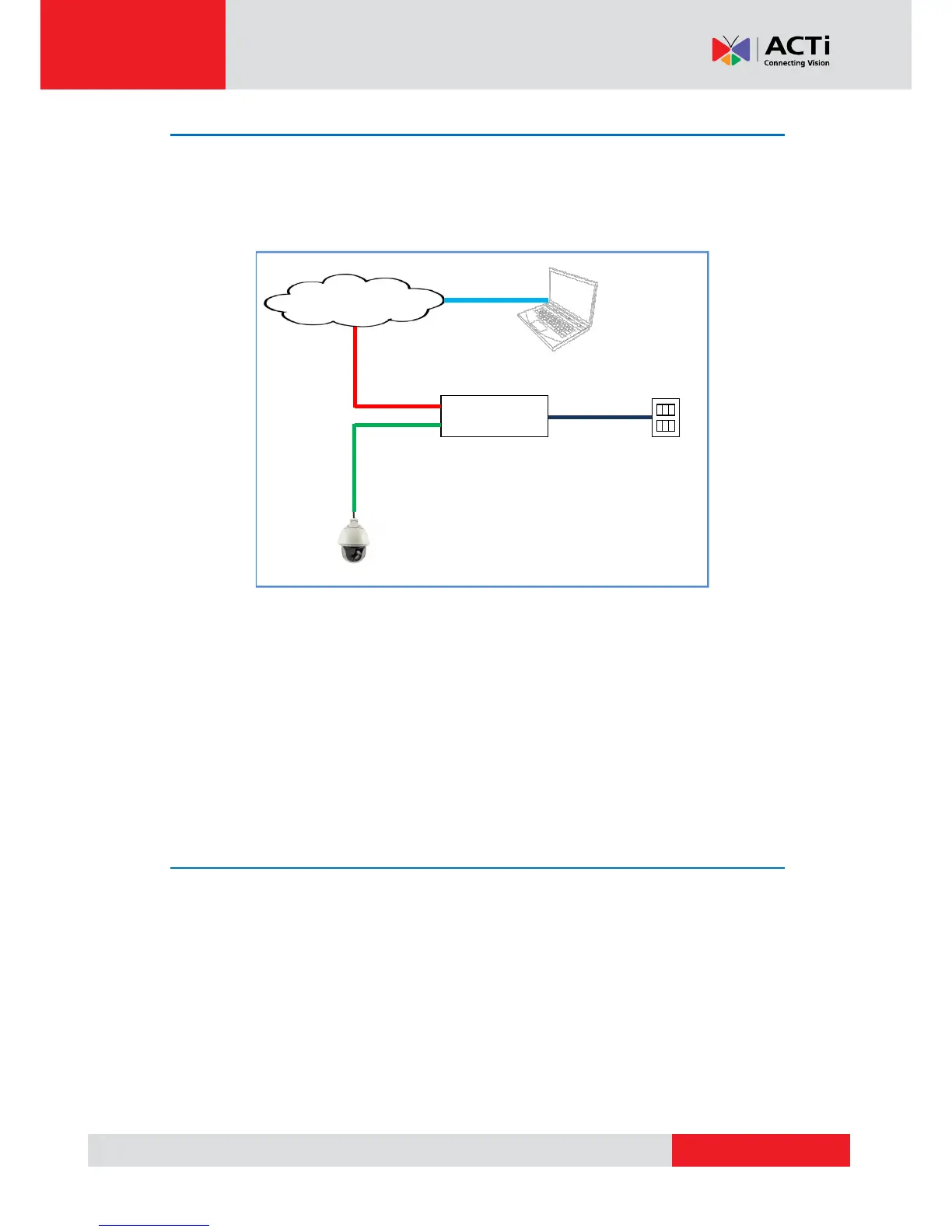
Connect the other end of the network cable to a switch or injector. Then, connect the switch or
injector to a network, PC, and a power source. See Power-over-Ethernet (PoE) connection
example below.
The Power LED of the camera will flash a few times and turn off as the camera mechanical
components initialize. Wait for the initialization to complete. Once complete, the Power LED will
light red to indicate the camera works normally.
NOTE: Use only the supplied power adapter and power cord that came with the camera or the
optional High PoE Injector available for purchase. Using other accessories not approved by the
manufacturer may cause damage to the equipment.
Step 5: Access the Camera Live View
See Accessing the Camera on page 47 for more information on how to access the Live View of
the camera.



 To Next Page