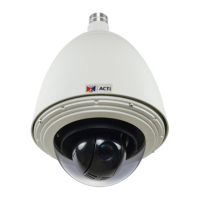
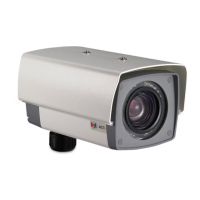
KCM-7111 Hardware User’s Manual
2
Table of Contents
0. Precautions 3
1. Introduction 4
Package Contents ........................................................................... 4
Features and Benefits ..................................................................... 5
Safety Instructions .......................................................................... 6
Physical description ........................................................................ 8
Product Specification .................................................................... 11
2. Installation Procedure 13
Connecting the IP Outdoor Rugged Dome .................................. 13
1) Remove the cover ............................................................... 13
2) Insert the cable ................................................................... 13
3) Connect cables to connectors ............................................ 13
How to Do the Waterproof Installation ....................................... 14
3. Accessing Camera 17
If you have DHCP server / router in your network: ...................... 17
If you do
NOT
have DHCP server / router in your network: ......... 17



 To Next Page