Hardware Manual
56
Wireless
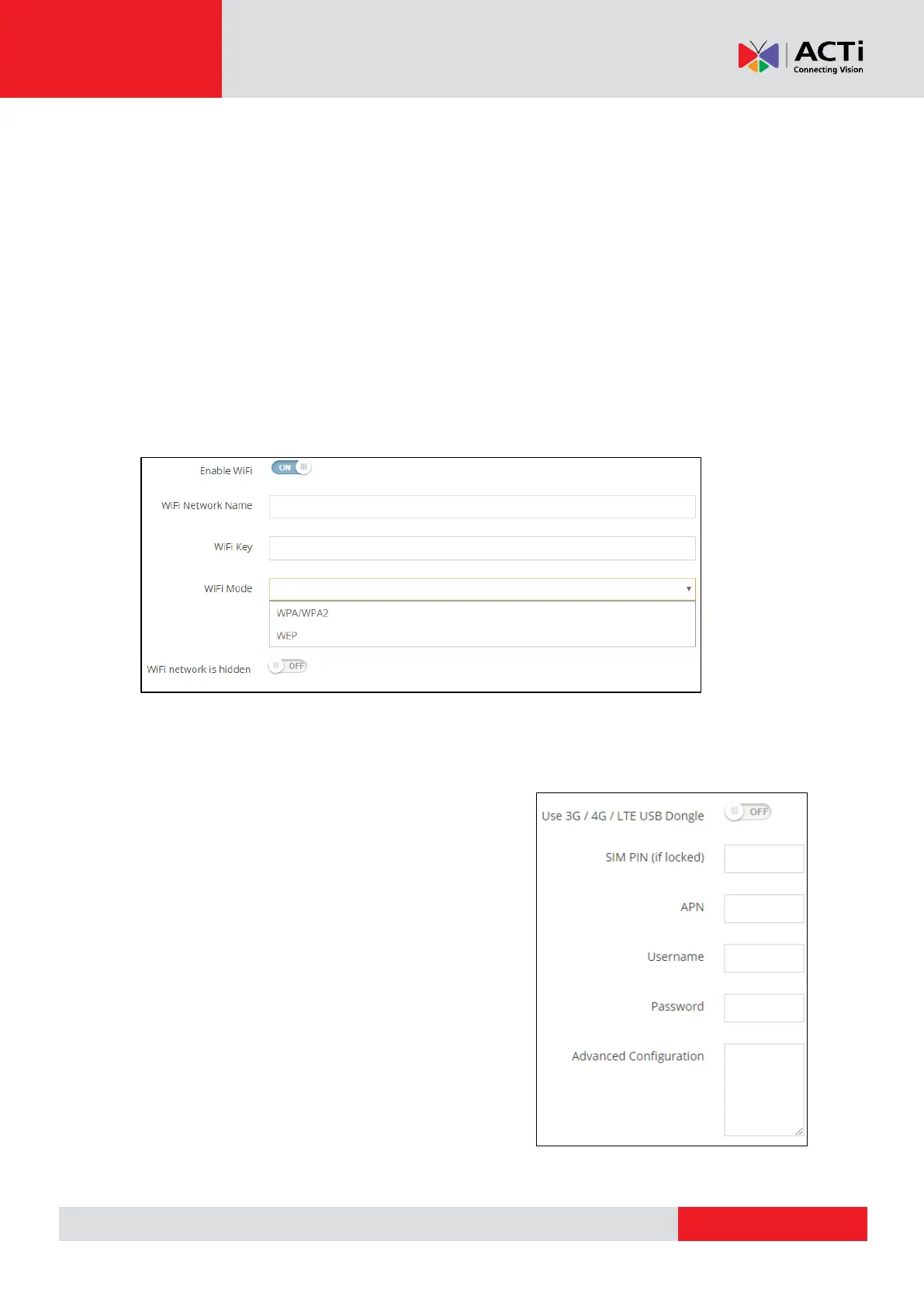
Enable WiFi: Toggle to enable or disable the WiFi service
WiFi Network Name: Type your router's/access point WiFi name.
NOTE: Keep in mind that WiFi network names are case-sensitive and they must be exactly the
same
WiFi Key: Type your router's/access point security code
WiFi Mode: Choose the security mode that you router's/access point is using
WiFi Network is hidden: Toggle to enable the hidden network service, that isn't
broadcasting its networkID (SSID)
3G/4G/LTE
Use 3G / 4G / LTE USB Dongle: Toggle to
enable 3G / 4G / LTE service
SIM PIN: Type the PIN of your SIM if the SIM card is
locked
APN: Type your access point name gateway
Username: Type the Username
Password: Type the Password
Advanced Configuration: Contact Customer Help
Desk (CHD) for the advanced configuration.



 To Next Page