Hardware Manual
57
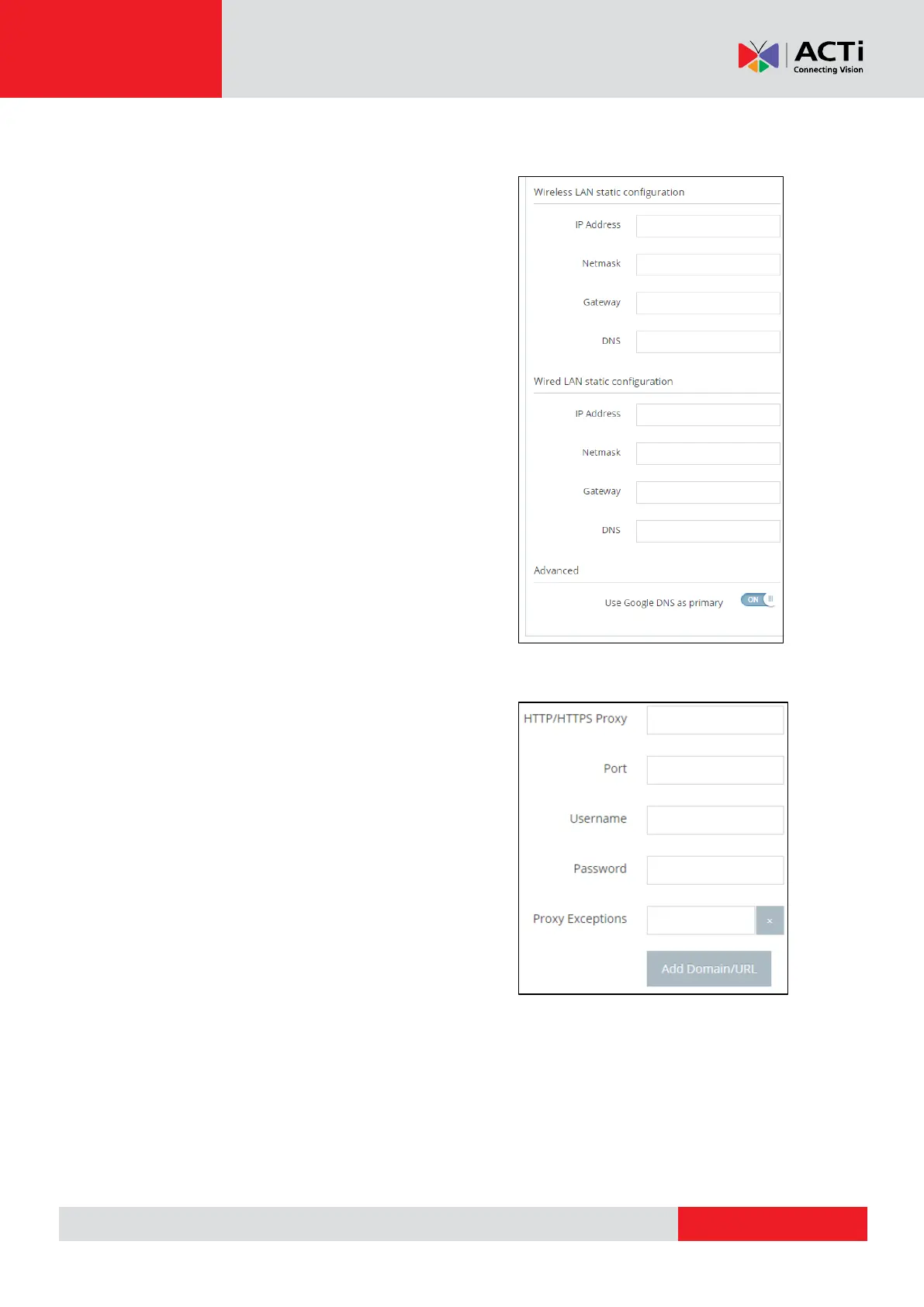
Static IPs
You can set a static IP address at your device just by
filling the relative fields.
IP Address, Netmask, Gateway and DNS, both in
Wired and in Wireless connection.
Use Google DNS as Primary: Toggle to Enable or
Disable the default Google DNS addresses.
Proxy
You can set the device to pass first from your own
proxy server just by filling the relative fields:
HTTP/HTTPS, Port, Username and Password.



 To Next Page