EasyManua.ls Logo

ACTi MDS-100 - Page 74

ACTi MDS-100
77 pages
Print Icon
To Next Page IconTo Next Page
To Previous Page IconTo Previous Page
Loading...
www.acti.com
Hardware Manual
74
Here is a detailed description of each of the Standard Roles and the access it provides:
Media,
Widgets
Playlists,
Shows,
Schedules
Device
Content
Push to
Players
Device
Configuration
Manage
Custom
Widgets
All Access
Read/Write
Read/Write
Read/Write
Yes
Read/Write
Read/Write
Content Viewer
View-only
View-only
View-only
Content
Manager
Read/Write
Read/Write
Read/Write
Content
Publisher
Read/Write
Read/Write
Read/Write
Yes
Media Creator
Upload-only
Media Manager
Read/Write
IT Manager
Read/Write
Publisher
View-only
View-only
View-only
Yes
Roles in Workspaces
NOTE: This feature is for Enterprise plan only.
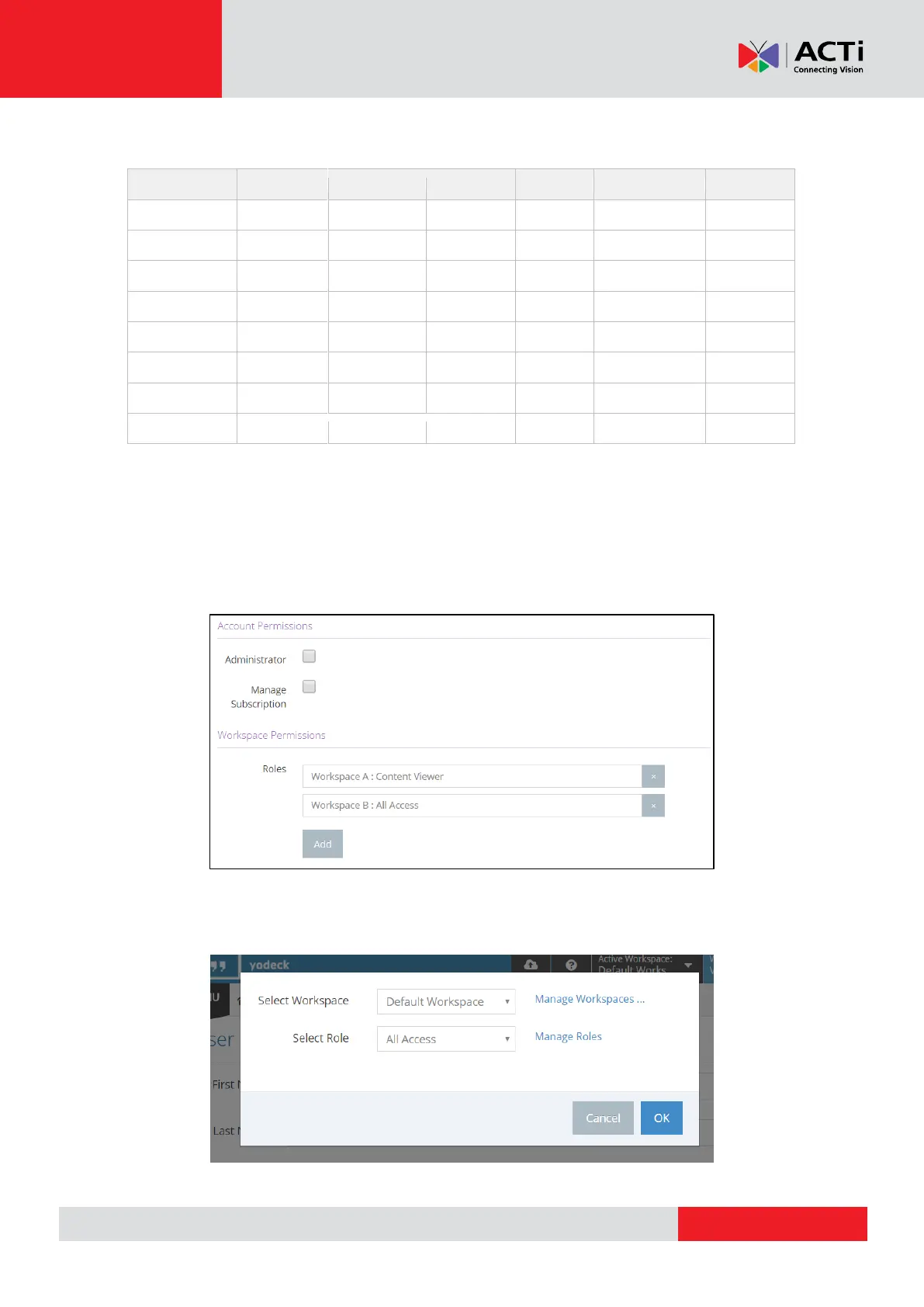
If you have Workspaces available in your Account, then you can assign Users one Role per
Workspace.
Clicking the “Add” button located in the Workspace Permissions” section will display a pop-up
that allows you to assign the User a Role in a specific Workspace.