ACT550 USER MANUAL
480258EN-1.0 29/06/2016 Page 23 of 34
POL.
C/ CALIDAD, 66
28906 GETAFE
Tel: +34 91 665 26 26
Fax: +34 91 665 23 24
N.I.F. ES-A-28905065
ER-
9. Audio Settings (Any Source)
From any source:
1. Press and hold [VOLUME] or [SEL] on the remote control to enter the menu
2. Press [VOLUME] repeatedly or [SEL] on the remote control, to select the desired parameter
3. Turn the [VOLUME] knob or press [VOLUME] keys on the remote control to select the value of a
parameter. Refer to Table 6
4. If no operation is selected for a few seconds, the equipment will automatically return to the main
screen.
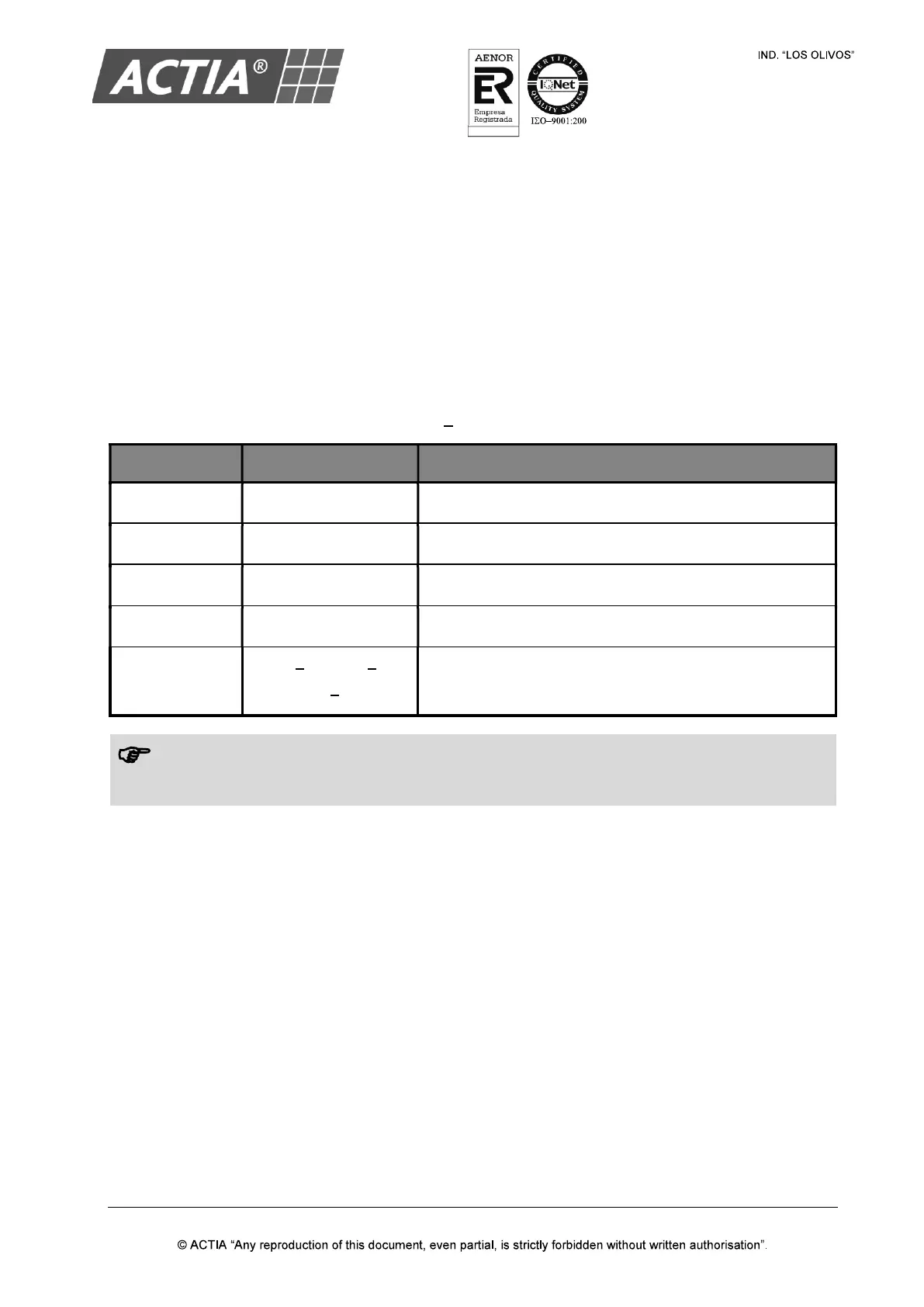
Table 6 Audio Settings
PARAMETER VALUE DESCRIPTION
BALANCE -15 to +15 Adjust the output balance of the left and right speakers.
BASS -15 to +15 Adjust the gain of the bass frequency range.
MIDDLE -15 to +15 Adjust the gain of the middle frequency range.
TREBLE -15 to +15 Adjust the gain of the treble frequency range.
EQUALIZER
ROCK OPERA
VOICE FLAT
Select between different pre-defined equalization profiles.
Note!
When select a pre-defined equalization profile, the BASS,
MIDDLE and TREBLE parameters
change depending on the profile.


 To Next Page