EasyManua.ls Logo

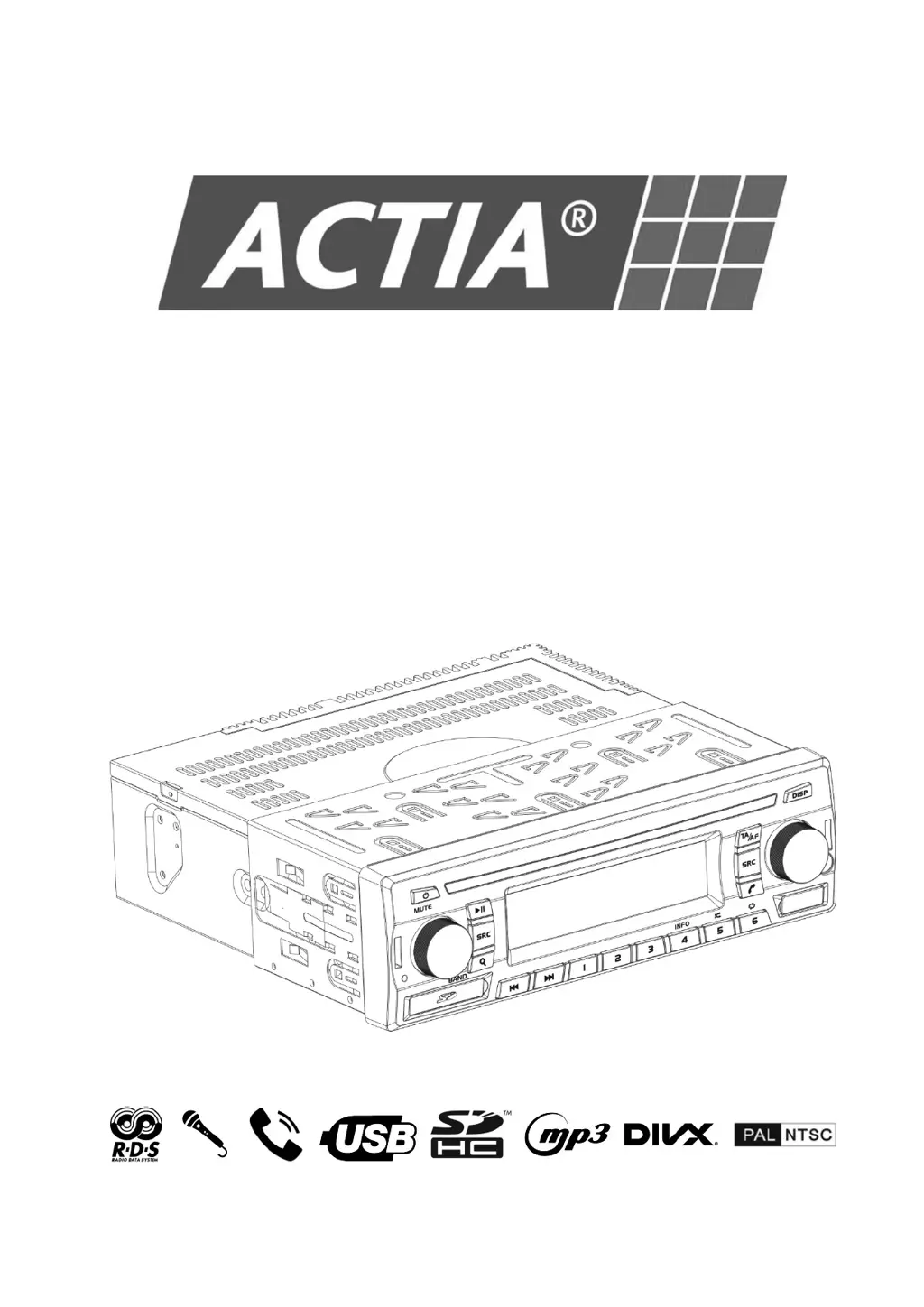
Actia ACT550 - User Manual

Actia ACT550
36 pages
Print Icon
To Next Page IconTo Next Page
Loading...
User Manual
ACT550
Dual-zone AV Media Player

Questions and Answers

Summary

Before Use

Driving Safety Warnings

Safety warnings regarding driving.

General Precautions and Remote Battery

General precautions and remote control battery handling.

The ACT550 Equipment

Key Features Overview

Lists the key features of the ACT550 system.

Zone Control and DivX Support

Clarifies zone controls and DivX video playback.

Remote Control Battery Replacement

Basic Operation

Remote Control Linking Procedure

Instructions for remote control linking to the equipment.

Restore Factory Settings

Reset Equipment

Equipment Reset Guidance

Guidance on when to perform a reset.

Reset and Restore Factory Settings

Display Equipment Firmware Version

Media Player Firmware Version

AM;FM Radio

Select a Frequency Band

How to choose between FM1, FM2, FM3, AM1, AM2.

Tune a Radio Station

Methods for auto and manual tuning of radio stations.

Radio Stations Continuous Scan

How to scan for radio stations.

Tune and Memorize Best Stations

Radio Station Memory Management

Memory Selection Display

How memory selection is displayed.

RDS Functions

RDS System Explanation

Explanation of RDS.

AF and TA Functionality

How AF searches for frequencies and TA for traffic news.

Radio Settings

Radio Reception Principles

USB; SD Card

Play Content from USB;SD Device

How to play media from USB/SD.

Content Selection

Volume Control Condition

Conditions for VOLUME knob control.

Driver Monitor Activation

Enabling 'Driver Monitor' for external screens.

Screen Behavior Notes

Notes on default display, driver screen during video, and iPod.

USB; SD Card Settings

Hands-Free and Wireless Audio

Audio Availability and Mic Override

Hands-Free/Wireless Audio availability and mic override.

Pairing and Unpairing Bluetooth Devices

Steps to pair and remove Bluetooth devices.

Microphone Usage

Microphone Cautions and Notes

Warning about mic transmission, compatibility, and usage.

Making a Phone Call

Making and Redialing Calls

How to make and redial phone calls.

Receiving a Phone Call

Wireless Audio Playback

Auxiliary Input (Aux)

Auxiliary Video Screen Activation

Activating passenger screens for auxiliary video.

Microphone Operation

Microphone Usage and Power Notes

Mic usage, driver mic override, and power management.

Audio Settings

Audio Parameter Adjustments

Description of audio parameters like Balance, Bass, Treble.

Equalizer Profile Note

How EQ profiles affect other settings.

General Settings

Maintenance

Equipment Cleaning

Instructions for cleaning the device.

SD Card and USB Port Care

Care for SD Card and USB ports.

Troubleshooting

Technical Specifications

Electrical Specifications

Detailed electrical parameters and ranges.

Mechanical Specifications

Playable Files

Supported Video Files

List of supported video file formats.

Supported Audio Files

Supported Picture Files

Apple Compatible Devices

FM Tuner Specifications

AM Tuner Specifications

USB Device Specifications

SD Card Device Specifications

Wireless Connection Details

Package Contents

Removal Tool Information

Information about removal tools.

Installation and Connection

Mounting Location Warning

Warning about mounting location interference.

Environmental Installation Precautions

Precautions regarding temperature and vibration.

Mounting Hardware Caution

Using supplied mounting hardware.

Summary

Before Use

Driving Safety Warnings

Safety warnings regarding driving.

General Precautions and Remote Battery

General precautions and remote control battery handling.

The ACT550 Equipment

Key Features Overview

Lists the key features of the ACT550 system.

Zone Control and DivX Support

Clarifies zone controls and DivX video playback.

Remote Control Battery Replacement

Basic Operation

Remote Control Linking Procedure

Instructions for remote control linking to the equipment.

Restore Factory Settings

Reset Equipment

Equipment Reset Guidance

Guidance on when to perform a reset.

Reset and Restore Factory Settings

Display Equipment Firmware Version

Media Player Firmware Version

AM;FM Radio

Select a Frequency Band

How to choose between FM1, FM2, FM3, AM1, AM2.

Tune a Radio Station

Methods for auto and manual tuning of radio stations.

Radio Stations Continuous Scan

How to scan for radio stations.

Tune and Memorize Best Stations

Radio Station Memory Management

Memory Selection Display

How memory selection is displayed.

RDS Functions

RDS System Explanation

Explanation of RDS.

AF and TA Functionality

How AF searches for frequencies and TA for traffic news.

Radio Settings

Radio Reception Principles

USB; SD Card

Play Content from USB;SD Device

How to play media from USB/SD.

Content Selection

Volume Control Condition

Conditions for VOLUME knob control.

Driver Monitor Activation

Enabling 'Driver Monitor' for external screens.

Screen Behavior Notes

Notes on default display, driver screen during video, and iPod.

USB; SD Card Settings

Hands-Free and Wireless Audio

Audio Availability and Mic Override

Hands-Free/Wireless Audio availability and mic override.

Pairing and Unpairing Bluetooth Devices

Steps to pair and remove Bluetooth devices.

Microphone Usage

Microphone Cautions and Notes

Warning about mic transmission, compatibility, and usage.

Making a Phone Call

Making and Redialing Calls

How to make and redial phone calls.

Receiving a Phone Call

Wireless Audio Playback

Auxiliary Input (Aux)

Auxiliary Video Screen Activation

Activating passenger screens for auxiliary video.

Microphone Operation

Microphone Usage and Power Notes

Mic usage, driver mic override, and power management.

Audio Settings

Audio Parameter Adjustments

Description of audio parameters like Balance, Bass, Treble.

Equalizer Profile Note

How EQ profiles affect other settings.

General Settings

Maintenance

Equipment Cleaning

Instructions for cleaning the device.

SD Card and USB Port Care

Care for SD Card and USB ports.

Troubleshooting

Technical Specifications

Electrical Specifications

Detailed electrical parameters and ranges.

Mechanical Specifications

Playable Files

Supported Video Files

List of supported video file formats.

Supported Audio Files

Supported Picture Files

Apple Compatible Devices

FM Tuner Specifications

AM Tuner Specifications

USB Device Specifications

SD Card Device Specifications

Wireless Connection Details

Package Contents

Removal Tool Information

Information about removal tools.

Installation and Connection

Mounting Location Warning

Warning about mounting location interference.

Environmental Installation Precautions

Precautions regarding temperature and vibration.

Mounting Hardware Caution

Using supplied mounting hardware.

Actia ACT550 Specifications

General IconGeneral
BrandActia
ModelACT550
CategoryMedia Player
LanguageEnglish