ACT550 USER MANUAL
480258EN-1.0 29/06/2016 Page 24 of 34
POL.
C/ CALIDAD, 66
28906 GETAFE
Tel: +34 91 665 26 26
Fax: +34 91 665 23 24
N.I.F. ES-A-28905065
ER-
10. General Settings
To access the general settings menu of the equipment:
1. Press and hold [ ] to access the general settings menu
2. Press repeatedly [VOLUME] or [SEL] on the remote control, to select the desired parameter
3. Turn the [VOLUME] knob (or press the [VOLUME] keys on the remote control) to adjust the
value of a parameter. Refer to Table 7
4. If no operation is selected for a few seconds, the equipment will automatically return to the main
screen.
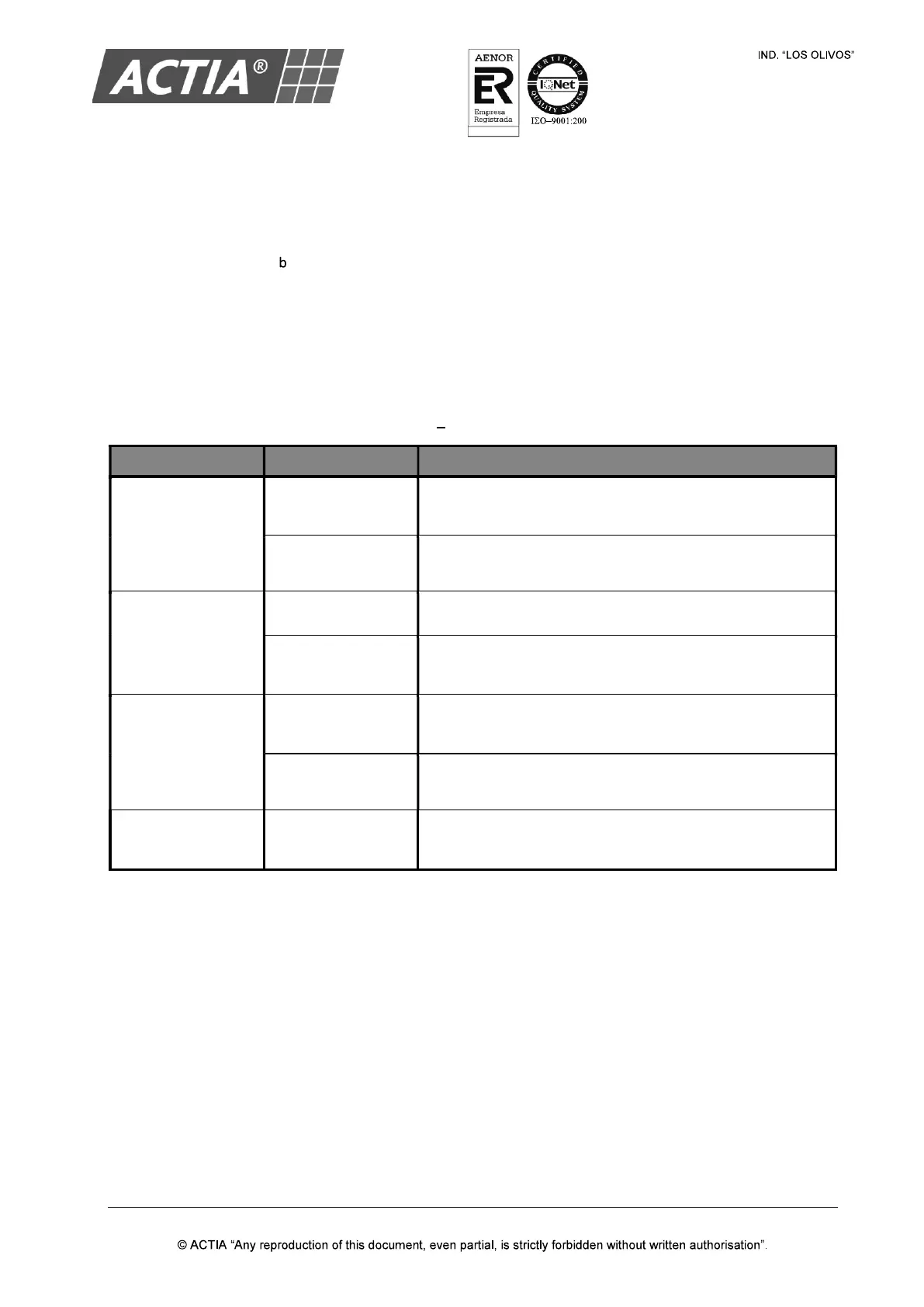
Table 7 General Settings
PARAMETER VALUE DESCRIPTION
Stby AV Bypass
ON
(default value)
With the equipment off. Redirection of the AV auxiliary
input to the passenger auxiliary output activated.
OFF
With the equipment off. Redirection of the AV auxiliary
input to the passenger auxiliary output deactivated.
Driver Monitor
ON The driver area has one monitor.
OFF
(default value)
The driver area has no monitor.
Guide MIC Zone
DRV + PSG
(default value)
The guide microphone is heard in driver and passenger
areas.
PSG The guide microphone is only heard in the passenger area.
P. Monitor Time
0 seconds
(default value)
Passenger monitors ON/OFF time (open/close).


 To Next Page