USER MANUAL - DUAL ZONE AUDIO MEDIA PLAYER EQUIPMENT ACT553 - ACT553/DAB+
480305-3.0 11/12/2019 Page 12 / 33
© ACTIA “Any reproduction of this document, even partial, is strictly forbidden without written authorisation”.
4.8. Radio Settings
With the Radio source selected:
1. Press and hold [SRC] to enter the menu.
2. Press the [VOLUME] knob repeatedly to select the desired parameter.
3. Turn the [VOLUME] knob (o press the [VOLUME] keys on the remote control) to select the value
for the desired function. Refer to Table 2.
4. If not operation is done for a few seconds, the equipment automatically returns to the main
screen.
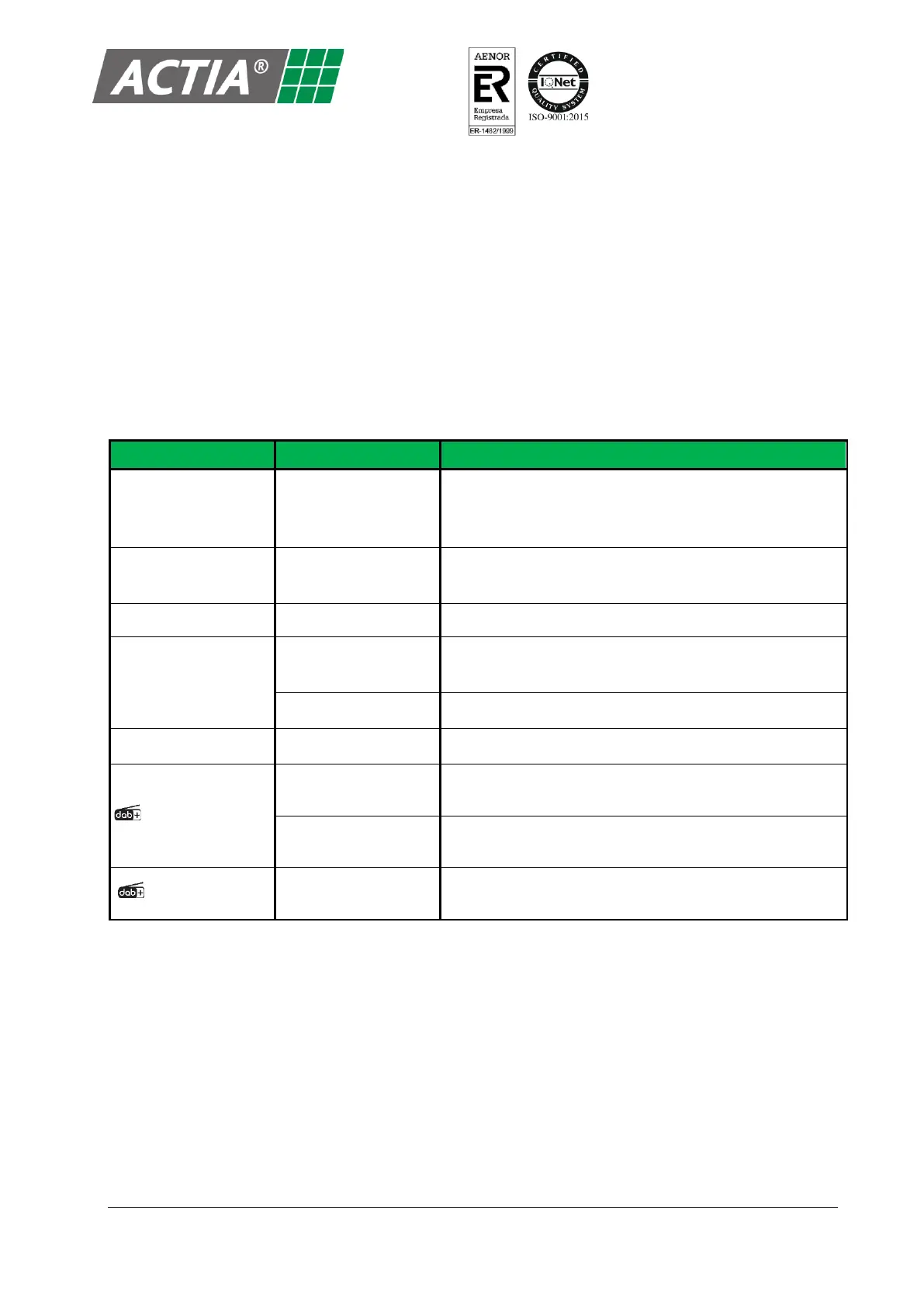
Table 2 – Radio Settings
AUTO MEM SCAN
(available only with AM/FM
bands activated)
Search and automatically memorizes the six radio
stations with better signal. Press [c ] / [BAND] to start a
search.
Select the geographic area.
Activate or deactivate the RDS system
Automatic retuning between any station, regional or
national.
Automatic retuning between regional stations only.
Activate or deactivate the SEEK PI function.
Automatic retuning between DAB+ stations and FM
stations, regional or national.
Automatic retuning between DAB+ stations and FM
stations, national only.
Activate or deactivate the automatic retuning from DAB+
stations to FM stations.


 To Next Page