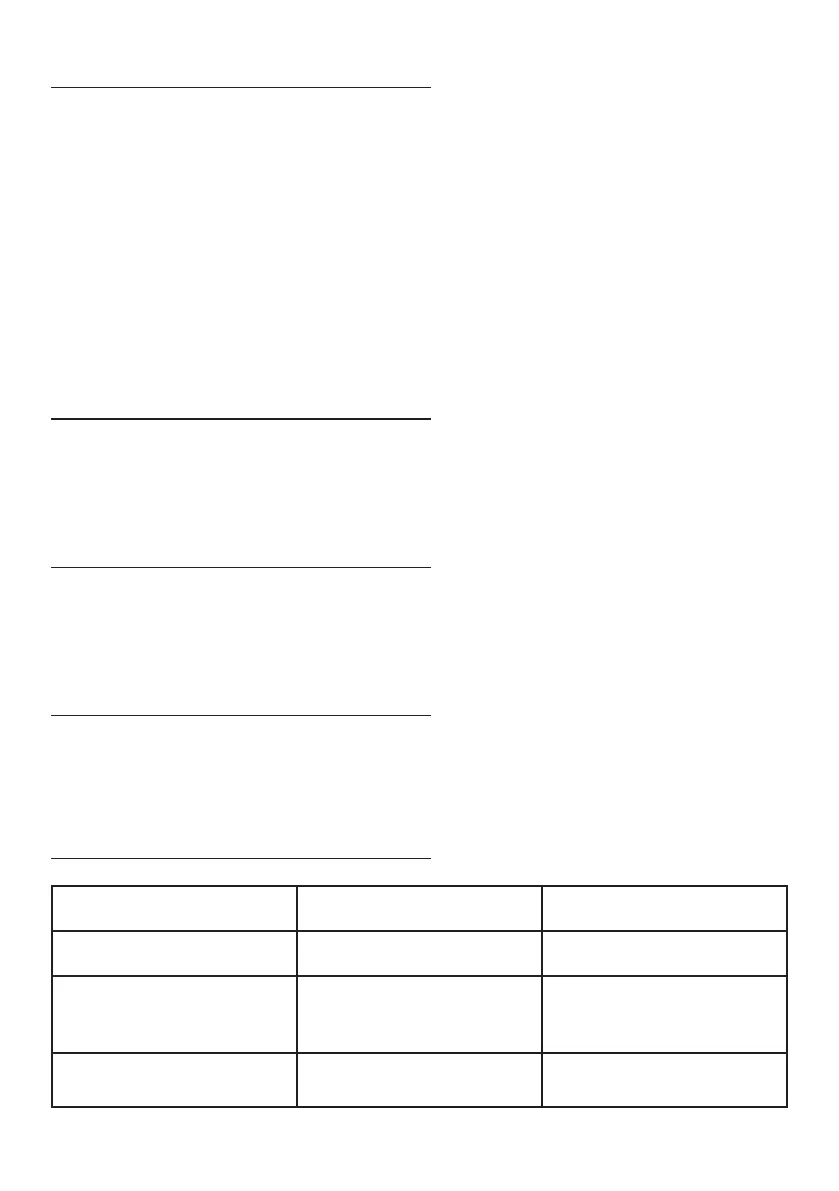
11 | English
If the smart scales have been moved or ipped upside down they must be
recalibrated to ensure accurate measurements.
To recalibrate the smart scales:
1. Place the smart scales on a dry, solid, and at surface.
2. Step onto the smart scales.
3. ‘C’ will show on the display indicating that the scales are calibrating.
4. Step o the smart scales.
5. 0.00 will show on the display indicating that the scales are calibrated.
Use a soft, dry or dampened cloth to clean away any dust, or debris from the
exterior surface of the smart scales.
The smart scales require little maintenance. Do not try to x them by yourself.
Refer them to a qualied service personnel if assistance is required.
For long-term storage, cover the smart scales with a waterproof covering and
store horizontally in a safe, dry place, out of the reach of children.
RECALIBRATING
CLEANING
MAINTENANCE
STORAGE
ERROR CODES
ERROR CODE CAUSE SOLUTION
Lo Battery power low Charge battery.
Err
Smart scales are
overloaded.
Step o smart scales to
avoid damaging the high
precision sensors.
C Smart scales are calibrating.
Read the recalibration
section.


 To Next Page