6 | English
These smart scales use bioelectrical impedance to conduct an analysis of your
body’s composition. A very small and safe electrical current is passed through
the lower half of the body. The electrical current ows slower through bone and
fat than it does through muscle and water. The smart scales can measure this
dierence in electrical current speed and using a multi-step mathematical formula
estimate 11 individual measurements.
Please note, these smart scales have been calibrated for those individuals
who have a median body type and therefore the measurements recorded by
individuals with unique body types e.g. signicant upper body muscle, athletes or
bodybuilders may not be accurate. To improve the accuracy of the measurements
for individuals with unique body types ensure that athlete mode is selected when
creating an account.
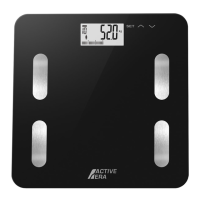
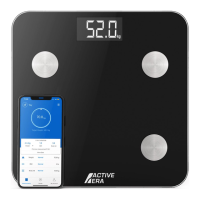
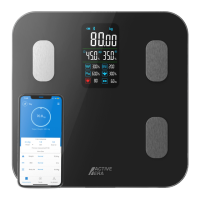
These smart scales can also be used without the Active Era app.
When using without the Active Era app the below measurements and data points
will be shown directly on the display.
• Weight.
• Body balance %.
• Body fat %.
• BMI.
• Body water %.
• Skeletal muscle %.
• Heart rate.
• Bone mass.
Note, this is only possible after initially linking the Active Era app to the smart
scales when the smart scales are rst purchased so that the smart scales are
aware of your height. Every so often the smart scales will need to be reconnected
to the Active Era app to allow this function to be used.
BODY MEASUREMENTS EXPLAINED
USING WITHOUT THE ACTIVE ERA APP
9. Once a nal measurement has been obtained your weight plus your baby’s
weight will ash on the display followed by your baby’s weight being shown in
the Active Era app.
Note, if using baby mode when your own user prole is selected within the Active
Era app you will be prompted to save the data to the user prole specic to your
baby or to create a new user prole for your baby.


 To Next Page