EasyManua.ls Logo

ACU-RITE 01602BPDI - User Manual

ACU-RITE 01602BPDI
22 pages
Print Icon
To Next Page IconTo Next Page
Loading...
Instruction Manual
SAVE THIS MANUAL FOR FUTURE REFERENCE.
Questions? Contact Customer Support at
(877) 221-1252 or visit www.AcuRite.com.
CONTENTS
Unpacking Instructions ........... 2
Package Contents .................. 2
Product Registration ............... 2
Features & Benets: 5-in-1 ....... 3
Features: Display Unit ............ 4
Back of Display Unit ............... 6
Setup .................................... 7
5-in-1 Sensor Setup ................ 7
Display Unit Setup ................. 8
Set the Time & Date ............... 9
Measurement Units ...............10
Placement Guidelines ............11
5-in-1 Sensor Installation ........ 12
Using the Weather Center .....13
Programmable Alarms ........... 13
Troubleshooting ....................15
Care & Maintenance ............. 17
Calibration ...........................17
Specications ........................19
FCC Information ...................19
Customer Support ................ 20
Warranty............................. 20
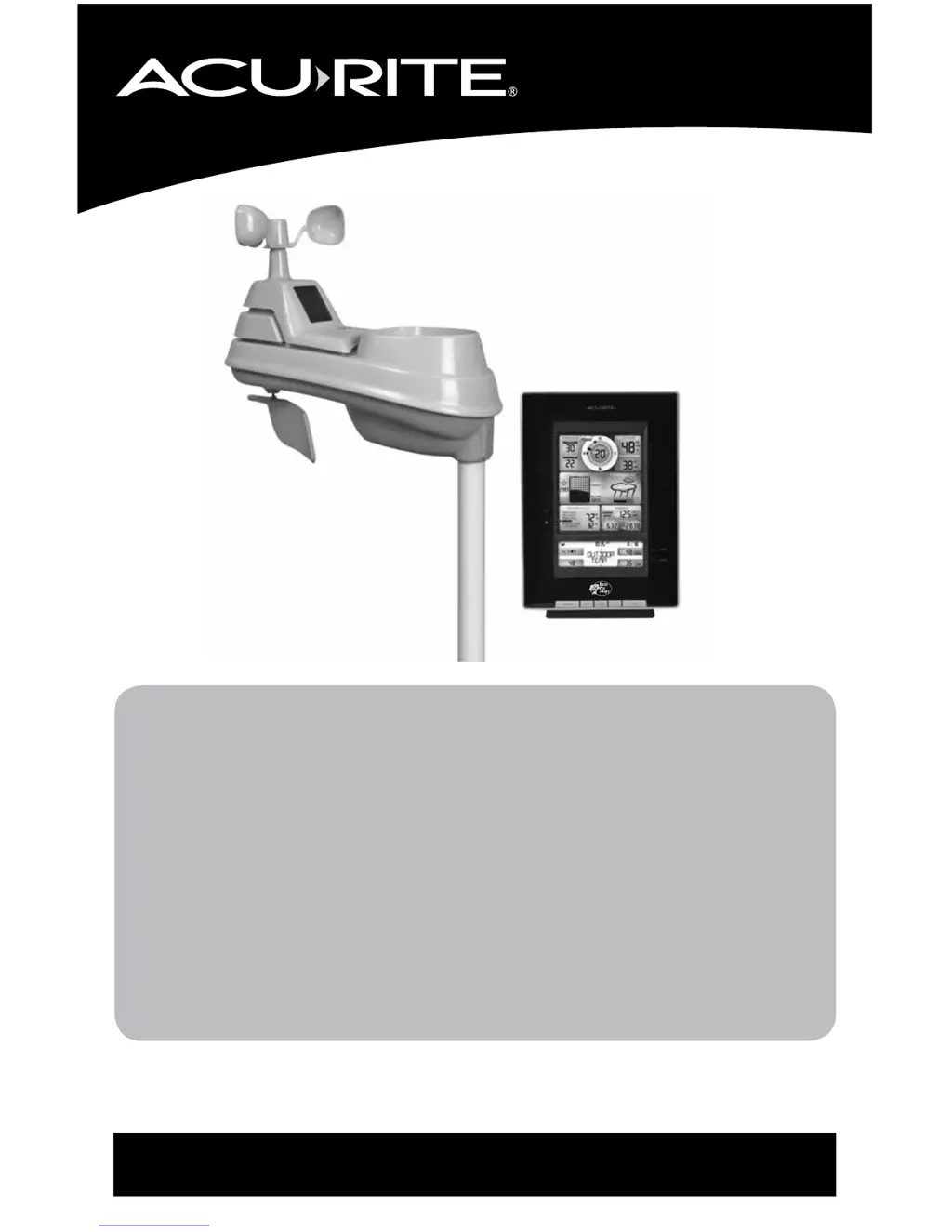
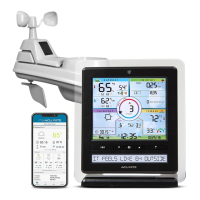
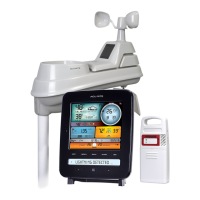
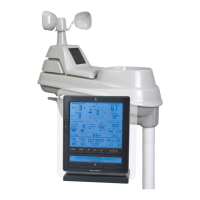
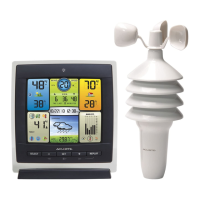
Professional Weather Center
model 01602BPDI

Questions and Answers

  • M
    mary54Aug 3, 2025
    Why are wind readings inaccurate on ACU-RITE 01602BPDI Weather Station?
    • Z
      Zachary SnowAug 3, 2025
      To correct inaccurate wind readings on your ACU-RITE Weather Station, consider the following: 1. What is the wind reading being compared to? Pro weather stations are typically mounted at 30 ft high or more. Make sure to compare data using a sensor positioned at the same mounting height. 2. Check the sensor's location, ensuring it's mounted a minimum of 5 ft in the air with no obstructions around it (within several feet). 3. Ensure the wind cups are spinning freely. If they hesitate or stop, try lubricating them with graphite powder or spray lubricant.
  • S
    Sarah BrownAug 7, 2025
    How to fix outdoor temperature flashing on ACU-RITE Weather Station?
    • M
      mpenaAug 8, 2025
      To resolve flashing or dashed outdoor temperature readings on your ACU-RITE Weather Station, ensure that the A-B-C switch in the battery compartments of both the display unit and the sensor are switched to the same letter. You can choose A, B, or C, but both units must match to sync up.
  • J
    Julia MillerAug 12, 2025
    Why is temperature/humidity inaccurate on ACU-RITE Weather Station?
    • L
      Luis AlvaradoAug 12, 2025
      If your ACU-RITE Weather Station shows inaccurate temperature or humidity readings, ensure the following: * Both the display unit and sensor are placed away from heat sources or vents. * Both units are positioned away from moisture sources. * The sensor is mounted at least 5 ft off the ground.
  • A
    Allison WebbAug 17, 2025
    What to do if ACU-RITE 01602BPDI shows no rainfall?
    • B
      Benjamin SmithAug 17, 2025
      If your ACU-RITE Weather Station is not registering rainfall, please check the following: * Verify that the rain gauge stabilizer (plastic tab) has been removed from the bottom of the sensor. * Clear any debris, such as leaves, from the rain collector funnel and debris screen. * Verify the sensor’s internal tipping lever is moving freely by dripping a little water through the rain collector. You should hear the lever tipping. If you do not hear it, you may need to clean inside the sensor.
  • S
    Samantha JonesAug 20, 2025
    Why is the forecast inaccurate on my ACU-RITE Weather Station?
    • M
      Megan QuinnAug 20, 2025
      If your ACU-RITE Weather Station is showing an inaccurate forecast, keep the following in mind: * The Weather Forecast icon predicts conditions for the next 12 to 24 hours, not current conditions. * Ensure the Learning Mode icon has disappeared from the display unit. The forecast and pressure readings will not be accurate until Learning Mode is complete. * Allow the unit to run continuously for 33 days. Removing the battery or resetting the display unit will restart Learning Mode. The forecast should be fairly accurate after 14 days, but Learning Mode calibrates for a total of 33 days.
  • W
    williamalvaradoAug 25, 2025
    What to do if ACU-RITE Weather Station display screen not working?
    • M
      Mary FrancisAug 26, 2025
      If your ACU-RITE Weather Station display screen isn't working, verify that the batteries are correctly installed and replace them if needed. If that doesn't resolve the issue, reset the display by pressing the reset button located on the back of the unit. Note that you will need to enter the date and time after performing a reset.
  • K
    Kelly GarciaOct 29, 2025
    How to fix no outdoor sensor reception on ACU-RITE 01602BPDI Weather Station?
    • M
      Matthew BuckOct 29, 2025
      To ensure proper communication between the display unit and the 5-in-1 sensor of your ACU-RITE Weather Station, try the following: * Relocate the display unit and/or the sensor, ensuring they are within 330 ft (100 m) of each other. * Keep both units at least 3 feet (.9 m) away from electronics that may cause interference, such as TVs, microwaves, or computers. * Use standard alkaline batteries (or lithium batteries in the sensor when the temperature is below -4ºF/-20ºC). Avoid using heavy-duty or rechargeable batteries. * Synchronize the units by bringing both the sensor and display unit indoors, removing the batteries from each, reinstalling the batteries in the outdoor sensor, then reinstalling them in the display unit. Allow the units to sit within a couple of feet of each oth...

Summary

Set the Time & Date

Set the Time

Procedure to set the current time on the display unit, including hours and minutes.

Set the Date

Procedure to set the current date on the display unit, including month, day, and year.

Placement for Maximum Accuracy

Display Unit Placement

Instructions for placing the indoor display unit for optimal performance and accuracy.

Using the Professional Weather Center

Weather Forecast

Details on AcuRite's self-calibrating forecasting for 12-24 hour predictions.

Care & Maintenance

5-in-1 Sensor Care

Maintenance procedures for the outdoor 5-in-1 sensor to ensure accurate readings.

Calibration

Calibrate Temperature & Humidity

Procedure to calibrate indoor/outdoor temperature and humidity readings for improved accuracy.

Calibrate the Rain Gauge

Steps to calibrate the rain gauge for accurate rainfall measurements.

Customer Support

Limited One Year Warranty

Information regarding the one-year limited warranty for the product.

ACU-RITE 01602BPDI Specifications

General IconGeneral
BrandACU-RITE
Model01602BPDI
CategoryWeather Station
LanguageEnglish

Related product manuals