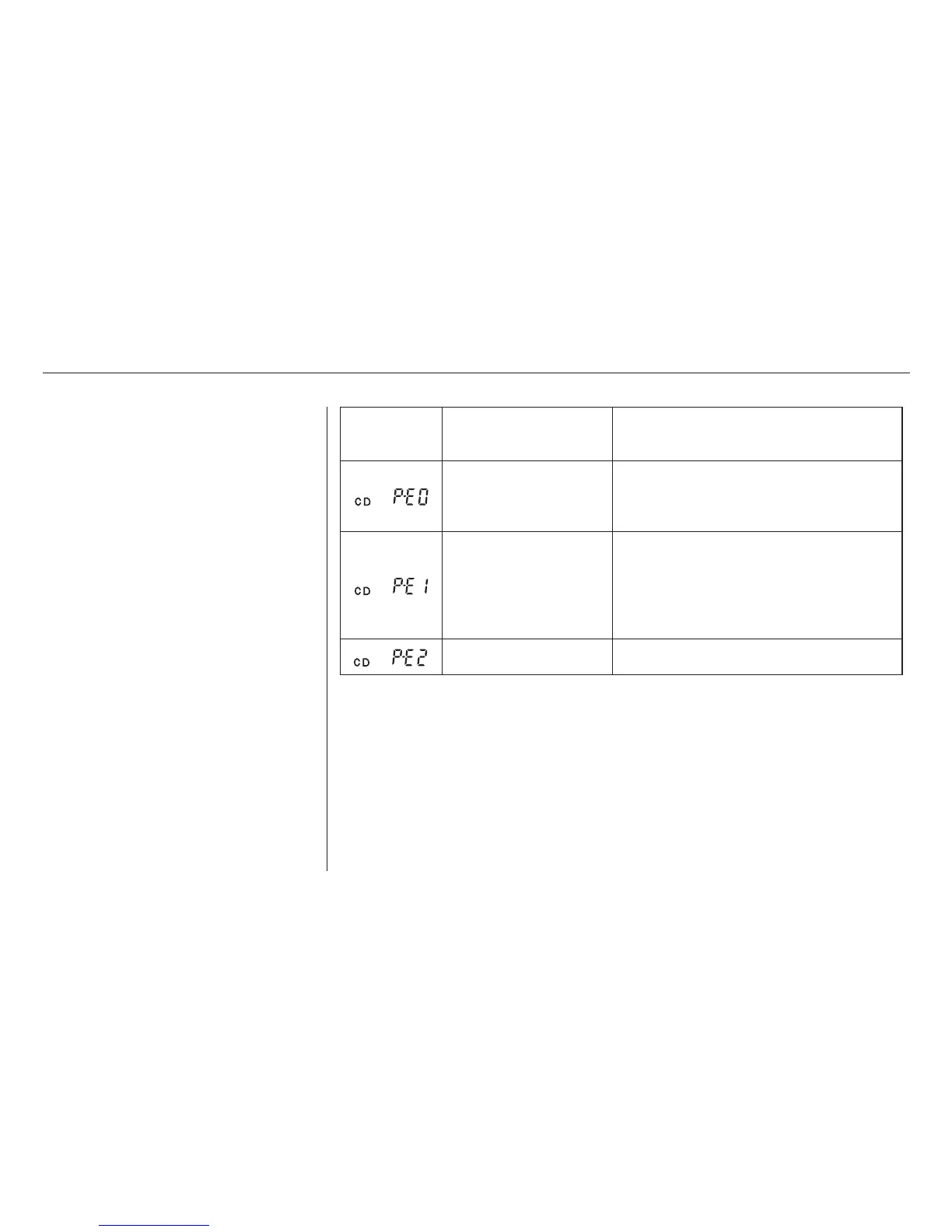
If you see an error indication in the
display while operating the CD
player,findthecauseinthechartto
the right. If you cannot clear the
error indication, take the vehicle to
your Acura dealer.
Indication Cause Solution
FOCUS/CLV Error
Data Read Error
Search Error
Mechanical Error
Control Error
LSI Error
Press the EJECT button and pull out the disc.
Check if the disc is inserted correctly in the CD
player.
Make sure the disc is not scratched or damaged.
Press the EJECT button and pull out the disc.
Check the disc for damage or deformation.
If the CD cannot be pulled out or the error
indication does not disappear after the disc is
ejected, see your Acura dealer.
Do not try to force the disc out of the player.
Consult your Acura dealer.
CD Player Error Indications
Audio System
Comfort and Convenience Features
175
02/07/31 13:17:56 31S3V620 0180



 To Next Page
 Loading...