4
SETUP
Install Battery
1. Remove the battery compartment cover.
2. Remove insulated sheet between battery and metal terminal inside the
battery compartment.
3. Replace the battery cover.
Clock Setup
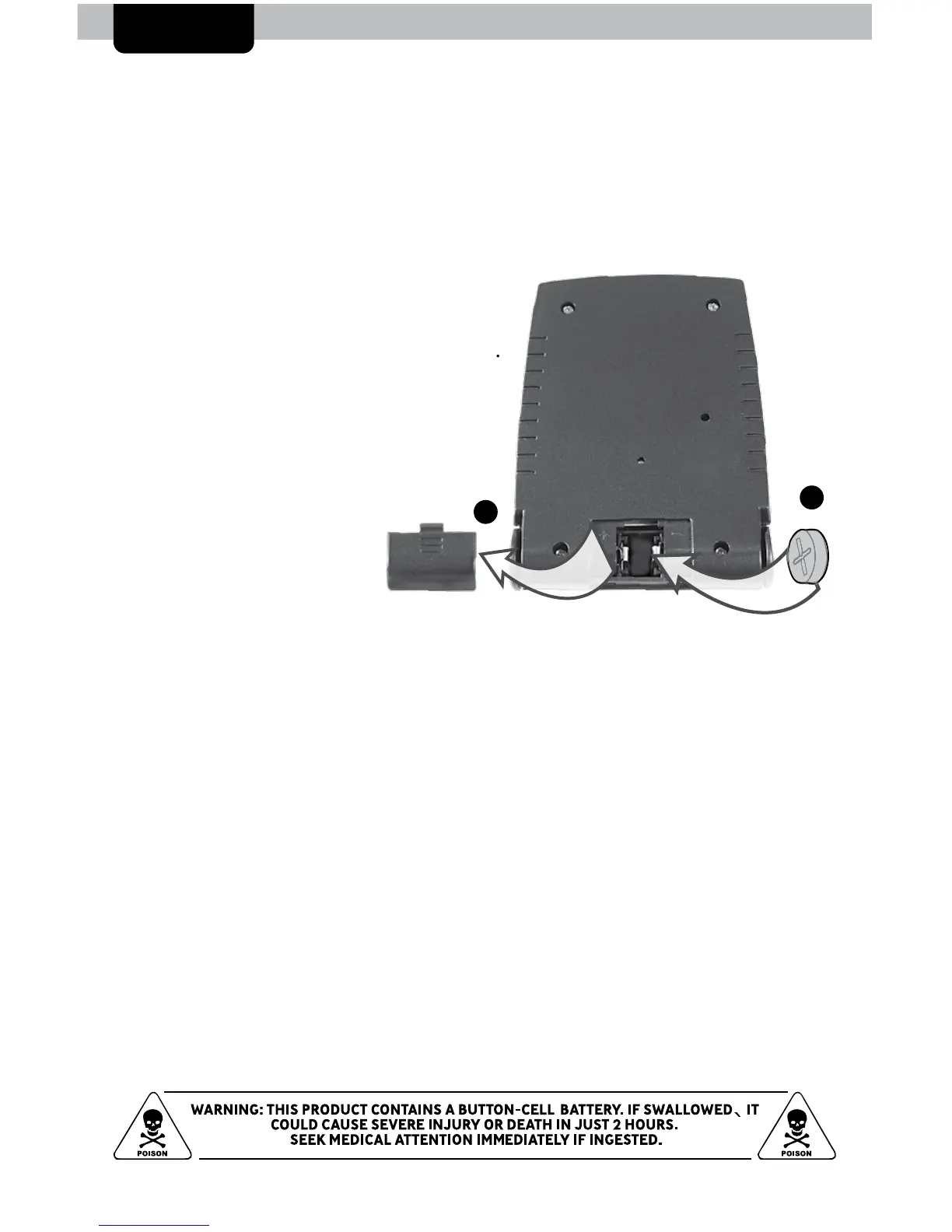
Replace Battery
1. Remove the battery compartment cover.
2. Insert 1 x L1154F button cell battery
into the battery compartment, as
shown. Follow the polarity (+/-)
diagram in the battery compartment.
3. Replace the battery cover.
L1154F
2
1
Set the Time
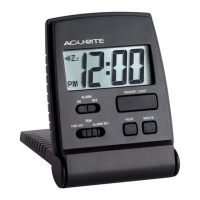
To set time, slide the SET switch to the TIME SET position.
To adjust the time, press and release the HOUR button to adjust hours or
MINUTE button to adjust the minutes (press and HOLD to fast adjust).
To save your adjustments, slide the SET switch to the RUN position.






 To Next Page