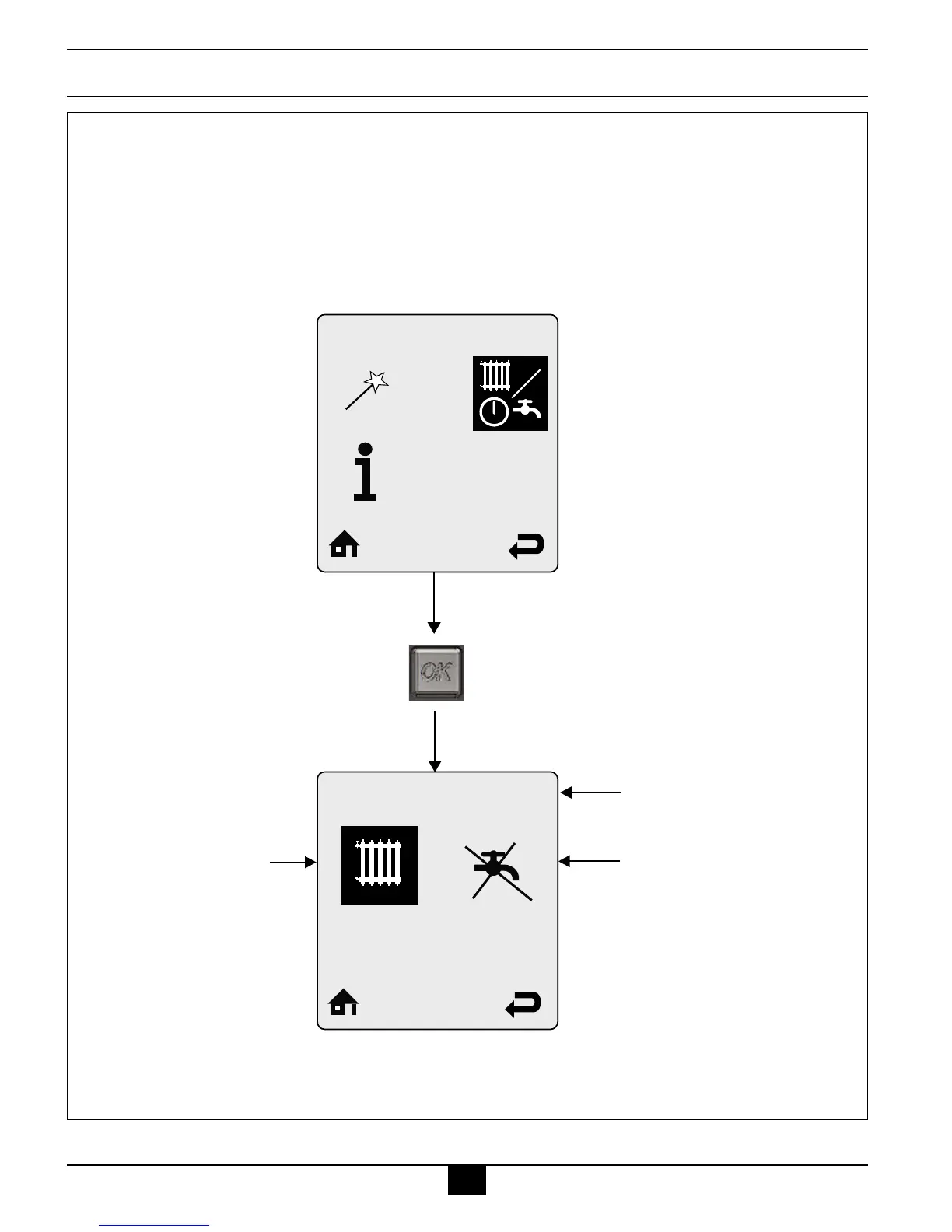
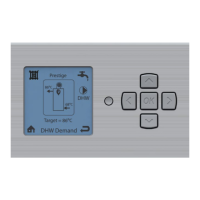
Press OK Button
Heating Operation can be
enabled and disabled by
selecting the radiator icon
and pressing the OK button
to toggle operation between
enabled and disabled. A
radiator icon with an X
through it indicates that the
heating function is disabled.
This icon is also displayed
on the Home Screen when
disabled.
Domestic Hot Water Operation
can be enabled and disabled by
selecting the faucet icon and
pressing the OK button to toggle
operation between enabled and
disabled. A faucet icon with an
X through it indicates that the
domestic hot water function is
disabled. This icon is also
displayed on the Home Screen
when disabled.
Currently selected menu
Heating Enabled
CH/DHW Operation



 To Next Page