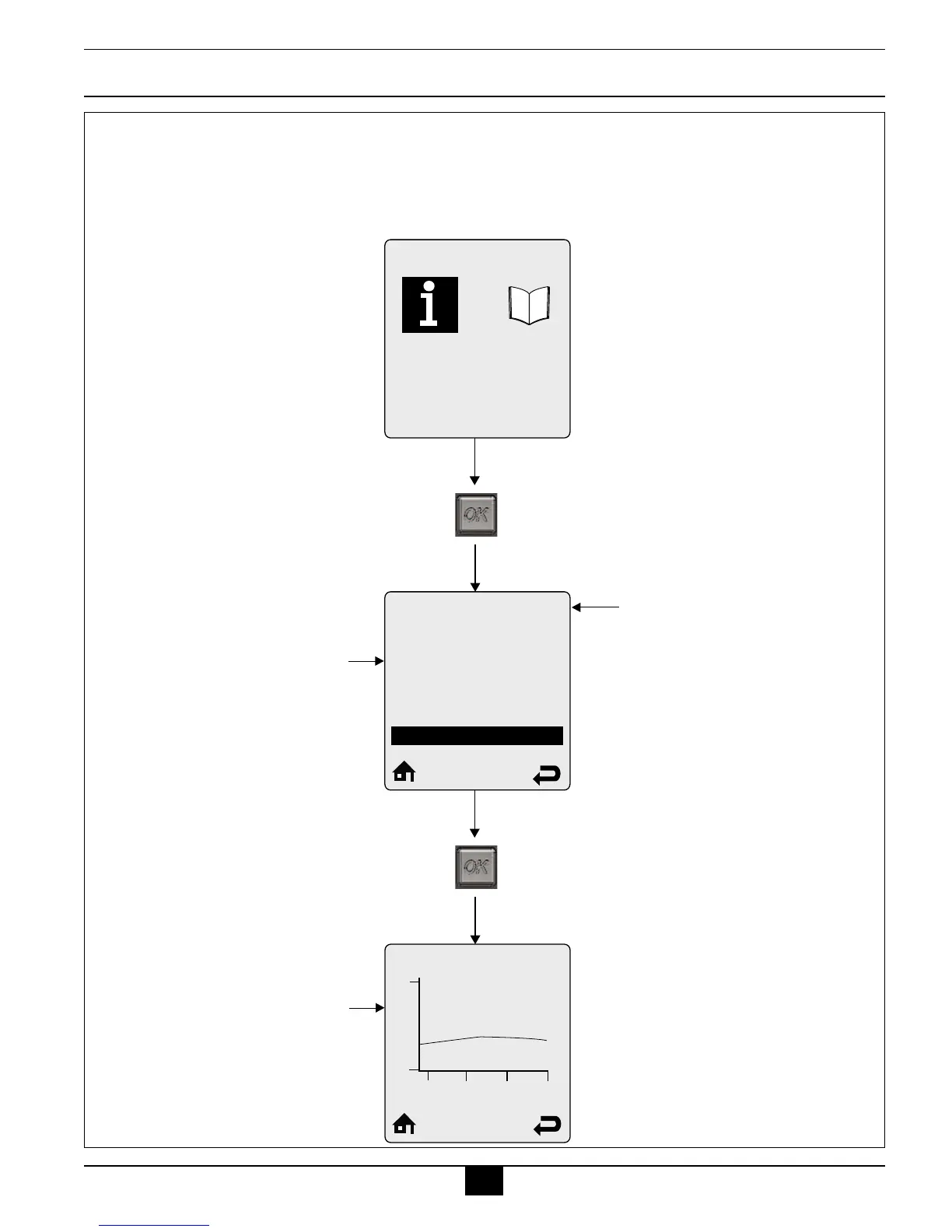
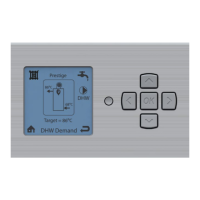
Press OK Button
Boiler Information displays
six boiler readings at a time.
Each line contains an
information item followed
by its current value. Press
the UP or DOWN buttons to
scroll through additional
information items.
The following information items
have a logging function:
-Boiler Firing Rate
-Ionization Current
-Boiler Setpoint
-Boiler Supply Temperature
-Boiler Return Temperature
-Boiler Flue Temperature
-Outdoor Temperature
-DHW Storage Temperature
-External Modulation Signal
-Pressure
Currently selected menu
Boiler Information
Boiler Status
Heating Call
DHW Call
Boiler Firing Rate
Ionization Current
Boiler Setpoint
Standby
No
No
__
µA
__
Boiler Information
a
b
c
d
e
f
b
b
b
b
a
b
c
d
e
f
b
b
a
b
c
d
e
a
b
c
d
e
f
b
b
b
b
a
b
c
d
e
f
b
b
a
b
c
d
a
b
c
d
e
f
b
b
b
b
a
b
c
d
e
f
b
b
a
b
c
d
e
a
b
c
d
e
f
b
b
b
b
a
b
c
d
e
f
b
b
f
b
g
a
b
c
d
Press OK Button
194
68
-24.00
-16.00 -8.00
0.00
Boiler Setpoint
Some information items
include a logging function.
Select the information item
then press the OK button to
view the graphical log. One
sample is recorded every 12
minutes to produce a graph
of the last 24 hours.



 To Next Page