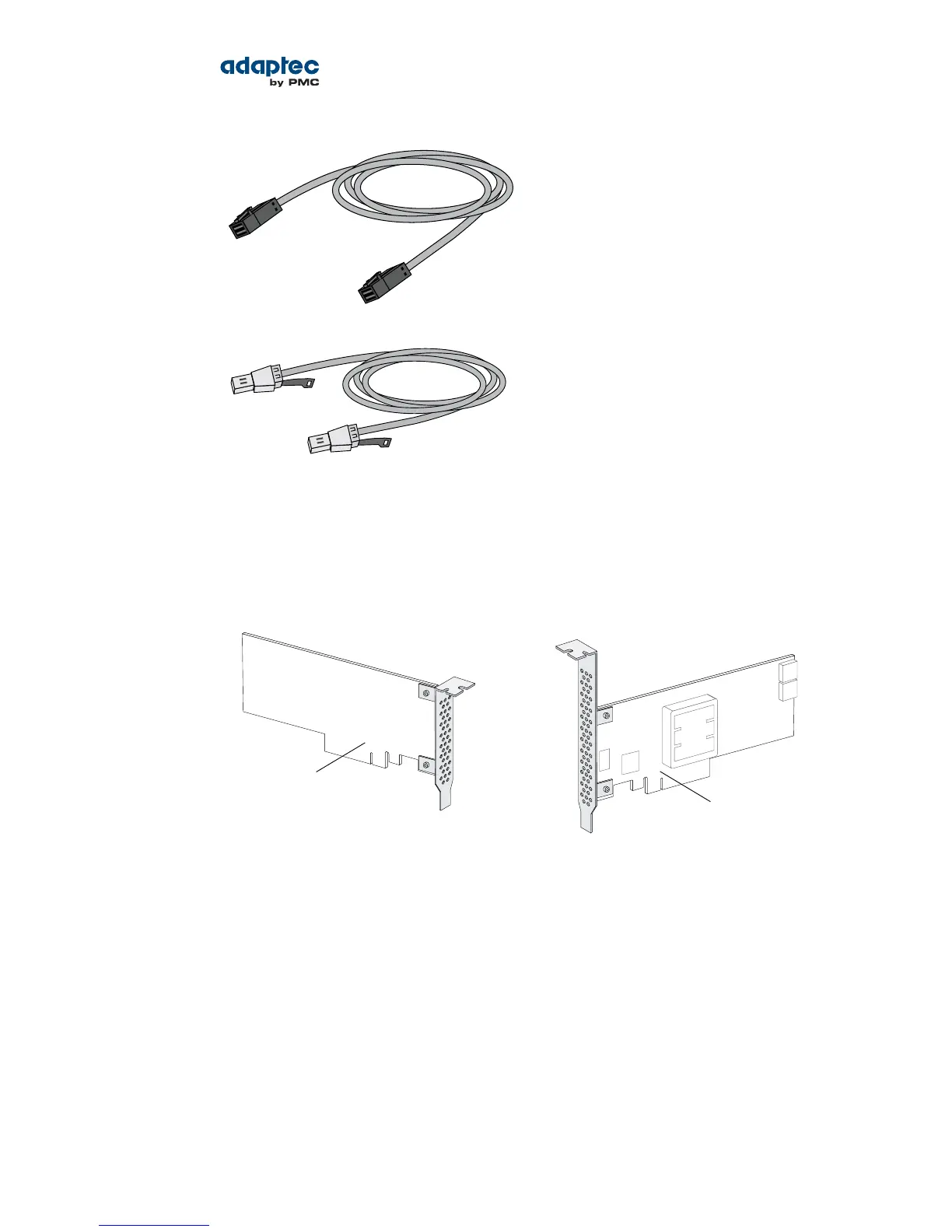
Internal mini-SAS HD to mini-SAS HD (SFF-8643 to
SFF- 8643)—Connects to a backplane or enclosure.
External mini-SAS HD to mini-SAS HD (SFF-8644 to
SFF- 8644)—Connects to a backplane or enclosure.
Replacing the Full-Height Bracket with a Low-Prole Bracket
If you are installing your Adaptec RAID controller into a low-prole computer cabinet, replace the original
full-height bracket with the low-prole bracket included in your distribution kit. The full-height bracket
is mounted on the front of the controller, the low-prole bracket is mounted on the back of the controller,
as shown in the gure below.
Front of board
Full-height bracket
Back of board
Low-profle bracket
To replace the full-height bracket with the low-prole bracket:
1. Remove the full-height bracket from the controller board. The full-height bracket is installed on the
front side of the controller, with the mounting screws inserted from the back of the controller, as
shown in the Figure 1.
Using a Phillips head screw driver, remove the mounting screws, as shown in Figure 2, then set the
screws aside for use in the next step.
24Proprietary and Condential to PMC-Sierra, Inc.
Document No.: CDP-00277-01-A Rev. A, Issue:
Serial Attached SCSI RAID Controllers Installation and User's Guide



 To Next Page