Remote Control Programming Manual
Basic sign operation: Sound control 7
What to do when you forget a sign’s password
How to delete a sign’s password
If you no longer want to be prompted to password protect a sign, you
must clear the sign’s memory in order to delete the password. To do this,
see “Clearing a sign’s memory” on page 5.
Sound control
Normally, when you press a Remote Control key while programming
a sign, the sign will beep.
If you want to turn the beeping off, hold down
SHIFT
and then press
RUN
. (To turn the beeping on again, repeat this.)
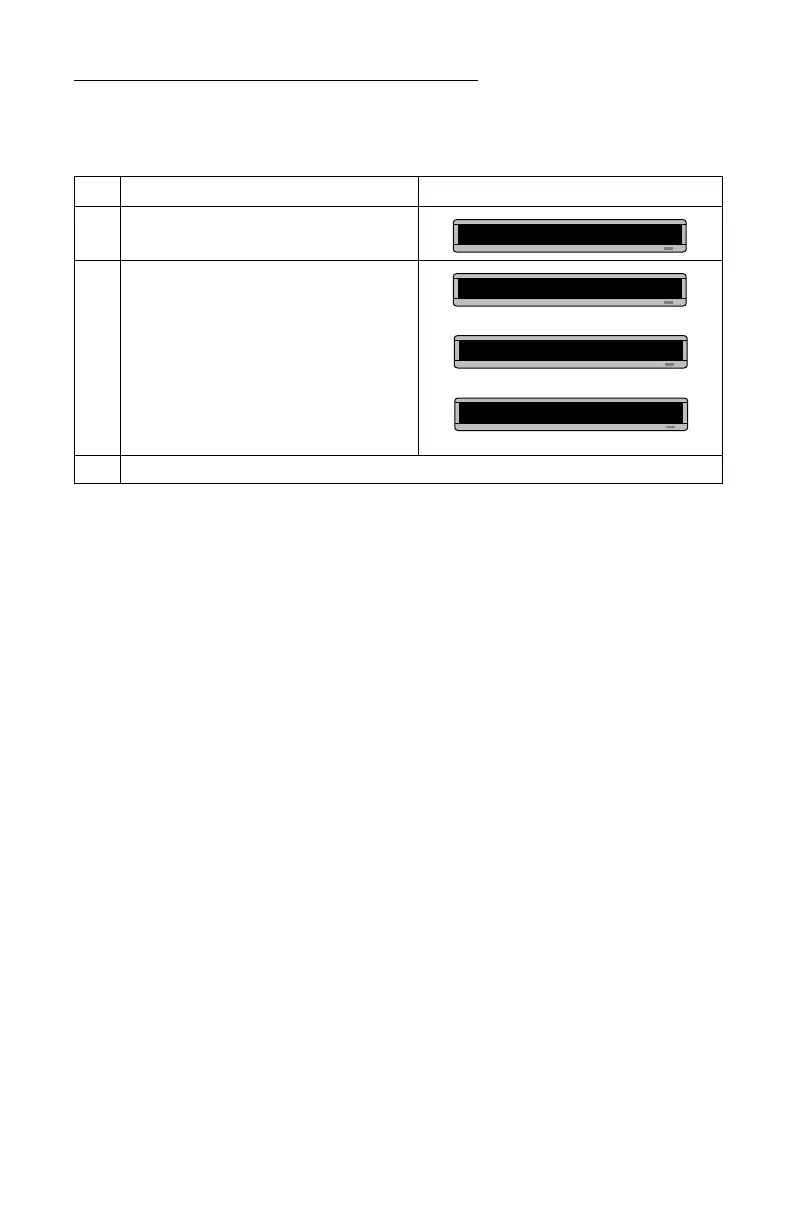
Step When you do this... You see this...
1 Press
PROGRAM
.
2 Hold down
SHIFT
and press
L
six times.
3 Enter a new password. (See “Setting a sign’s password” on page 6.)
PROG TEXT A
******
CORRECT
THEN
PROG TEXT A
THEN



 To Next Page