Remote Control Programming Manual
Advanced text messaging: Example 6 — Displaying the time and date 17
Advanced text messaging
Before attempting the following, make sure you’re familiar with the
previous examples in the “Beginning text messaging” section of this
manual.
Example 6 — Displaying the time and date
NOTE: Because the time and date are not updated when the sign is
off, the time and date must be re-programmed each time the
sign is turned back on.
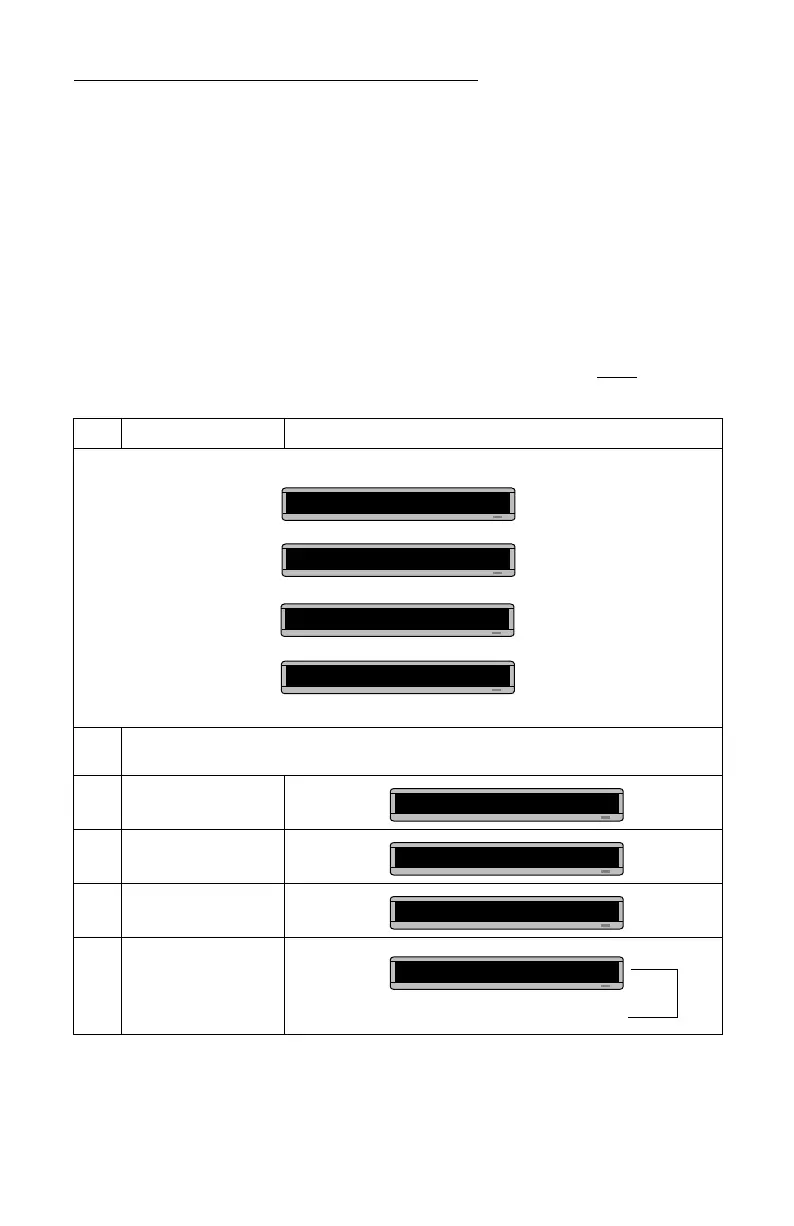
Step When you do this... You see this...
In this example, we’ll create a message that continuously displays the current time and date:
1
Delete all the messages currently stored in the sign.
(See “Clearing a sign’s memory” on page 5 or “Example 5 — Deleting messages” on page 16.)
2 Press PROGRAM.
3 Press SELECT.
4 Press A.
5
Hold down SHIFT and
press 1 for ROLL.
Rosco
Advertising
THEN
3:26 PM
THEN
THEN
Oct. 14 ,1997
The time will be displayed
in extra wide letters.
PROG TEXT A
PROG TEXT ?
A]
This stands for Roll mode.
A] [RL↑]



 To Next Page