Remote Control Programming Manual
Advanced text messaging: Example 9 — Special effects with modes (Trailing modes) 25
Example 9 — Special effects with modes (Trailing modes)
Modes, like ROTATE and ROLL, are used to create special effects with
messages. Typically modes are used once at the beginning of a message.
However, a mode can also be placed at the end of a message (called a
“trailing mode”) to create a special effect.
NOTE: The following can not be used as a trailing mode: CONDENSED
ROTATE
, SCROLL, SLIDE, SNOW, and SPRAY.
Step When you do this... You see this...
1
Delete all the messages currently stored in the sign.
(See “Clearing a sign’s memory” on page 5 or “Example 5 — Deleting messages” on page 16.)
2 Press PROGRAM.
3 Press ADV.
4
Hold down SHIFT and
press 4 for FLASH.
5 Type
ATTENTION!
6
Hold down SHIFT and
press 1 for ROLL.
7 Type
Trailing mode
8 Press RUN twice to see trailing mode in action.
ATTENTION!
should flash and then roll off the display.
PROG TEXT A
A]
A] [FLS]
A] LS]ATTENTION!
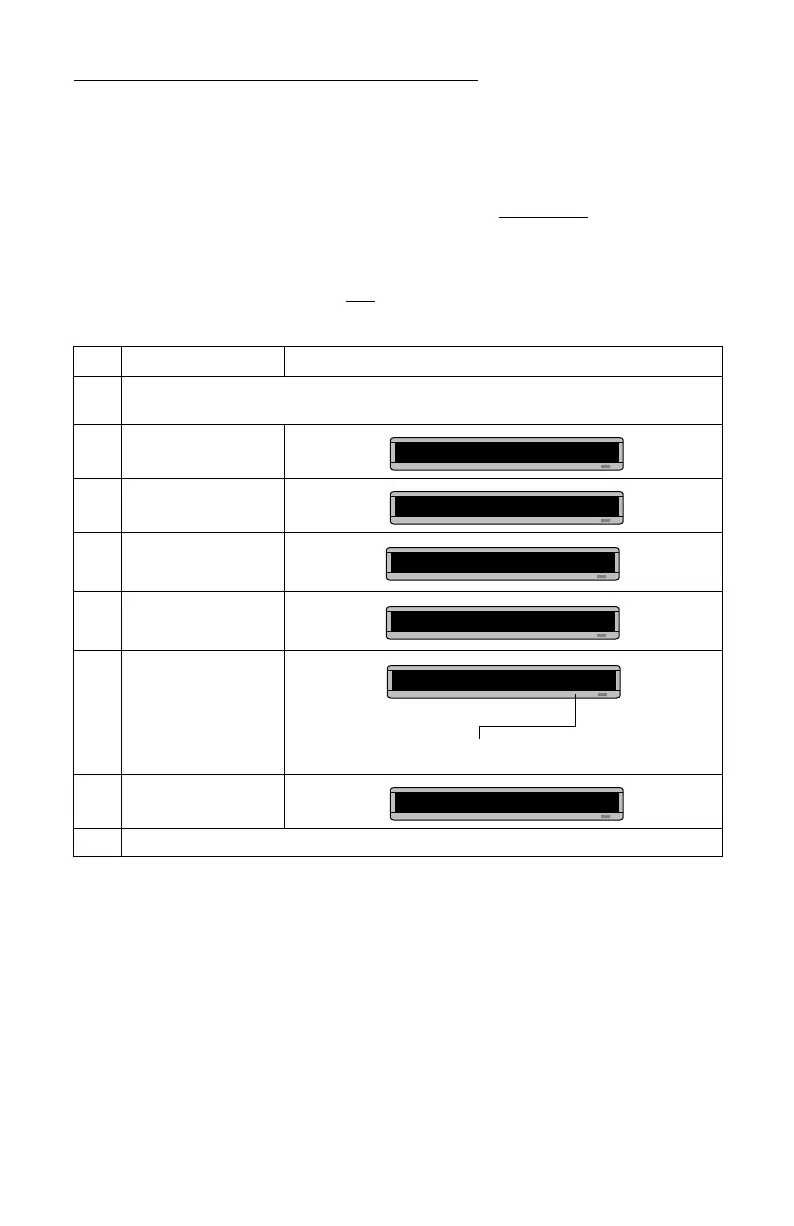
This is the trailing mode. The ROLL mode “trails” the first mode, FLASH.
A] [RL↑]
A]Trailing mode



 To Next Page