EasyManua.ls Logo

Adaptive Beta-Brite 1024 - Page 28

Default Icon
48 pages
Print Icon
To Next Page IconTo Next Page
To Previous Page IconTo Previous Page
Loading...
Remote Control Programming Manual
24 Advanced text messaging: Example 8 — Speeding up and slowing down messages
10
Press SELECT until
[NHL]
appears
.
(No Hold = very fast)
11 Type
Scroll speed=N
12
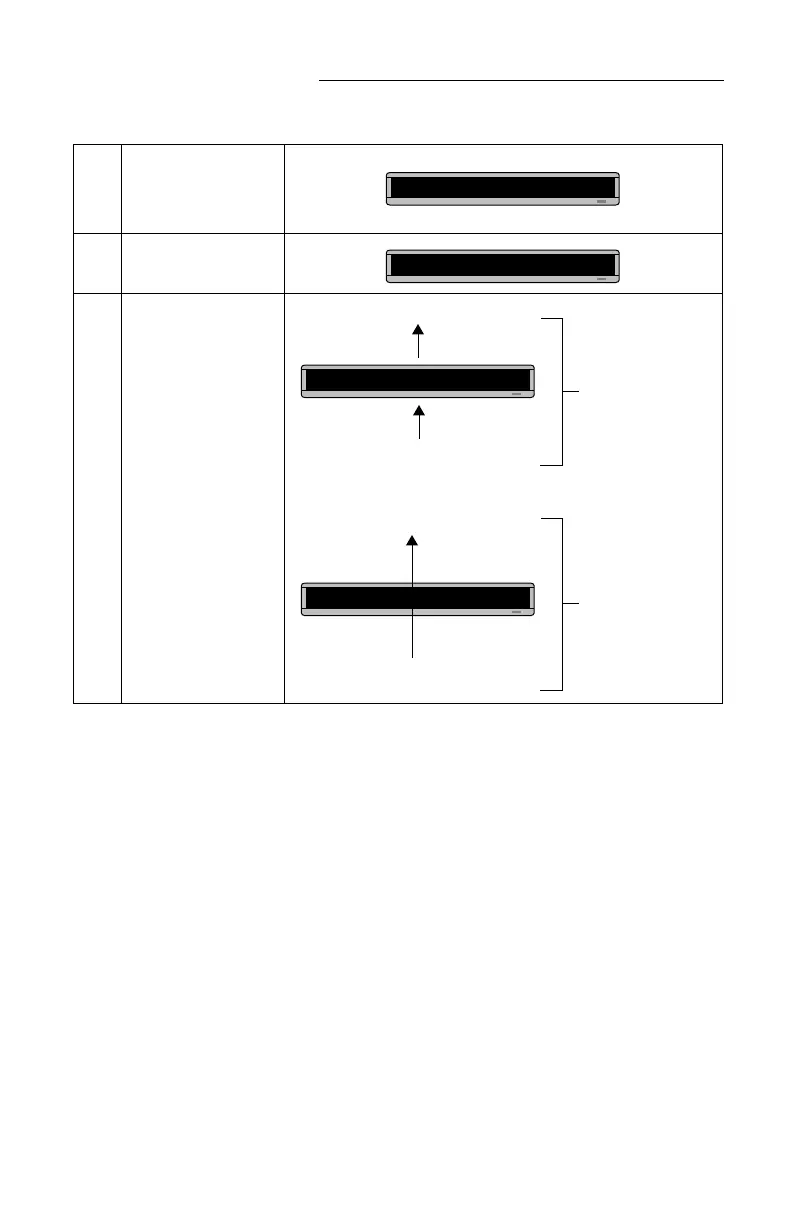
Press RUN twice to see
your message.
The message
Scroll
speed=1
should scroll up
very slowly.
However, the message
Scroll speed=N
should
scroll up without pausing
at all.
A] [SCR][NHL]
A]croll speed=N
Scroll speed=1
Scroll speed=N
Scroll speed=1
Using
[SP5]
, slow
speed, the message
scrolls up into the
sign, pauses, then
scrolls off the sign.
Using
[NHL]
,
fastest speed, the
message scrolls
into and off the sign
without pausing.

Related product manuals