Remote Control Programming Manual
4 Basic sign operation: Setting a sign’s time and date
Setting a sign’s time and date
Once set, a sign will remember the time and date unless the sign is
unplugged or interrupted by a power loss.
NOTE: Because the time and date are not updated when the sign is
off, the time and date must be re-programmed each time the
sign is turned back on.
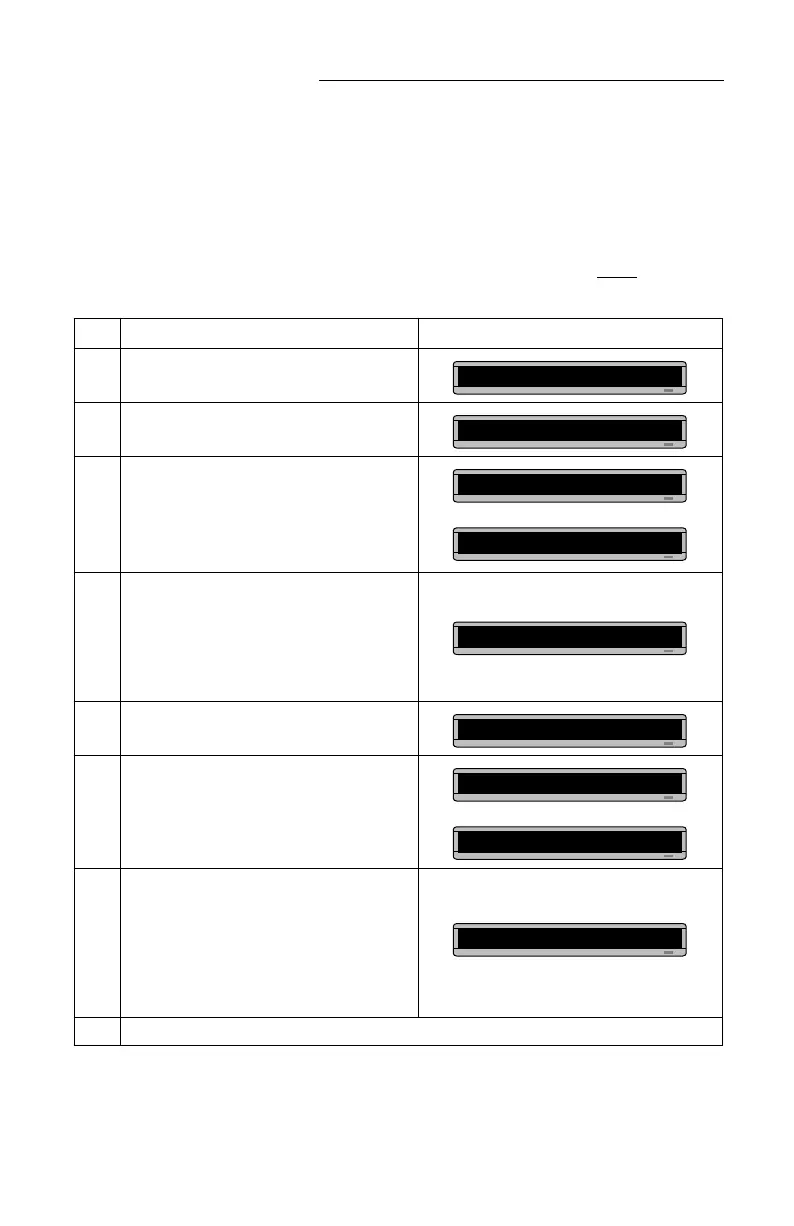
Step When you do this... You see this...
1 Press
PROGRAM
.
2 Press
BACK
until SET TIME appears.
3 Press
ADV.
4
Press
D
to set the day of the week.
Press
H
to set the hour.
Press
M
to set the minute.
NOTE:Press
SELECT
, to change from 12-hour
(AM/PM) to 24-hour mode (0 - 23).
5 Press
BACK
until SET DATE appears.
6 Press
ADV
.
7
Press
D
to set the correct day.
Press
M
to set the month.
Press
Y
to set the year.
NOTE:Press
SELECT
to display the date in
different formats—for example, JAN 26,
1994 or 1/26/94, or 26/1/96, etc.
8 After setting the date and time, press
RUN
twice to return to normal operation.
PROG TEXT A
SET TIME
SET W/D ,H&M
THEN
MON 2:29 AM
TUE 11:21 AM
SET DATE
SET WITH D,M,&Y
THEN
JAN. 1 ,1994
OCT. 14 ,1997



 To Next Page