Remote Control Programming Manual
Beginning text messaging: Example 2 — Displaying messages in file name order (A, B, C, etc.) 11
8
If
RUN
appears on the sign,
go to the next step.
Press SELECT until
RUN
appears.
9 Press B, then A.
10 Press RUN.
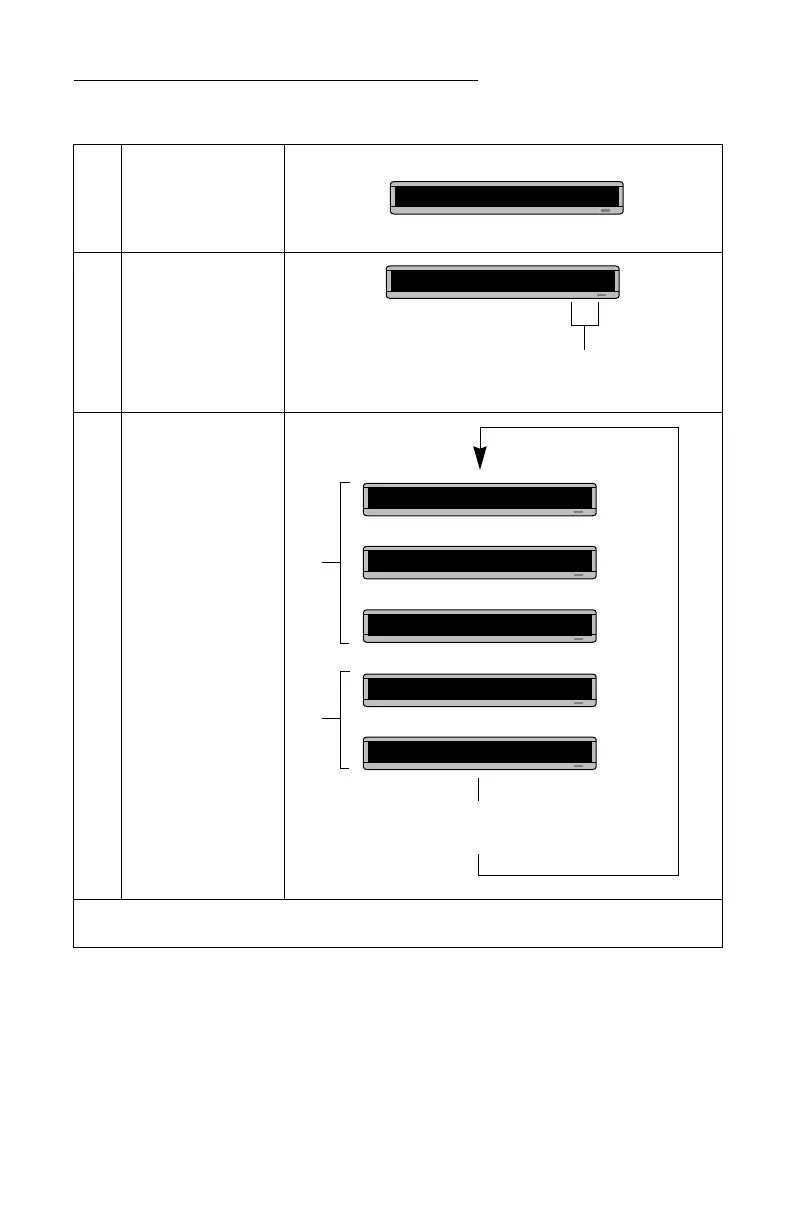
Using this method, you can program the order
of some or all of the messages you’ve entered on a sign.
RUN
The order of these letters determines the order in which
messages will appear on a sign.
(In this case, message B will appear first, then message A.)
RUN BA
File BFile A
These two messages will keep being
displayed in this order until a new file name
order or a new message is entered.
This is your
second
THEN
THEN
message
THIS IS YOUR
FIRST MESSAGE
THEN
THEN



 To Next Page