EasyManua.ls Logo

Adaptive Beta-Brite 1024 - Page 19

Default Icon
48 pages
Print Icon
To Next Page IconTo Next Page
To Previous Page IconTo Previous Page
Loading...
Remote Control Programming Manual
Beginning text messaging: Example 4 — Changing the text of an existing message 15
9
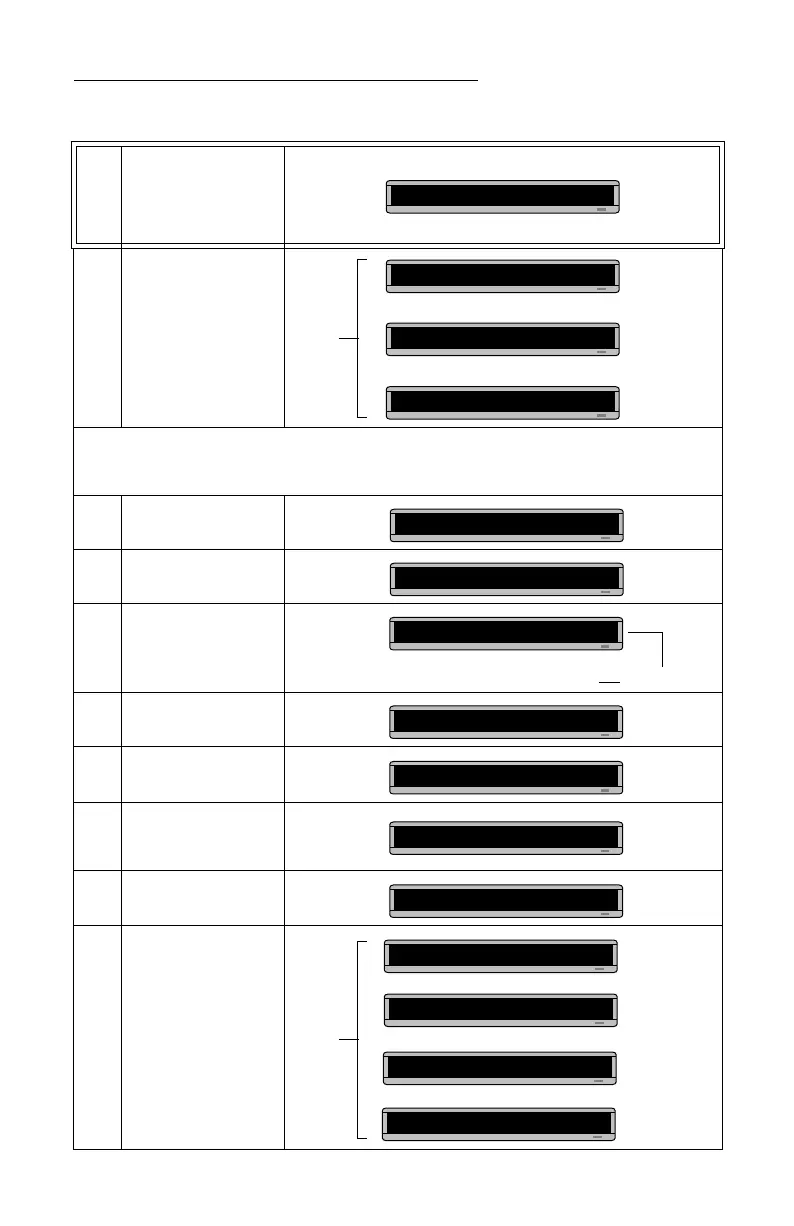
Press APPEND to go to
the end of the message.
DON’T OMIT THIS STEP.
10 Press RUN twice.
Next, we’ll add text to the end of File A.
11 Press PROGRAM.
12
Press SELECT until
A
appears on the sign.
13 Press APPEND.
14
To type a comma, hold
down SHIFT and press W.
15
Press SPACE and then
type
BUT NOW IT
.
16
To type an apostrophe,
hold down SHIFT and
press V.
17 Type
S LONGER
.
18 Press RUN twice.
B] cond message
File B
This is the
second
THEN
THEN
message
PROG TEXT B
PROG TEXT A
APPEND takes you to the end of a message.
A] IRST MESSAGE
A]IRST MESSAGE,
A] E, BUT NOW IT
A] , BUT NOW IT’
A] W IT’S LONGER
File A
THIS IS YOUR
FIRST MESSAGE
THEN
BUT NOW IT’S
THEN
LONGER
THEN

Related product manuals