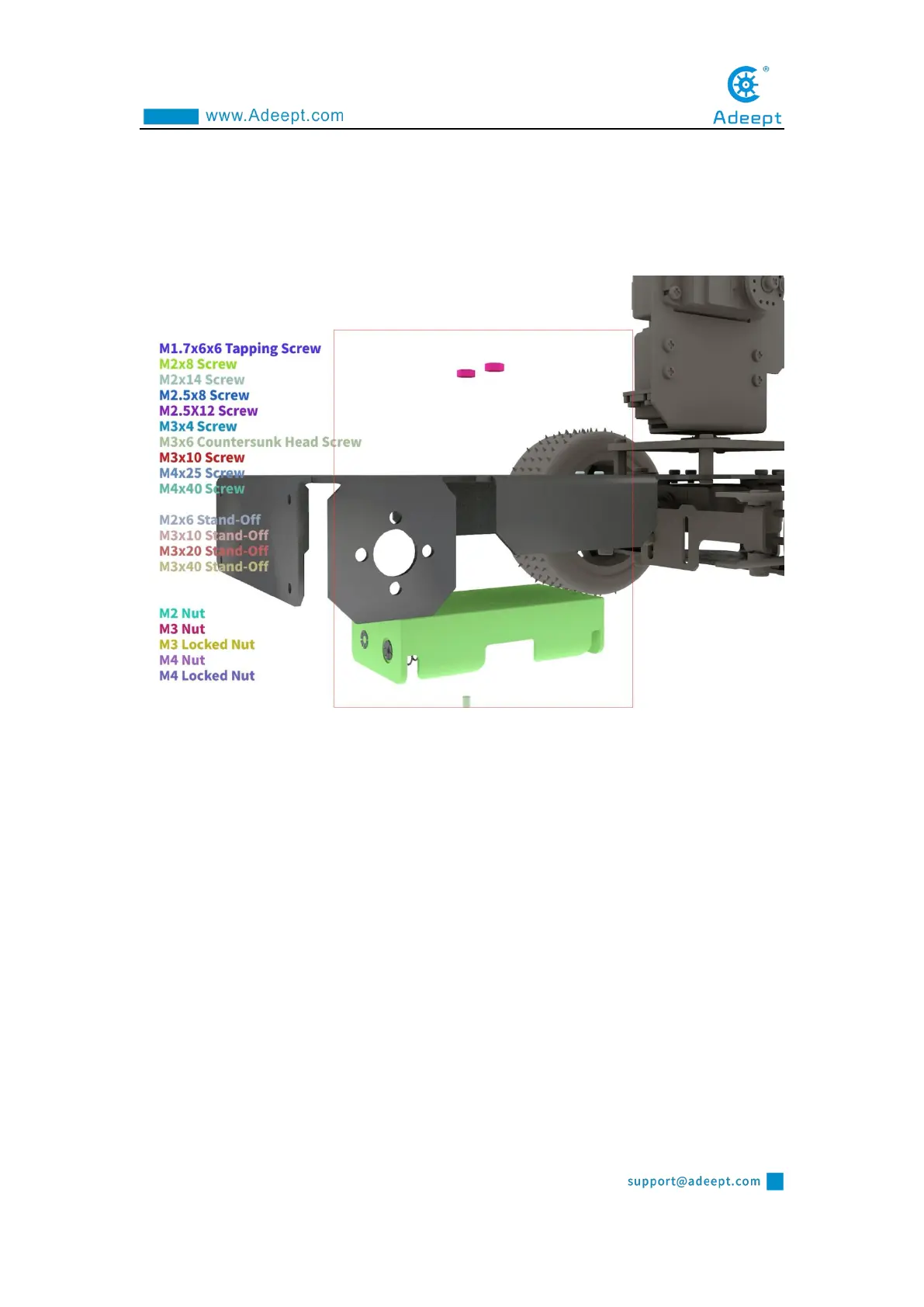
Install the battery holder. Use M3*6 countersunk screws to pass through the battery
holder, aluminum alloy and fix them with M3 nuts.
Install the Raspberry Pi and Robot HAT driver board. Use M2.5*4 screws to penetrate
the bottom of the aluminum alloy and fix them with M2.5*4+6 copper pillars. Fix the
Raspberry Pi with M2.5*4+6, install the camera cable, use M2.5*14 copper pillars to
place between the Raspberry Pi and the Robot HAT board,use M2.5*4 screws to fix
the robot HAT board.



 To Next Page