Lesson 2 How to Use the Web Controller
In this lesson, we will learn how to control the Raspberry Pi with the web. The
web controller is a web interface used to control the robot products to perform various
actions. It can be used on PCs, mobile phones, tablets, and any device that can run a
browser.
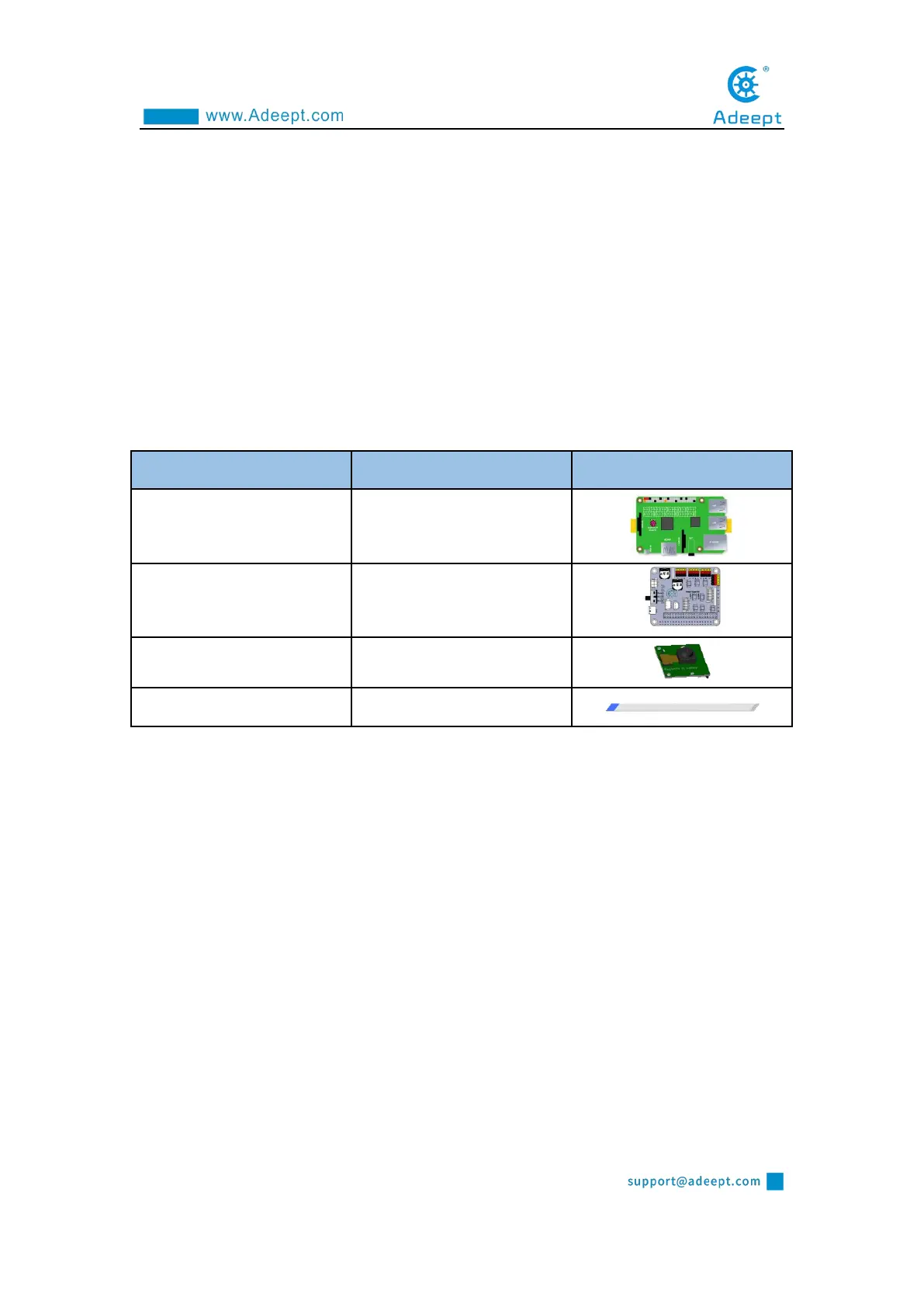
2.1 Components needed for this lesson
2.2 Installing components and run web programs
Only by successfully running the webServer.py program on the Raspberry Pi, can
the Raspberry Pi be accessed with the IP on the browser.(After installing the
dependent libraries, the Raspberry Pi will automatically run webServer.py).
Prepare the components required for installation, and turn off the power of the
Raspberry Pi during installation.



 To Next Page