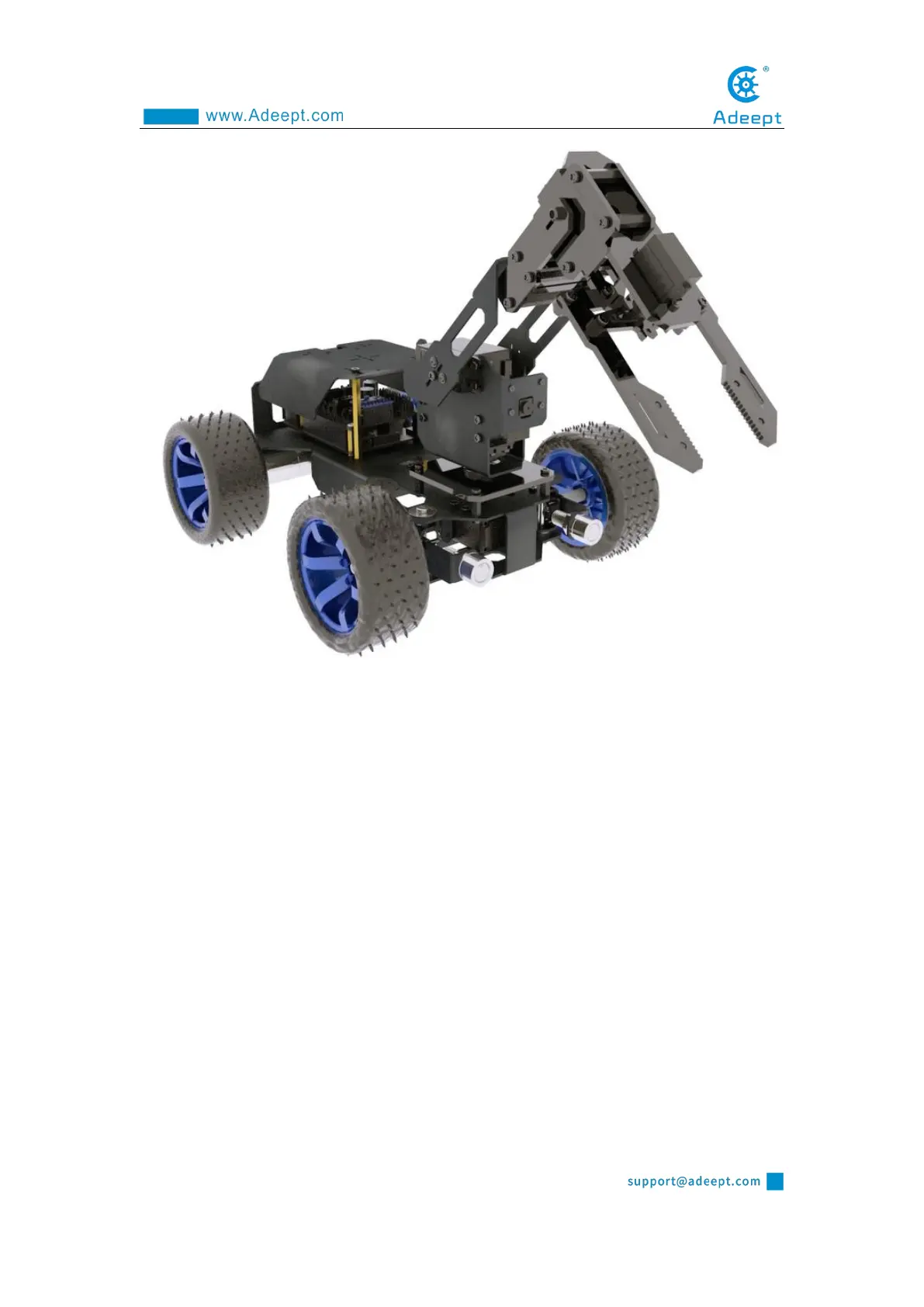
9.4.6 Install Ultrasonic Mode
When using the ultrasonic mode, the camera installation method is the same as the
PTZ installation method. Because the shovel is equipped with a camera, when the
ultrasonic mode is selected, the camera on the PTZ must be removed and installed in
the designated position.
Use M1.4*6 to install the ultrasonic, and use M2*8 screws to pass through the
aluminum alloy, M2 nut, camera, and M2 nut in turn (8 M2 nuts are required to install
the camera). Install large LED lights.



 To Next Page