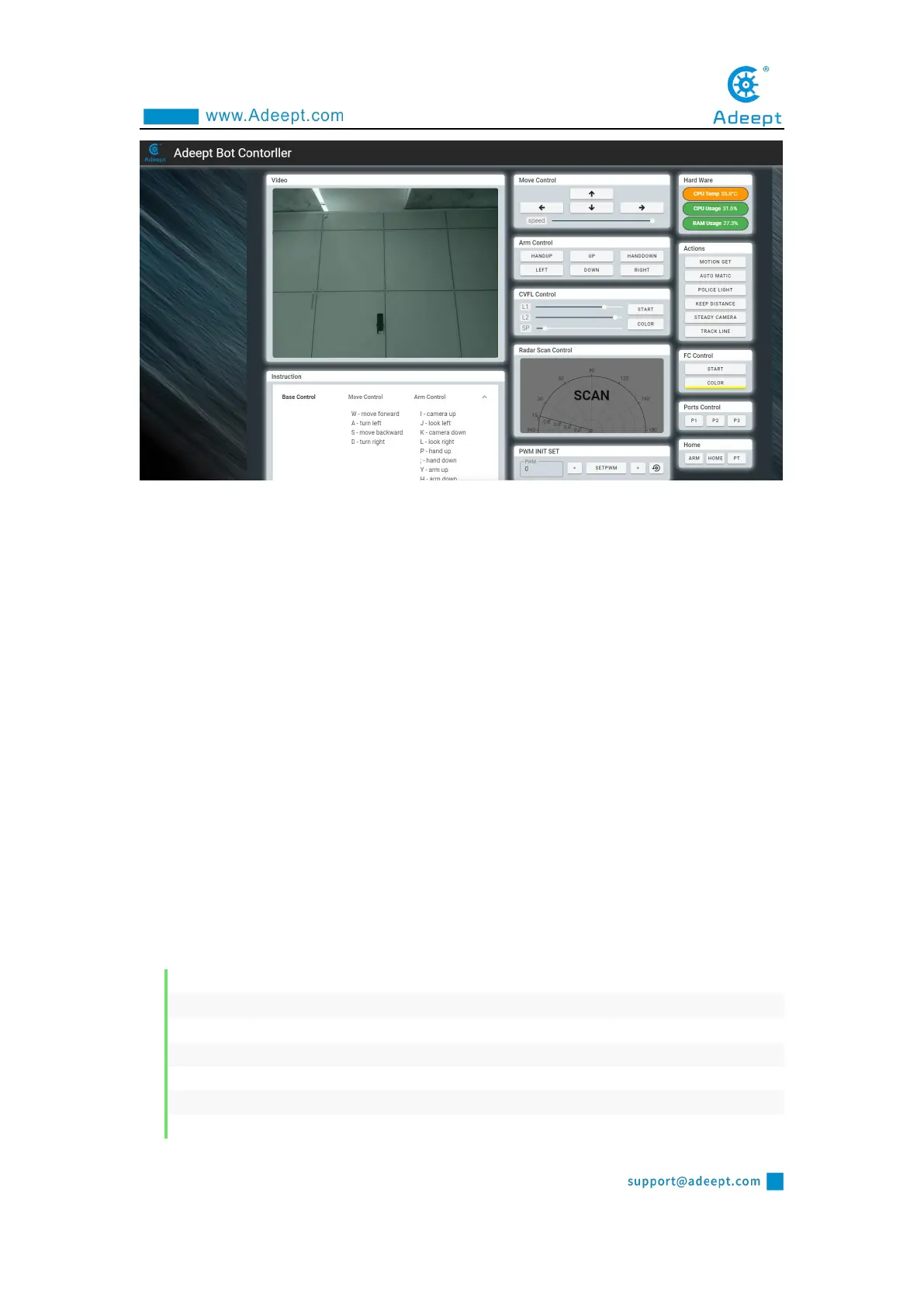
3. Put the car on the ready-made patrol track.
4. Click "TRACK LINE", PiCarPro starts to drive along the black line.
5.When you want to terminate the tracking function, you can click "TRACK
LINE" again.
6. The height of PiCar Pro's tracking module from the ground is about 7mm.
When the Tracking module cannot be used normally, please refer to: Tracking module
adjustment tutorial. Tutorial link:
https://www.adeept.com/learn/detail-50.html
10.3.2 Main code program
For the complete code, please refer to the file findline.py.
Import dependencies and initialize.
1. import RPi.GPIO as GPIO
2. import time
3.
4. # The output pins of the line hunting module.
5. line_pin_right = 19
6. line_pin_middle = 16
7. line_pin_left = 20



 To Next Page