Raspberry Pi. Raspberry Pi Imager is a new image burning tool launched by the
Raspberry Pi Foundation. Users can download and run this tool on Windows, macOS
and Ubuntu to burn the system image for the Raspberry Pi. Its usage is similar to
Etcher and win32diskimager.
1.3.1 Downloading Raspberry Pi Imager
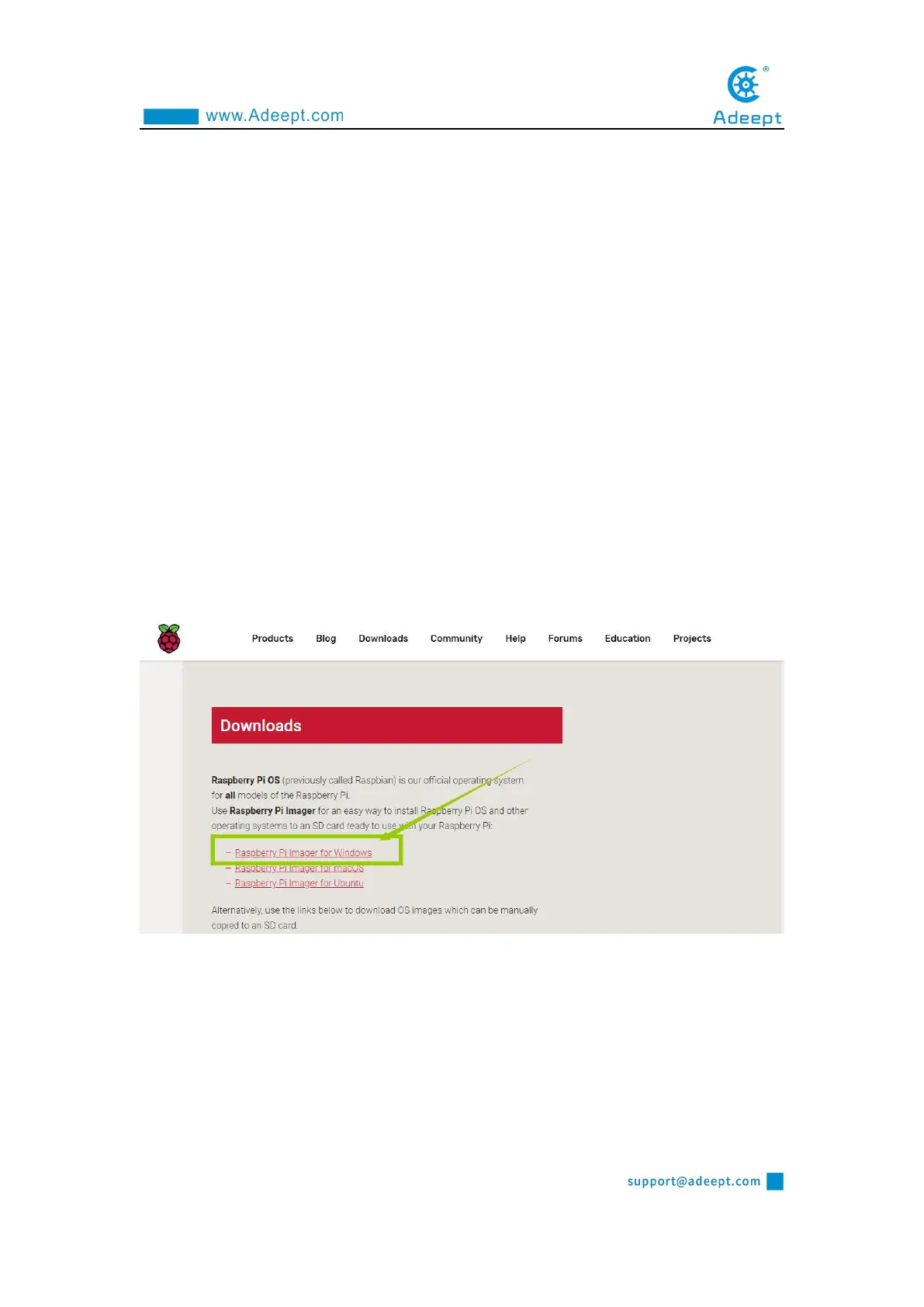
(1) Visit the official website of Raspberry Pi to download through a browser:
https://www.raspberrypi.org/downloads/.
For Windows system, click "Raspberry Pi Imager for Windows" to download.
For Mac OS, click "Raspberry Pi Imager for macOS" to download.
Linux Click "Raspberry Pi Imager for Ubuntu" to download.
After the download is complete, install the software and burn the Raspberry Pi system.
Now take Windows as an example.
(2) Open the downloaded file "imager.exe" and click "Install".



 To Next Page