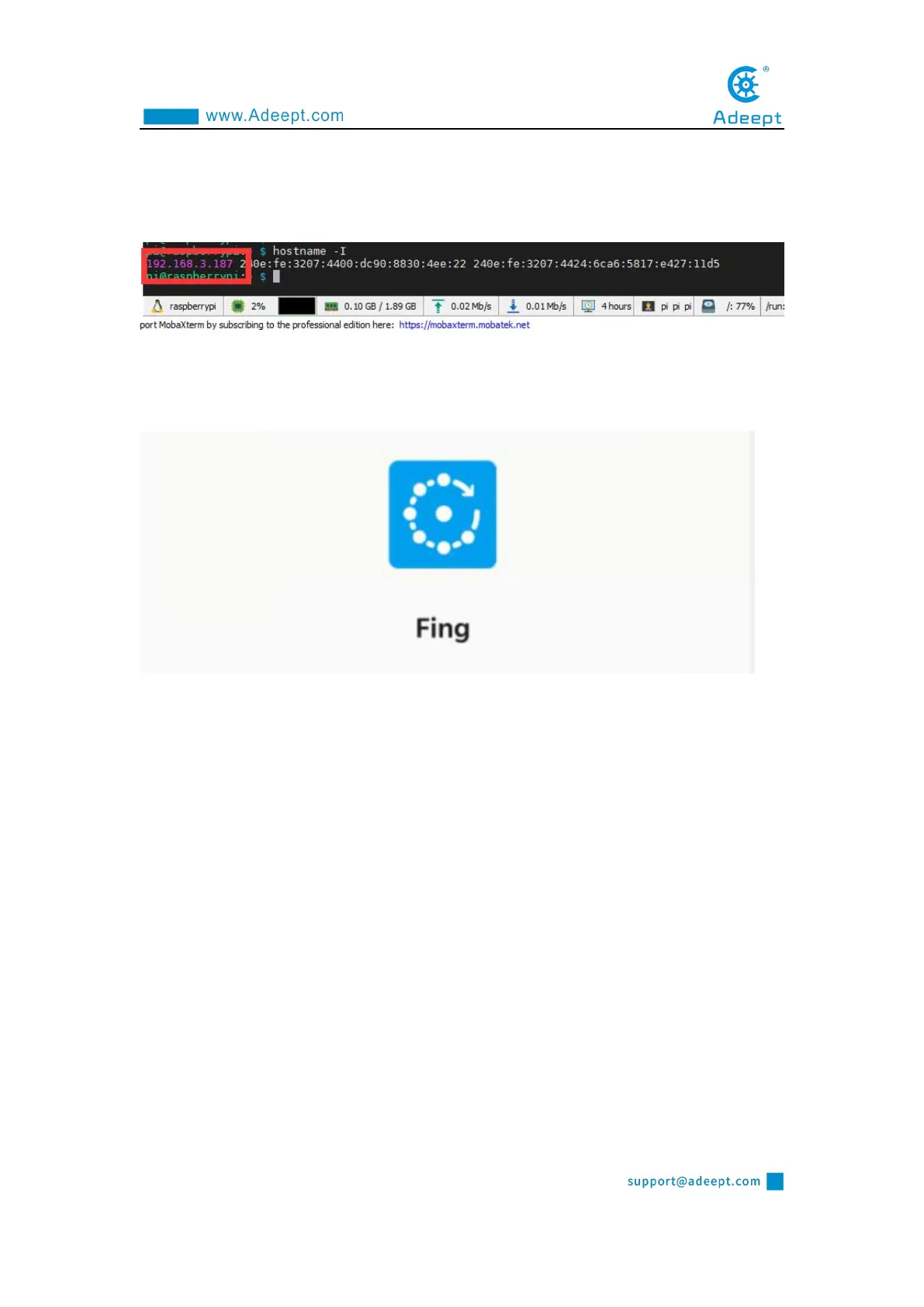
2. You can also check the following IP address by opening the command window
of the Raspberry Pi and entering the following command, you need to write it down:
hostname -I
1.6.1.2 Obtaining an IP address with a mobile phone
1. You need to download an APP called "Fing" on your phone, as shown below:
2. After the download is complete, your phone and Raspberry Pi need to be in the
same local area network, that is, your phone and Raspberry Pi are connected to the
same WIFI, then open "Fing" and click "Scan for devices":



 To Next Page