4.4.1Run the code
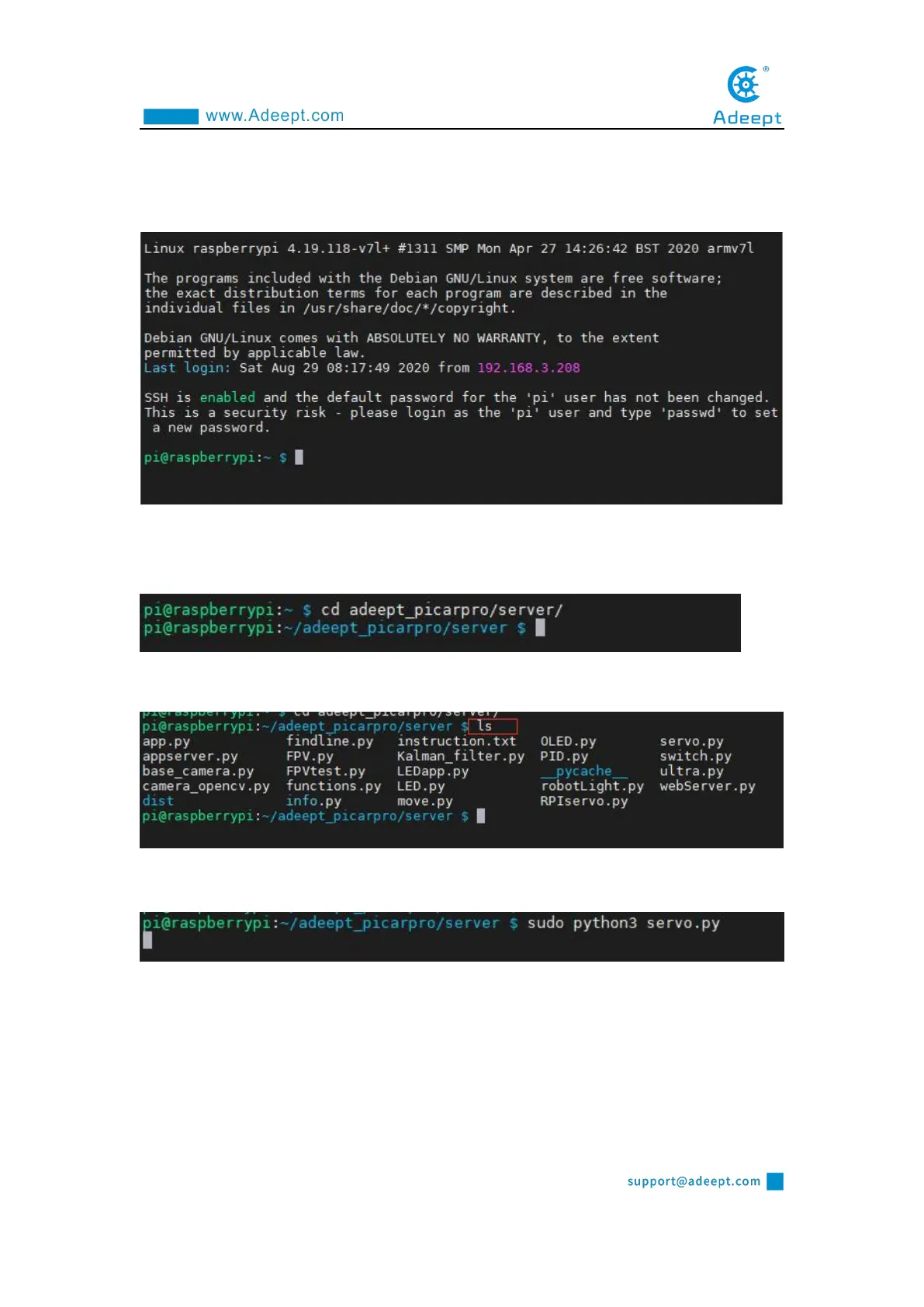
1. Remotely log in to the Raspberry Pi terminal.
2. Enter the command and press Enter to enter the folder where the program is
located:
cd adeept_picarpro/server/
3. View the contents of the current directory file:
ls
4. Enter the command and press Enter to run the program:
sudo python3 servo.py
5. After running the program successfully, you will observe that the servo will rotate
regularly.
6. When you want to terminate the running program, you can press the shortcut key
"Ctrl + C" on the keyboard.
4.4.2 The main code program of this lesson



 To Next Page