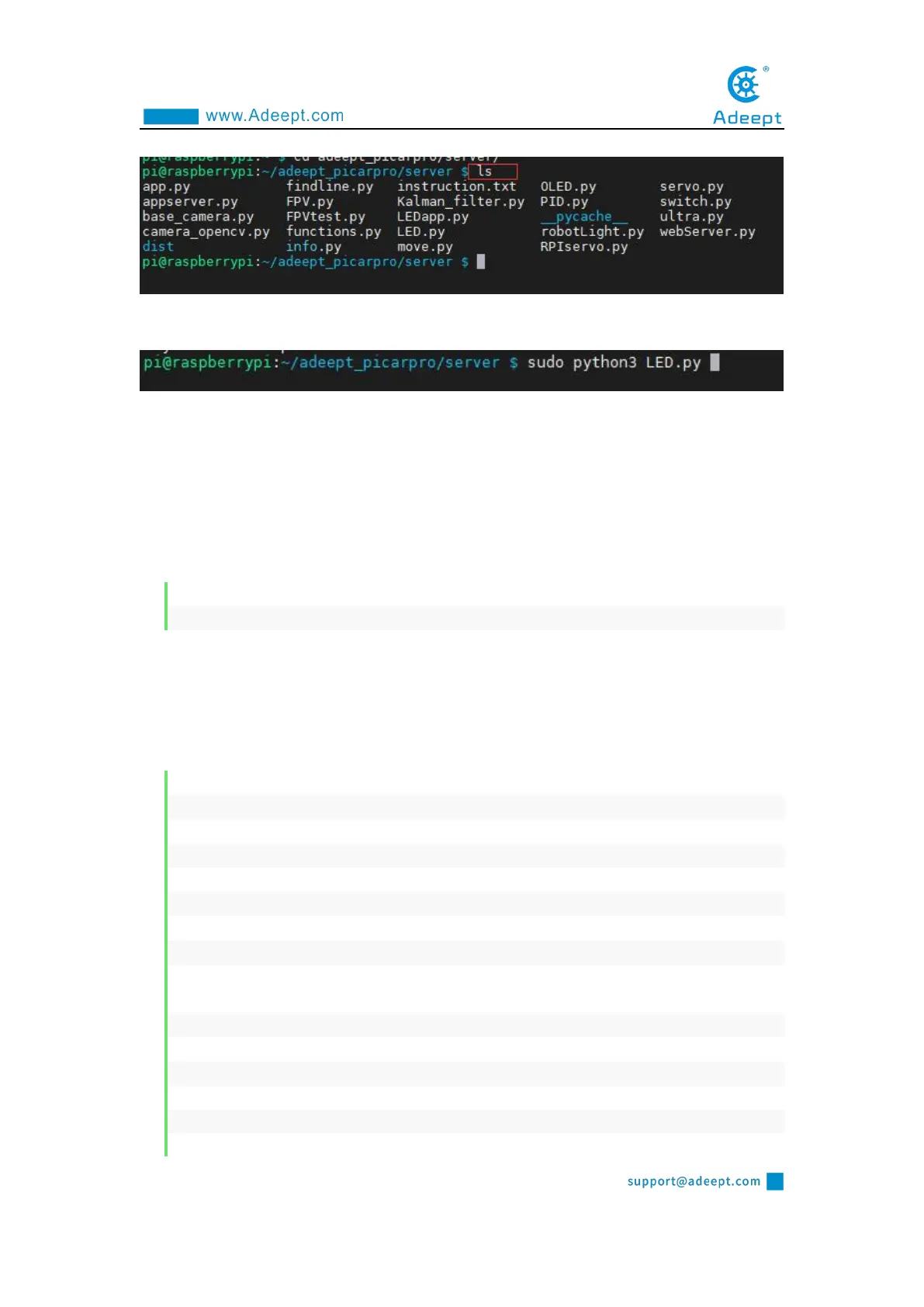
ls
4. Enter the command and press Enter to run the program:
sudo python3 LED.py
5. After running the program successfully, you will observe that the WS2812 light
turns red.
5.4.2 The main code program of this lesson
For the complete code, please refer to the file LED.py.
1. import time
2. from rpi_ws281x import *
The third-party library rpi_ws281x can be used to control the ws_2812 module
used on our products. The package name imported here is inconsistent with the
official routine, but this third-party library can be successfully used after testing and
using the import method here.
1. class LED:
2. def __init__(self):
3. self.LED_COUNT = 16 # 3. Set to the total number of LED lights on the robot product
4. self.LED_PIN = 12 # Set as the input pin number of the LED lamp group
5. self.LED_FREQ_HZ = 800000
6. self.LED_DMA = 10
7. self.LED_BRIGHTNESS = 255
8. self.LED_INVERT = False
9. self.LED_CHANNEL = 0
10. # Use the above configuration items to create a strip
11. self.strip = Adafruit_NeoPixel(
12. self.LED_COUNT,
13. self.LED_PIN,
14. self.LED_FREQ_HZ,
15. self.LED_DMA,
16. self.LED_INVERT,



 To Next Page