51 Morgan Drive Norwood, MA 02062 9
Tel: (781) 769-0850 Fax: (781) 769-0884
Sales@ADMET.com www.ADMET.com R7 10/2018
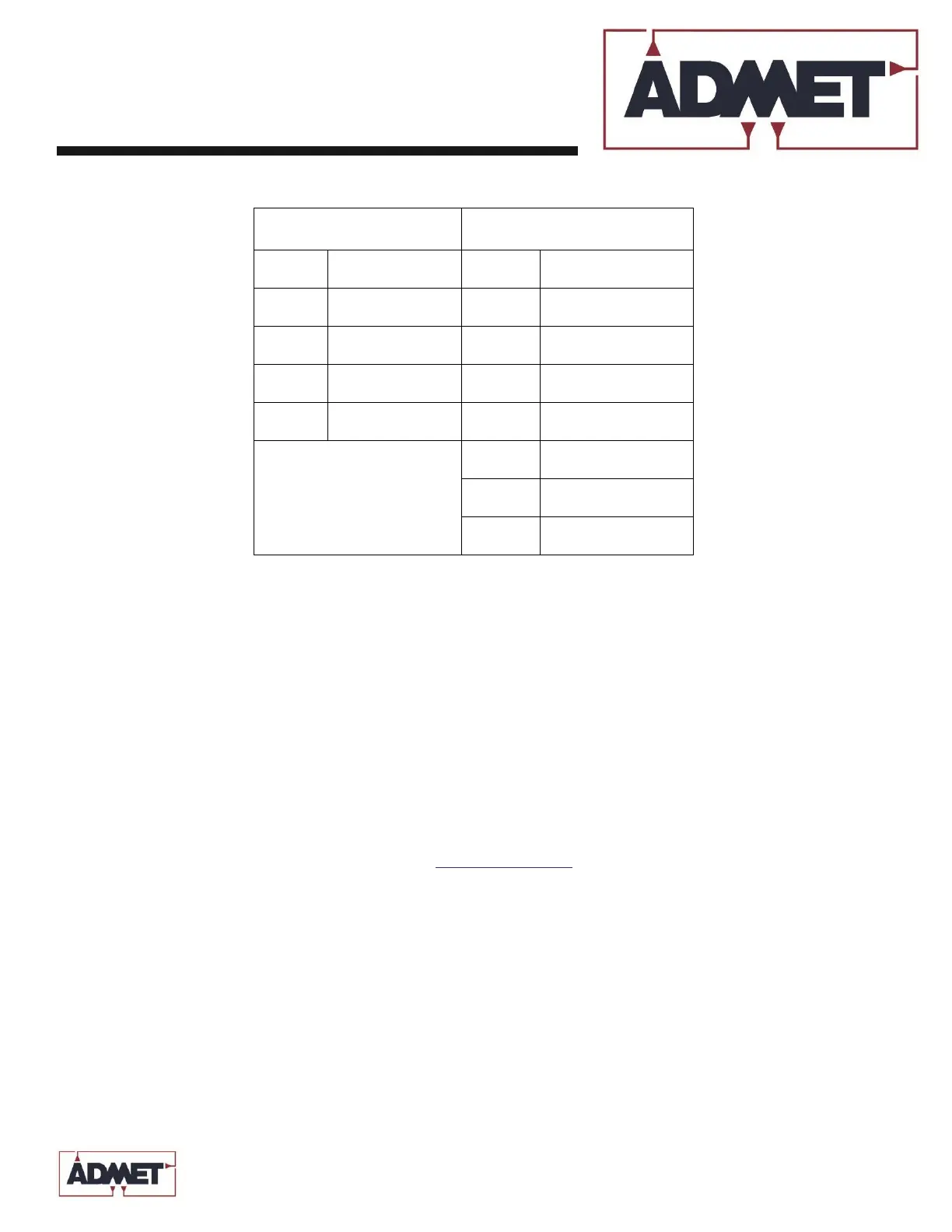
Table 2.0 – Status Table
First Character (A) is the Test Status, which reports on data collection and handling from transducer
measurements.
• (R) Ready: System is awaiting the start of data logging.
• (T) Testing: Active logging of data.
• (C) Calculating: Selected analyses are being calculated with the data.
Note that this takes little time for most tests and may never actually be seen by the operator.
• (D) Done: Data collection has stopped.
• (X) Buffer Full: Data logged during tests exceeds the memory storage limit.
Second Character (B) is the Servo Status.
• (P) Touch: Machine moving to set ABS Zero with Set ABS Zero function
• (S) Stopped: Machine is not moving.
• (A): Machine is in Segment A of control profile
• (B): Machine is in Segment B of control profile
• (W): Pause after Segment A or Segment B
• (H) Homing: Sends the machine to the zero position location as determined at the start of the test.
Note that homing can occur either automatically at the end of a test or it can be initiated manually
using the Home key.
• +: Machine is jogging up via pressing the <Jog Up> key.
• -: Machine is jogging down via pressing the <Jog Dn> key.


 To Next Page