51 Morgan Drive Norwood, MA 02062 8
Tel: (781) 769-0850 Fax: (781) 769-0884
Sales@ADMET.com www.ADMET.com R7 10/2018
2.0. Controller Front Panel
2.1 THE LCD DISPLAY
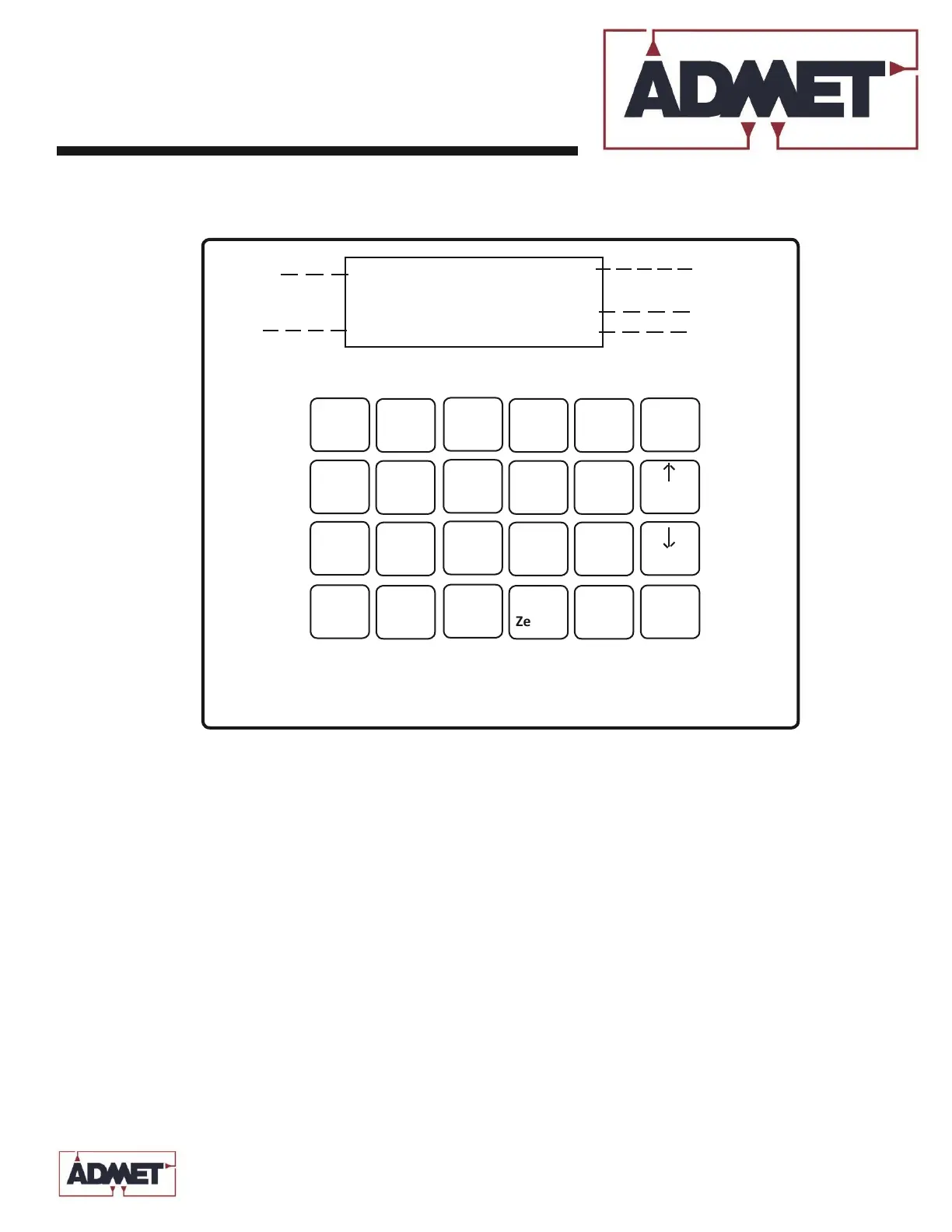
Figure 2.0 depicts the front panel for the eP2 DIGITAL CONTROLLER. The LCD Display is a 4 line by 20 character display. Shown in
Figure 2.0 is the arrangement of information on the LCD Display while in the Live Indicating mode. The Live Indicating mode will
always be active while running a test. On the left side of the Live Indicating display there are two letter codes:
• Calibration Table
The active load calibration table is displayed in the upper left of the live screen.
The eP2 digital controller holds up to 4 calibration tables: C0 - C3
• Test Method
Select the Test Method to run for the test. There are six possible selections: M1 - M6
• STATUS.
The Status codes consist of two (2) characters and are listed in Table 2.0.


 To Next Page