17
USING ACROBAT 9 PRO EXTENDED
Getting started
Last updated 9/30/2011
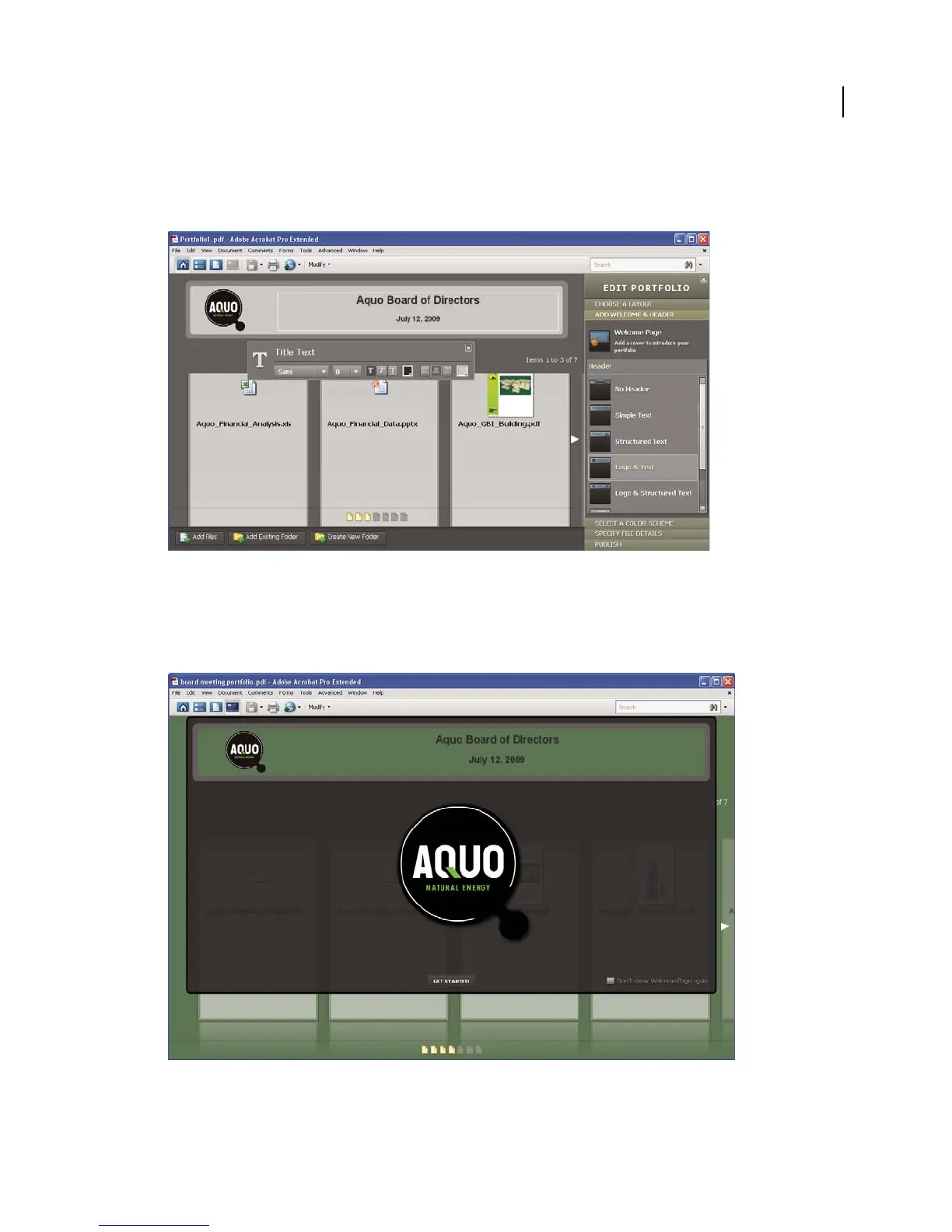
To add a header, click Add Welcome & Header in the Edit PDF Portfolio pane, click Header, and then select a
template. Each template contains an image placeholder, a text placeholder, or both. Click an image placeholder to
replace it with a GIF, JPEG, or PNG file. Click a text placeholder to type and format text.
A header unifies the PDF Portfolio contents.
5 Add a welcome page.
A welcome page appears when the PDF Portfolio is opened. A welcome page can include text, images, or a Flash
animation (SWF file or FLV file).
A welcome page introduces the PDF Portfolio.



 To Next Page